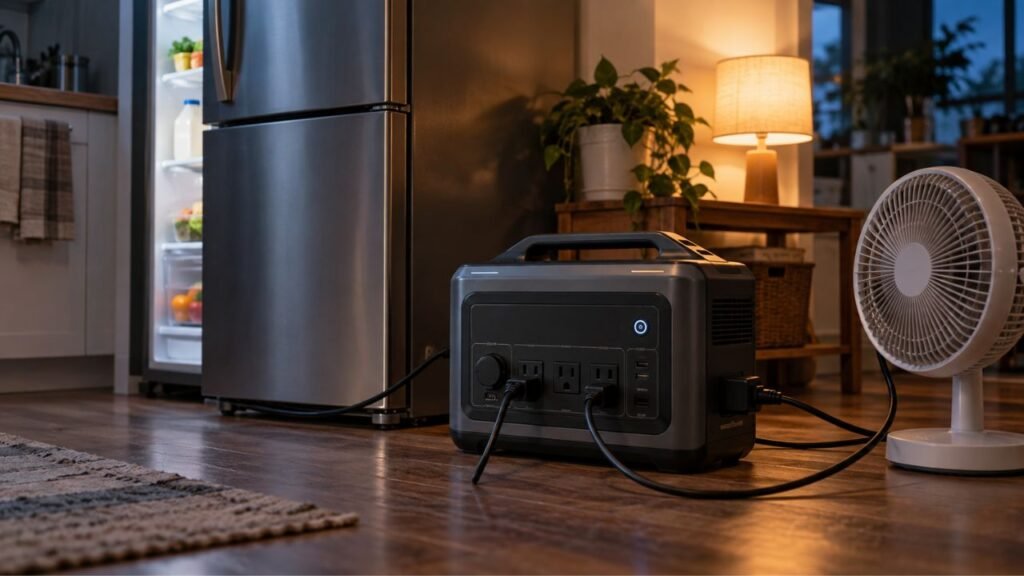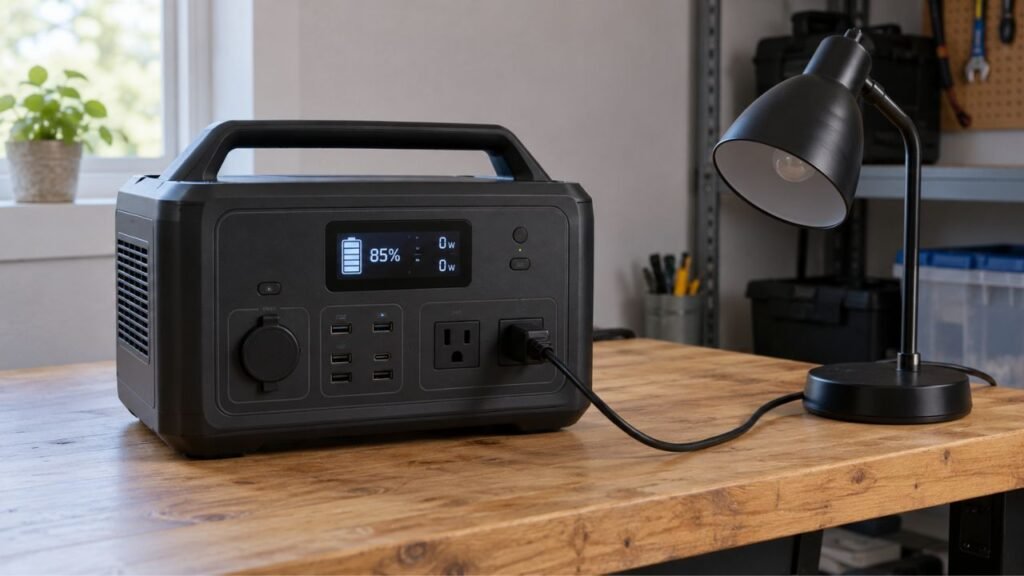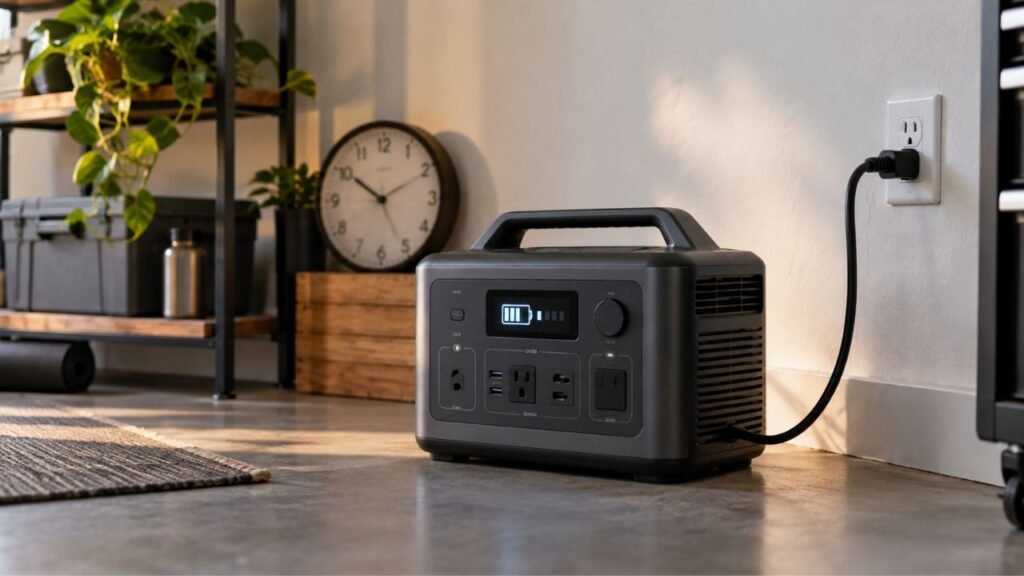
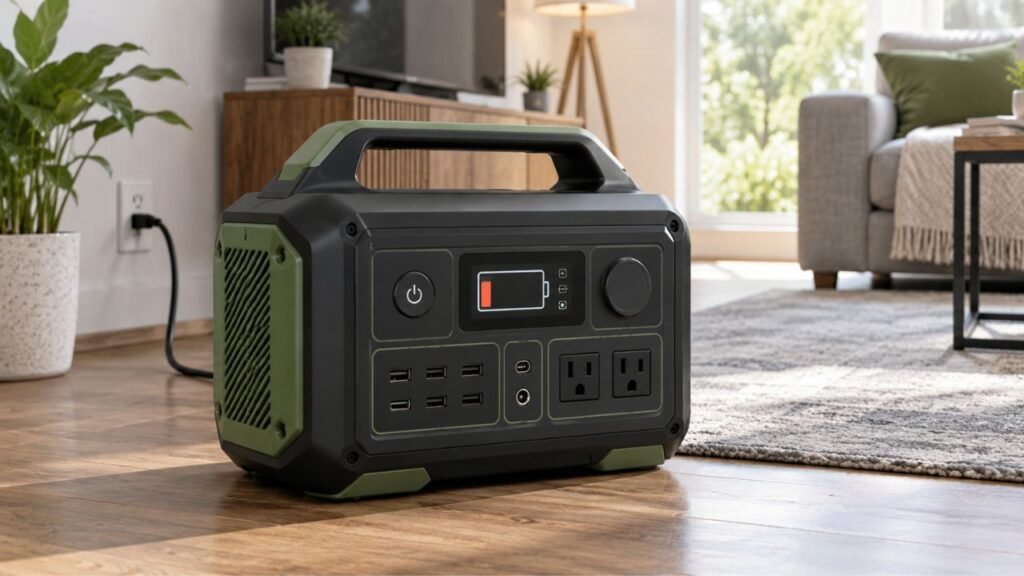
A portable power station battery percentage can drop suddenly when the BMS corrects an inaccurate charge estimate. Heavy loads, voltage sag, cold temperatures, cell imbalance, battery aging, or protection limits can also cause sudden changes. The battery may not have actually lost that much stored energy instantly.
Below, I’ll help you identify what your percentage behavior means. We’ll also go through practical fixes before assuming the battery has failed.
Key Takeaways
- A sudden percentage drop does not automatically mean battery failure.
- The displayed battery percentage is an estimate of remaining charge.
- Heavy appliances can cause temporary battery voltage sag.
- The percentage may recover after removing a demanding appliance.
- Drops near 10% or 20% often involve BMS estimation errors.
- Cold temperatures can make sudden percentage changes more noticeable.
- Aging batteries may experience greater voltage drops under heavy loads.
- Repeated shutdowns at high percentages deserve closer troubleshooting.
- Battery calibration procedures differ between power station models.
- Follow your manufacturer’s instructions before performing a deep discharge.
Quick Answer: What Does a Sudden Battery Percentage Drop Mean?
The percentage shown on your power station is not a direct measurement. Instead, the battery management system estimates the remaining State of Charge, commonly called SoC.
The system looks at battery voltage, current flow, temperature, and charging history. It uses this information to calculate the percentage displayed on your screen.
Sometimes that estimate becomes inaccurate.
Your station might display 45% when the usable charge is lower. Once battery conditions reveal the difference, the BMS corrects its estimate. Your screen may suddenly fall from 45% to 25%.
Heavy appliances can create another type of sudden percentage change. High current causes battery voltage to temporarily fall under load.
The power station may interpret that lower voltage as reduced available charge. The displayed percentage can then fall much faster than expected.
The important question is not simply how much percentage disappeared.
You need to look at when it dropped and what happened afterward.
What Your Battery Percentage Behavior Can Tell You
The pattern of the percentage change often provides the strongest clue. Before resetting anything, compare your symptoms with the situations below.
| What You See | Most Likely Cause | First Thing to Check | Usually Serious? |
| 80% drops sharply after starting a heater | Heavy-load voltage sag | Disconnect the heater and watch the percentage | Usually not |
| Percentage rises after removing the appliance | Voltage recovery and SoC recalculation | Test with a smaller appliance | Usually not |
| 20% quickly falls to 0% | BMS calibration drift or low-voltage cutoff | Check calibration instructions | Sometimes |
| Percentage changes after restarting | BMS recalculating remaining charge | Restart with all loads disconnected | Usually not |
| Station shuts down at 50% under a small load | Aging cells, imbalance, or BMS issue | Test at room temperature | Possibly |
| Percentage falls faster during winter | Cold battery and increased voltage sag | Let the station reach normal temperature | Usually temporary |
| New station gives strange percentage readings | Initial charge estimation may be inaccurate | Complete normal charging cycles | Usually fixable |
| Percentage falls while nothing is connected | Standby draw, enabled outputs, or calibration | Turn unnecessary features off | Investigate |
| Percentage jumps while charging | BMS correction or cell balancing | Allow charging to finish | Often normal |
One unusual percentage change is usually not enough to diagnose failure.
Look for repeated patterns across several normal charging and discharging sessions.
Why Does the Portable Power Station Battery Percentage Drop Suddenly?
Several different problems can create almost identical battery percentage symptoms. Understanding each cause helps you avoid replacing a healthy power station unnecessarily.
The BMS Has Lost Track of the True State of Charge
Your Battery Management System does much more than prevent overcharging. It also estimates how much usable battery power remains.
That estimate is never perfectly simple.
The BMS tracks electricity entering and leaving the battery pack. It also considers battery voltage, temperature, charging behavior, and other conditions.
Small estimation errors can accumulate over many partial charging cycles.
Imagine the actual battery has around 18% remaining. However, the display still estimates that you have 31%.
Eventually, battery voltage reaches a point revealing the previous estimate was inaccurate. The BMS then corrects the percentage.
Your display may suddenly move from 31% to 18%.
The battery did not lose 13% instantly.
The screen simply corrected an inaccurate earlier estimate.
This situation is often called battery gauge drift or BMS calibration drift.
Heavy Loads Cause Temporary Battery Voltage Sag
This is another common reason for dramatic percentage changes.
Every battery has some internal resistance. When you demand high current, its voltage temporarily drops.
This effect is called voltage sag.
High-wattage appliances can create especially noticeable voltage sag, including:
- Space heaters
- Microwaves
- Coffee makers
- Electric kettles
- Hair dryers
- Power tools
- Portable air conditioners
- Refrigerator compressors
Suppose your station shows 72% before starting a 1,400-watt appliance.
Once the appliance starts, the percentage might quickly fall to 58%. Battery voltage has dropped because the cells are under greater electrical stress.
Disconnecting that appliance may allow the voltage to recover.
The displayed percentage might then rise again.
That behavior strongly suggests load-related voltage sag influenced the reading.
LiFePO4 Batteries Have a Very Flat Voltage Curve
LiFePO4 batteries are popular because they provide excellent cycle life. However, their voltage characteristics make charge estimation more complicated.
Battery voltage does not decline evenly from 100% toward 0%.
Across much of a LiFePO4 battery’s usable range, voltage stays relatively stable.
For example, a battery at a moderate charge level may show voltage surprisingly similar to one with considerably more charge.
That makes voltage alone unreliable for estimating remaining battery percentage.
Modern power stations therefore combine several measurements and calculations.
As the battery approaches the lower end, voltage eventually drops more noticeably. The BMS may then recognize that its earlier percentage estimate was too high.
You might see something like:
22% → 15% → 5% → shutdown
That does not automatically mean the LiFePO4 cells are defective.
However, repeated extreme jumps deserve further testing.
One or More Battery Cells Are Out of Balance
A portable power station does not contain one giant battery cell.
Its battery pack contains multiple individual cells connected together.
Ideally, those cells remain at similar voltage levels during operation.
Over time, small differences between cells can develop.
Suppose most cells still have usable energy remaining. One weaker cell may reach its minimum safe voltage first.
The BMS must protect that weakest cell.
It may limit output or shut the battery pack down completely. This can happen even when the displayed percentage appears relatively high.
Possible signs include:
- Unexpected shutdown before reaching 0%
- Percentage collapsing near the bottom
- Percentage becoming increasingly erratic
- Normal behavior until a heavy appliance starts
- Reduced usable runtime despite reasonable percentage readings
A minor imbalance may sometimes improve during proper charging and balancing.
Persistent cell problems usually require manufacturer support.
The Battery Is Cold
Cold temperatures change how lithium batteries behave under load.
Chemical reactions inside the cells slow as temperatures fall. Internal resistance can also increase.
That makes voltage sag more noticeable.
For example, your station might run a refrigerator normally indoors. Put the same station inside a freezing garage, and the percentage may fall faster.
This does not necessarily mean stored energy permanently disappeared.
Some usable performance can return after the battery warms appropriately.
Cold becomes especially noticeable when combining these conditions:
- Low remaining battery level
- High appliance wattage
- Older battery cells
- Long outdoor storage
- Heavy startup surges
Keep your station within its manufacturer’s approved temperature range.
Never rapidly heat a cold lithium battery with direct heating equipment.
The Battery Is Too Hot
High temperatures can also affect battery behavior.
Portable power stations contain temperature sensors throughout important internal areas. The BMS watches those temperatures to protect the battery and electronics.
Heat can build quickly when:
- Running near maximum output
- Fast charging while powering appliances
- Operating in direct sunlight
- Blocking cooling vents
- Using the station inside an enclosed cabinet
- Operating during extremely hot summer conditions
The system may reduce output or activate thermal protection.
This can make usable power appear to disappear unexpectedly.
Move the station somewhere dry, shaded, and well ventilated.
Never cover cooling vents while the unit is operating.
Battery Aging Has Increased Internal Resistance
Every rechargeable battery slowly changes as it ages.
Most people only think about lost battery capacity. However, increasing internal resistance also matters.
Older cells can experience greater voltage sag when supplying high current.
Imagine an older station showing 55% while sitting idle.
It might run a 50-watt router without noticeable trouble.
Start a 1,200-watt microwave, however, and battery voltage may drop much harder. The displayed percentage could fall sharply or protection might activate.
This explains why older power stations sometimes appear healthy under light loads.
Problems become obvious only when demanding appliances start.
Battery age alone does not prove failure.
Actual usage history, storage conditions, temperatures, and cycle count also matter.
The Load Is Triggering Battery Protection
Portable power stations have several protection systems.
Depending on the model, these may protect against:
- Excessive current
- Low battery voltage
- Excessive temperature
- Short circuits
- Excessive inverter load
- Abnormal cell voltage
A device can sometimes trigger protection without exceeding the advertised continuous wattage.
Startup surge matters too.
A refrigerator might normally consume only 150 watts. Its compressor can briefly demand much more during startup.
Power tools, pumps, and air conditioners behave similarly.
Battery condition also matters.
A high-current appliance that works perfectly at 90% charge might cause problems at 10%.
The lower battery voltage leaves less room before protection activates.
Firmware or Battery-Gauge Software Is Misreporting Charge
Modern portable power stations rely heavily on software.
Firmware helps manage:
- Charging
- Battery protection
- Cooling
- Output control
- Battery percentage calculation
- Expansion batteries
- App communication
Occasionally, a software problem can produce inaccurate percentage readings.
Think about firmware if unusual behavior appeared after:
- Installing an update
- Performing a reset
- Long-term storage
- Connecting an expansion battery
- Changing battery settings
- Using a mobile app feature
First restart the station normally.
Then check whether an official firmware update is available.
Avoid unofficial firmware or unsupported software modifications.
Standby and Phantom Loads Are Using Power
Sometimes the battery really is draining faster than expected.
Your power station can consume power internally even without obvious appliances.
Possible standby loads include:
- AC inverter
- DC output circuitry
- Wi-Fi
- Bluetooth
- Display
- Cooling electronics
- USB accessories
- Connected expansion equipment
Leaving the AC inverter enabled can matter particularly on smaller batteries.
However, phantom consumption usually creates a gradual percentage decline.
It normally does not explain a sudden 30% drop within seconds.
If the percentage falls instantly, look first toward SoC correction, voltage sag, temperature, or battery condition.
Why Does the Percentage Drop Under Load and Go Back Up Afterward?
This behavior usually points toward battery voltage sag and charge recalculation.
Suppose your station starts at 70%.
You connect a high-wattage appliance, and the display falls to 52%. After disconnecting the appliance, the percentage climbs back to 61%.
Your battery did not lose 18%, then somehow create 9% again.
Battery voltage dropped while supplying heavy current.
Once the load disappeared, voltage recovered. The BMS then adjusted its remaining-charge estimate.
Some amount of energy was genuinely used while powering the appliance. However, the entire temporary display drop did not represent consumed energy.
Large recoveries can still provide useful information.
Excessive voltage sag may become worse because of:
- Very heavy loads
- Low remaining charge
- Cold temperatures
- Aging cells
- Increased internal resistance
Try the same test using a much smaller steady load.
If the percentage behaves normally, the heavy appliance was likely responsible.
Why Does the Percentage Suddenly Drop Near 20% or 10%?
Sudden drops near the bottom of the battery range often involve inaccurate SoC estimation.
The BMS might believe 18% remains while actual usable energy is lower.
Eventually, pack voltage or an individual cell reaches its safe lower limit.
The display then corrects quickly.
You might see:
17% → 8% → 2% → shutdown
This behavior can become especially noticeable with LiFePO4 batteries because their middle-range voltage curve is relatively flat.
Heavy loads can make the bottom-end drop even sharper.
The same station might reach 5% slowly while running lights. A microwave could trigger shutdown while the display still shows 15%.
If this repeatedly happens after proper calibration, investigate further.
Cell imbalance, battery aging, or another battery problem may be involved.
Why Does the Battery Percentage Drop Immediately After Restarting?
A percentage change after restarting does not necessarily represent energy consumption.
Turning the station off gives the battery time to rest.
During that period, cell voltage can stabilize.
When the station starts again, its BMS receives updated information about:
- Resting voltage
- Battery temperature
- Cell conditions
- Recent power consumption
- Estimated remaining charge
The BMS may then revise its State of Charge estimate.
For example, the station might show 64% before shutdown.
After restarting, it could show 58%.
The restart did not consume 6% of a large battery.
The new reading may simply be more accurate.
Occasional small adjustments are generally less concerning than repeated large jumps.
Is a Sudden Portable Power Station Battery Drop Normal?
Some percentage changes happen during normal battery operation. Others suggest the station deserves more careful testing.
Usually Less Concerning
- The percentage falls only during very heavy loads.
- Some percentage returns after removing the heavy load.
- A small correction happens after restarting the station.
- Percentage behavior changes noticeably during cold weather.
- One unusual reading appears after long-term storage.
- The station still provides approximately normal runtime.
- The issue improves after approved battery calibration.
More Concerning
- The station shuts down at 40% or higher repeatedly.
- A small load causes large percentage drops.
- Runtime has become dramatically shorter than before.
- Calibration does not improve percentage accuracy.
- Battery errors appear repeatedly.
- The unit becomes unusually hot during light use.
- Percentage jumps significantly during every discharge cycle.
- Charging behavior has also become unpredictable.
- The power station cannot complete normal charging anymore.
Repeated behavior matters much more than one strange reading.
How to Fix a Portable Power Station With a Suddenly Dropping Battery Percentage
Start with simple checks before assuming the battery needs replacement. Change one thing at a time so you can identify the cause.
1. Disconnect the Heavy Load
Remove high-wattage appliances first.
Common examples include microwaves, heaters, kettles, coffee makers, and air conditioners.
Watch the battery percentage for several minutes afterward.
If it rises or stabilizes, voltage sag likely influenced the reading.
Now test that appliance again at a higher battery level.
A device working at 90% but failing near 15% can indicate load-related voltage sag.
2. Test the Power Station With a Smaller Steady Load
Choose a device that uses relatively stable power.
A lamp, small fan, router, or similar load can work.
Avoid testing first with appliances that repeatedly cycle compressors or motors.
Run only that smaller device.
Watch whether the battery percentage declines steadily.
Normal behavior under a small load suggests the larger appliance contributed significantly.
Erratic behavior under both small and large loads deserves further investigation.
3. Let the Station Reach a Normal Temperature
Temperature problems are easy to overlook.
If the unit came from a cold garage or vehicle, let it naturally reach an acceptable operating temperature.
Do the same if it became unusually hot.
Place it somewhere:
- Dry
- Ventilated
- Shaded
- Away from heaters
- Away from direct sunlight
Never use ice packs, heaters, hair dryers, or similar methods.
Rapid temperature changes are unnecessary and potentially unsafe.
4. Turn Off Unnecessary Outputs and Wireless Features
Disconnect every device that is not needed.
Then disable unnecessary functions such as:
- AC output
- DC output
- Wi-Fi
- Bluetooth
- Always-on display
- Unused USB outputs
Run another battery test afterward.
This helps separate genuine battery problems from continuous background consumption.
5. Restart the Power Station Normally
Completely disconnect charging cables and appliances.
Turn the station off using its normal shutdown procedure.
Restart it according to the owner’s manual.
Do not randomly hold several buttons unless your model specifically requires that reset procedure.
Watch whether the percentage changes immediately.
A corrected percentage after restarting can indicate an estimation issue.
6. Check for Official Firmware Updates
Open the manufacturer’s official app if your station supports one.
Check for firmware updates related to battery management or system stability.
Install updates only through official manufacturer software.
Afterward, restart the station and observe several normal charging cycles.
Software updates sometimes improve battery reporting and BMS behavior.
7. Check Whether the Battery Gauge Needs Calibration
Calibration can help when displayed percentage no longer matches actual battery condition.
However, calibration procedures vary between manufacturers and models.
Some stations use a controlled full discharge and full recharge.
Others recommend different procedures or perform calibration automatically.
Do not repeatedly drain your battery to 0% simply because the percentage seems wrong.
Repeated deep discharges provide no benefit when calibration is already accurate.
Instead, check your specific model’s instructions.
If the manufacturer recommends a calibration cycle, follow those steps exactly.
8. Perform a Controlled Runtime Test
A runtime test helps answer an important question:
Is the display wrong, or has usable battery capacity actually decreased?
Start by charging the station according to its normal procedure.
Then connect one predictable appliance.
Record:
- Starting battery percentage
- Appliance wattage
- Starting time
- Percentage every hour
- Total runtime
- Percentage when shutdown occurs
Avoid running several appliances during the test.
If runtime remains close to what you normally expect, the problem may mostly involve percentage estimation.
If runtime has fallen dramatically, genuine battery degradation becomes more likely.
Calibration Problem vs Failing Battery: How Can You Tell?
A misleading percentage display and a worn battery can look similar. Checking runtime and repeated behavior helps separate the two.
Signs It May Mainly Be a Calibration Problem
- Runtime still feels approximately normal.
- Battery percentage jumps while the station continues running.
- The percentage changes noticeably after restarting.
- The problem appeared after long storage.
- Large drops mainly happen near low charge levels.
- Charging percentage also behaves strangely near full.
- Manufacturer-approved calibration improves the readings.
Signs the Battery May Actually Be Losing Capacity
- Runtime is clearly shorter than before.
- The station shuts down early under modest loads.
- Heavy-load voltage sag has become much worse.
- Calibration does not improve the behavior.
- Battery errors appear frequently.
- The station stops well above 0% repeatedly.
- Similar problems occur at normal room temperature.
- Charging and discharging have both become unreliable.
A battery can also have both problems simultaneously.
An aging battery might lose capacity while its percentage calibration also drifts.
Does Sudden Percentage Loss Mean the Battery Is Damaged?
Not necessarily.
Battery percentage describes estimated State of Charge.
Battery health describes how much performance and capacity remain compared with the battery when new.
Those are different measurements.
You can have a healthy battery with an inaccurate percentage gauge.
Likewise, you can have an accurately displayed battery that has genuinely lost capacity through aging.
This is why actual runtime matters.
If the display suddenly falls 20%, but runtime remains normal, percentage estimation may be the bigger problem.
If both percentage behavior and runtime have deteriorated, battery health deserves closer attention.
How to Prevent Erratic Battery Percentage Readings
Good battery habits cannot prevent every inaccurate reading. However, they can reduce avoidable problems and help you notice failures earlier.
- Follow the manufacturer’s charging and storage recommendations.
- Avoid leaving the battery deeply discharged for extended periods.
- Keep the station within its approved operating temperature range.
- Avoid routinely operating near maximum output unnecessarily.
- Keep cooling vents clear during charging and discharging.
- Install official firmware updates when appropriate.
- Use manufacturer-approved chargers and accessories.
- Follow model-specific calibration guidance when needed.
- Avoid performing unnecessary repeated 0% discharge cycles.
- Test emergency power stations before hurricane or storm season.
- Check stored backup stations periodically.
- Watch actual runtime instead of relying only on percentage.
- Investigate repeated early shutdown instead of ignoring it.
For emergency backup, perform a simple test before you truly need the station.
Knowing how your unit behaves is more useful than assuming 100% means everything is perfect.
When Should You Stop Using the Power Station and Contact Support?
Most percentage issues can be investigated without opening the unit. Certain symptoms, however, mean troubleshooting should stop immediately.
Contact the manufacturer if you notice:
- Battery swelling
- Smoke
- Burning smell
- Chemical odor
- Unusual battery-area heat
- Melted charging connectors
- Damaged output ports
- Persistent battery fault codes
- Repeated shutdown at high percentages
- Major percentage drops under very small loads
- Severe runtime loss after calibration
- Charging failure across several approved sources
- Unusual noises combined with battery warnings
Do not open the battery enclosure yourself.
Portable power stations contain high-current battery packs and powerful electrical components. Internal repairs should be handled by qualified service technicians.
Final Thoughts
A portable power station battery percentage dropping suddenly does not automatically mean the battery is dying. The display is an estimate, and changing battery conditions can force the BMS to correct that estimate.
Start by noticing exactly when the percentage changes. A drop under heavy load that partly recovers afterward strongly suggests voltage sag. A repeated collapse near 10% or 20% can point toward battery gauge calibration.
More concerning signs include early shutdown under small loads and major runtime loss. If basic testing and manufacturer-approved calibration do not help, contact the manufacturer rather than opening the battery yourself.
Related FAQs
Why Does My Portable Power Station Drop From 100% to 90% Quickly?
A quick drop after starting an appliance can happen because the BMS adjusts its charge estimate under load. If the station still provides normal runtime, the battery may be healthy despite the fast initial percentage change.
Why Does My Power Station Drop From 20% to 0%?
This often happens when the BMS overestimates the remaining State of Charge. Heavy loads, low-voltage protection, cell imbalance, cold temperatures, or battery aging can make the final percentage fall very quickly.
Why Does the Battery Percentage Drop When I Plug In an Appliance?
High-power appliances demand more current, which temporarily lowers battery voltage. The BMS may interpret this voltage sag as lower available charge and adjust the percentage downward.
Why Does the Percentage Rise Again After I Unplug the Appliance?
Battery voltage usually recovers after a heavy load is removed. The BMS can then recalculate remaining charge and display a higher percentage than it showed while the appliance was running.
Why Does My Power Station Shut Off With 20% Battery Remaining?
The displayed percentage may be inaccurate, or battery voltage may fall below its safe limit under load. Cell imbalance, cold temperatures, increased internal resistance, and battery aging can also cause early shutdown.
Can Cold Weather Make the Battery Percentage Suddenly Drop?
Yes. Cold temperatures increase battery resistance and reduce immediate power availability. A heavy appliance can therefore cause greater voltage sag and faster displayed percentage changes when the battery is cold.
Should I Drain My Portable Power Station to 0% to Calibrate It?
Only do this if your manufacturer’s instructions recommend that calibration procedure. Different models use different methods, and repeatedly forcing lithium batteries to 0% is unnecessary for normal everyday use.
Why Does My Power Station Show a Different Percentage After Restarting?
Restarting gives the BMS another opportunity to evaluate resting voltage, temperature, and battery conditions. It may then correct an earlier State of Charge estimate, causing the displayed percentage to change.
Does a Sudden Percentage Drop Mean My Battery Is Bad?
Not by itself. Sudden percentage changes often come from BMS estimation or voltage sag. Consistently reduced runtime, early shutdown under small loads, and persistent battery errors are stronger signs of an actual battery problem.

Warren Turner writes practical guides and reviews on generators, portable power stations, and battery backup systems. He focuses on real-world performance, everyday power needs, and helping readers choose dependable equipment without unnecessary complexity.