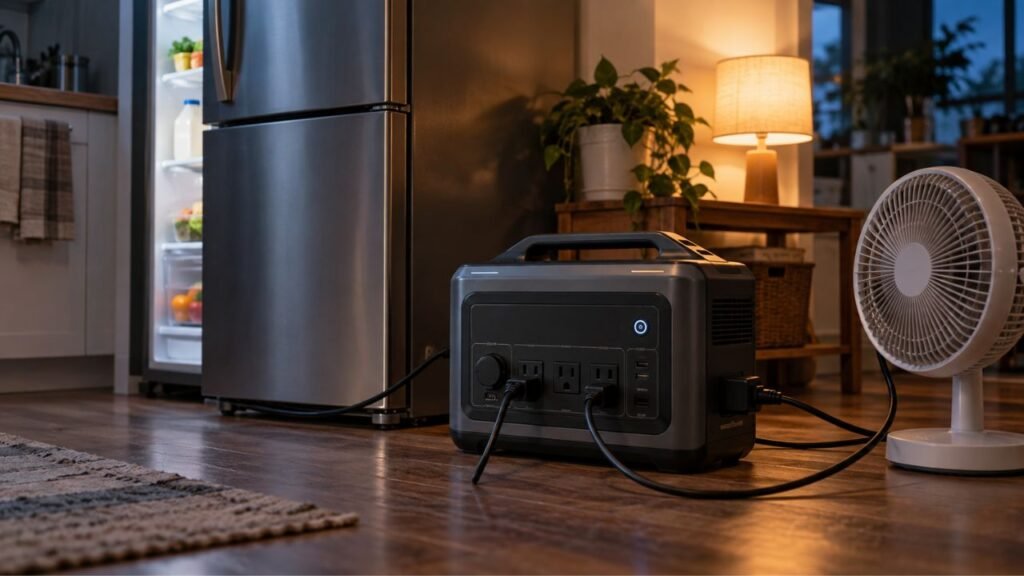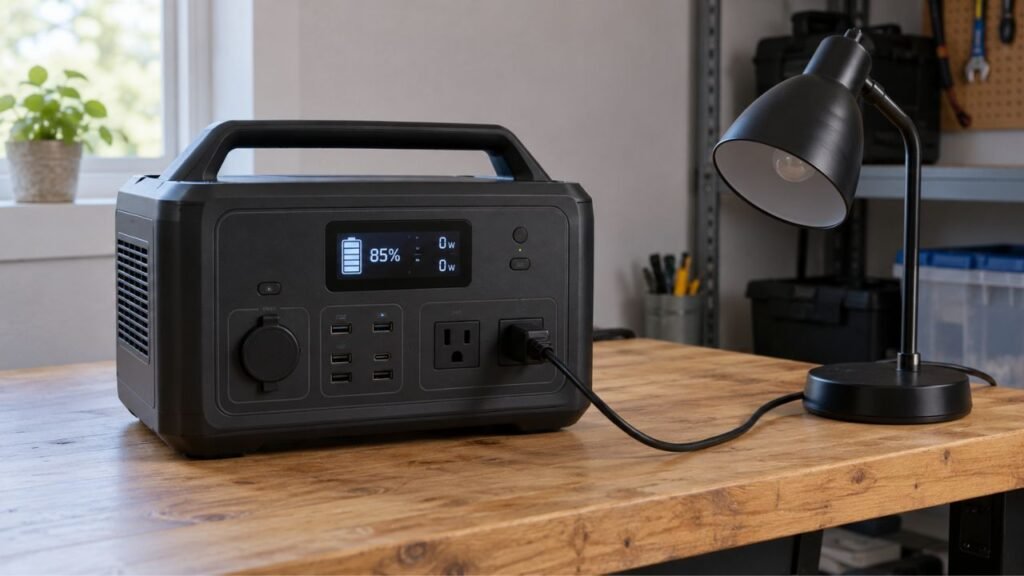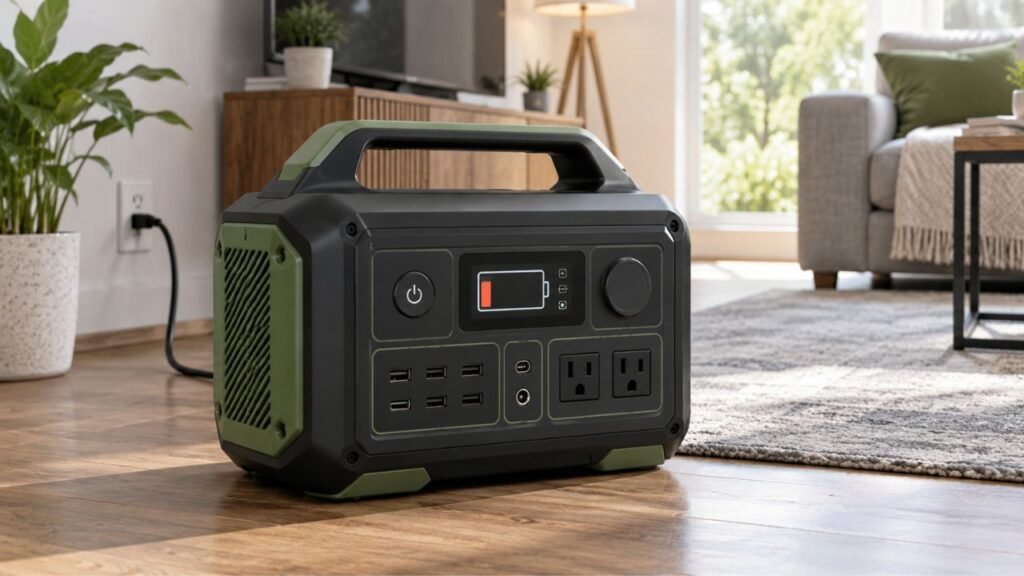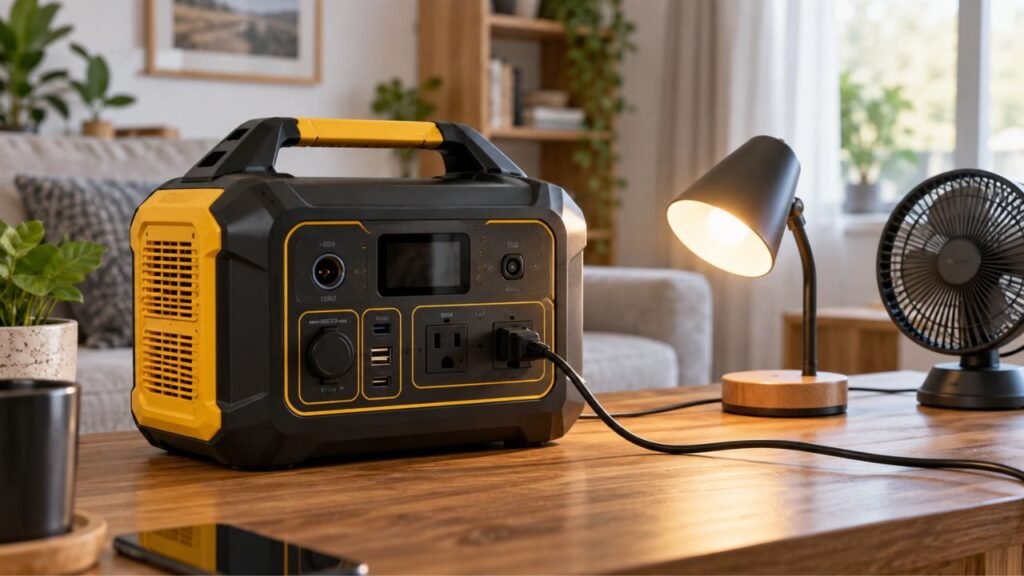
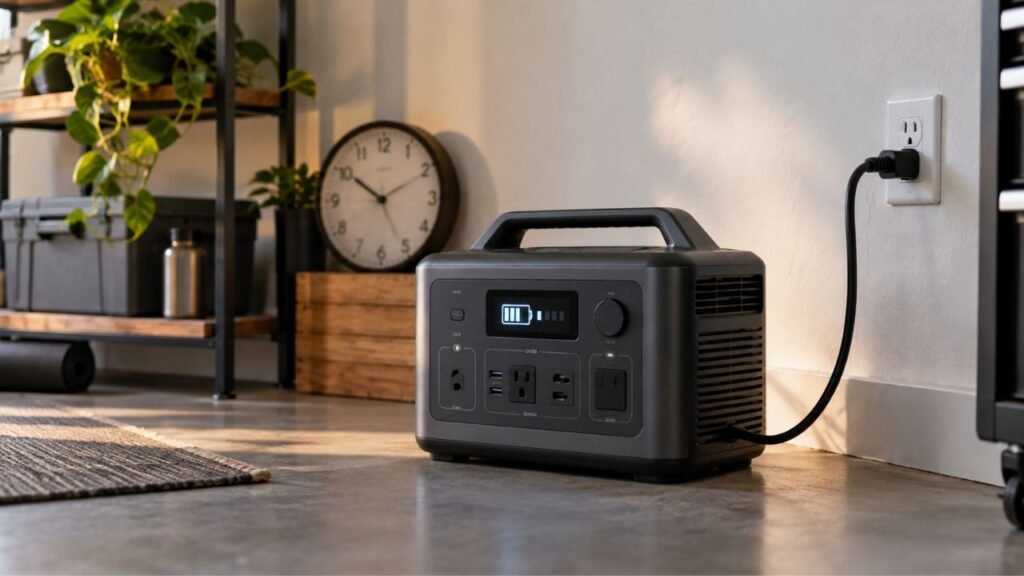
Your portable power station may charge slowly because input power is limited, temperature protection is active, connected devices are consuming energy, or charging naturally tapers near full capacity. A weak charger, incorrect settings, solar conditions, or damaged cables can also reduce charging speed.
This guide helps you identify exactly what is slowing charging. I’ll show you what to check for AC, solar, car, and USB-C charging.
Key Takeaways
- Check the displayed input wattage before assuming something has failed.
- AC charging is usually much faster than standard vehicle charging.
- Charging normally slows as the battery approaches full capacity.
- Hot or cold temperatures can make the BMS limit charging power.
- Slow, quiet, or battery-care modes may intentionally reduce AC input.
- Running appliances while charging leaves less energy for the battery.
- Solar charging depends heavily on sunlight and the station’s input limits.
- Consistently slow charging across several sources may indicate a fault.
First, Is Your Portable Power Station Actually Charging Too Slowly?
Before troubleshooting anything, confirm that the charging speed is truly abnormal. Different charging methods can produce dramatically different recharge times.
A power station may support very fast AC charging but much slower car charging. That difference is completely normal.
Start by checking these numbers on the display or mobile app:
- Current battery percentage
- Current input wattage
- Current output wattage
- Estimated charging time
- Charging source being used
- Maximum supported input for that charging method
The most useful number is usually input wattage.
Suppose your power station can accept 1,000 watts through AC charging. If the display only shows 180 watts, something is limiting charging.
However, a 100-watt reading from a standard vehicle outlet may be normal.
You can estimate basic charging time using this formula:
Approximate charging time = remaining battery energy ÷ actual charging watts
Imagine you have a 1,000Wh power station sitting at 20%.
Roughly 800Wh of battery capacity needs to be replaced.
At 400 watts of actual input:
800Wh ÷ 400W = about 2 hours
Real charging normally takes longer because of conversion losses and charging taper.
That calculation still gives you a useful starting point.
Slow Portable Power Station Charging: Symptoms and Likely Causes
The way your power station behaves can often reveal the problem. Use this table before changing cables, chargers, or settings randomly.
| What You Notice | Most Likely Cause | First Thing to Check |
| Charging slows around 80% to 100% | Normal charging taper | Watch whether percentage still increases |
| AC charging is always unusually slow | Charging mode or input limitation | Check displayed AC input watts |
| Only solar charging is slow | Low solar production | Check real-time solar input |
| Only car charging is slow | Limited 12V charging power | Compare car and AC input |
| Slow while appliances are running | Pass-through charging | Compare input and output watts |
| Slow in extreme weather | Temperature protection | Check battery temperature warnings |
| Slower after changing cables | Cable bottleneck | Test the recommended cable |
| Percentage barely changes despite good input | BMS or display issue | Restart and check settings |
| Slow after deep discharge | Battery recovery protection | Keep using an approved charger |
| Every charging method is unusually slow | Internal charging problem | Contact manufacturer support |
Why Is My Portable Power Station Charging Slowly?
Several things can reduce charging speed, and some are completely normal. Start with the easiest causes before assuming the battery has failed.
The Charging Source Is Not Supplying Enough Watts
A power station cannot charge faster than its power source allows.
This sounds obvious, but it causes plenty of confusion.
There are three different numbers you should understand:
- Maximum input your power station supports
- Maximum output your charging source can provide
- Actual watts entering the power station
Your station might support 1,200 watts of charging power.
That does not mean every charger supplies 1,200 watts.
If your source only provides 200 watts, charging remains limited there.
The display should normally show the actual incoming charging power.
Compare that reading with your model’s expected charging specifications.
Slow or Quiet Charging Mode Is Enabled
Many newer portable power stations include adjustable charging-speed settings.
Depending on your model, you may see options called:
- Fast charging
- Standard charging
- Slow charging
- Quiet charging
- Custom AC charging
- Battery-care charging
Quiet mode often reduces charging power to limit cooling fan noise.
Battery-care settings may also reduce charging stress during everyday use.
Open your power station’s settings or companion app when available.
Make sure the charging limit matches what you currently want.
If fast charging is disabled, the hardware may be working perfectly.
The Battery Is Already Near Full
Portable power stations usually do not charge at maximum speed continuously.
Charging commonly slows as the battery approaches full capacity.
Lithium batteries typically charge quickly through much of their usable range. Near the upper voltage limit, charging current gradually decreases.
This helps manage battery voltage, temperature, and cell balance safely.
That means charging from 90% to 100% can feel surprisingly slow.
Your station may show 700 watts earlier during charging.
Near full capacity, that number may drop substantially.
This behavior alone usually does not indicate a damaged battery.
Also, do not expect every station to begin tapering at exactly 80%.
The exact charging curve depends on battery chemistry and system design.
The Power Station Is Too Hot or Too Cold
Temperature has a major influence on lithium battery charging.
Your battery management system constantly monitors battery temperature.
When conditions move outside the preferred range, charging may slow dramatically.
The system may even pause charging until conditions improve.
Common situations include:
- Charging inside a hot vehicle
- Leaving the station under direct sunlight
- Charging inside a freezing garage
- Using the station heavily while charging
- Blocking ventilation around the enclosure
Move the unit into a dry, ventilated location.
Let it gradually return to its approved charging temperature range.
Do not cool a hot battery using ice or cold water.
Likewise, avoid placing a freezing battery beside intense direct heat.
Let temperature return to normal naturally.
Appliances Are Using Power While the Battery Charges
Using your station while charging can significantly increase recharge time.
This is commonly called pass-through charging.
Imagine your station receives 600 watts from the wall.
At the same time, connected appliances consume 400 watts.
Much less incoming energy remains available for recharging the battery.
Your screen may show both input and output power separately.
Compare those numbers while troubleshooting.
For example:
600W input – 400W output = roughly 200W left before additional losses
The exact internal power flow depends on the station’s design.
However, the basic idea remains the same.
Disconnect unnecessary appliances and watch whether charging speed improves.
The Charging Cable, Adapter, or Connector Is Limiting Power
Charging equipment can become the bottleneck even when everything looks connected.
Possible problems include:
- Damaged charging cable
- Loose connector
- Bent plug
- Dirty charging port
- Overheated adapter
- Incorrect replacement charger
- Underrated USB-C cable
- Poor-quality extension cable
Inspect cables and connectors before continuing your troubleshooting.
Look for discoloration, looseness, fraying, debris, or heat damage.
Use equipment that meets the manufacturer’s voltage and current requirements.
Do not simply substitute a higher-voltage adapter hoping for faster charging.
An incompatible charger could damage the power station.
The Battery Was Stored at a Very Low Charge
A deeply depleted battery may initially charge more slowly than expected.
Its protection system may limit charging while cell voltage recovers.
This situation can happen after long storage near zero percent.
Connect the station using an approved charging method.
Allow the system enough time to begin normal charging.
Check your manual if the station remains stuck at low input power.
Avoid repeatedly draining the battery completely for troubleshooting.
Deep discharges are rarely the first solution for charging problems.
Firmware, BMS, or Battery Problems Are Affecting Charging
Software or battery-management problems can sometimes cause slow charging.
Possible causes include:
- Outdated firmware
- Incorrect state-of-charge reading
- BMS communication problems
- Cell imbalance
- Internal charger failure
- Battery degradation
Restart the station according to the manufacturer’s instructions.
Check whether official firmware updates are available for your model.
Battery failure becomes more likely when several charging methods behave badly.
For example, AC, solar, and car charging might all remain unusually slow.
That pattern deserves more attention than one slow charging method.
Why Is My Portable Power Station Charging Slowly From a Wall Outlet?
Wall charging is normally one of the fastest recharge methods available. If AC charging suddenly becomes slow, check charging settings and input power first.
Check the AC Charging Mode
Start by opening your power station’s charging settings.
Make sure a quiet or slow charging mode is not enabled.
Some units let you manually choose the AC charging wattage.
A low custom limit can make charging appear defective.
Return the setting to your preferred charging level when appropriate.
Use the Correct AC Charging Equipment
Different power stations use different AC charging designs.
Some use a simple AC cable with internal charging hardware.
Others rely on an external power adapter.
Use the equipment designed or approved for your specific model.
A compatible-looking adapter does not guarantee proper charging performance.
Check voltage, current, connector type, and charging specifications carefully.
Plug It Directly Into a Reliable Wall Outlet
When troubleshooting, simplify the electrical connection as much as possible.
Plug the station directly into a known-good 120V household outlet.
Temporarily remove questionable power strips or extension cords.
A damaged or overloaded connection can create charging problems.
Stop using any outlet showing heat, discoloration, or burning smells.
Never modify household wiring just to increase charging speed.
Compare Displayed AC Watts With the Specifications
Check how many watts your station currently receives from AC.
Then compare that figure with its expected charging capability.
Suppose your station normally accepts around 800 watts.
If it suddenly shows only 150 watts, investigate further.
Charging settings, temperature, cables, or hardware may be limiting input.
Why Is My Portable Power Station Charging Slowly With Solar Panels?
Solar charging has more variables than plugging into a wall outlet. Even a healthy power station can charge slowly when solar conditions are poor.
Your Solar Panel Is Producing Less Than Its Rated Wattage
A 200-watt solar panel does not constantly produce 200 watts.
Its nameplate rating represents performance under standardized testing conditions.
Real output changes throughout the day.
Solar production can be reduced by:
- Sun angle
- Clouds
- Haze
- High panel temperature
- Dirt
- Shadows
- Cable losses
- Panel orientation
So seeing 130 watts from a 200-watt panel is possible.
Your exact result depends heavily on current conditions.
Shade, Clouds, or Panel Angle Is Reducing Output
Partial shade can hurt solar charging more than many people expect.
A branch, antenna, roof edge, or nearby vehicle can reduce production.
Position your panels where direct sunlight reaches the full surface.
Adjust the panel angle toward stronger sunlight when practical.
You can use your power station’s input display as feedback.
Move the panel slightly and watch how the wattage changes.
Your Solar Array Does Not Match the Station’s Input Range
Solar panels must match your power station’s electrical input limits.
Important specifications include:
- Maximum solar input wattage
- Supported voltage range
- Maximum input current
- Maximum open-circuit voltage
Adding more panels does not always increase charging speed.
Your station may simply be unable to use the extra power.
More importantly, excessive panel voltage can damage charging equipment.
Always keep the array within the manufacturer’s approved specifications.
The Power Station Has Reached Its Solar Input Ceiling
Every portable power station has a maximum usable solar input.
Suppose your solar array can theoretically produce 600 watts.
Your power station might only accept 400 watts from solar.
In that situation, adding extra panel capacity will not provide 600 watts.
The station will remain limited by its solar charging controller.
Check your model’s solar input specification before expanding the array.
Cable and Connector Losses Are Reducing Solar Input
Long or unsuitable solar cables can reduce usable charging power.
Poor connectors can also create unnecessary resistance.
Inspect your solar connections for looseness and visible damage.
Use properly sized cables recommended for your solar setup.
Keep cable runs reasonably short when your installation allows it.
Why Does a Portable Power Station Charge So Slowly From a Car?
Standard car charging is often slow because a 12V accessory outlet provides relatively little power compared with modern AC charging.
A typical vehicle socket may provide roughly around 100 watts of usable charging power, although actual limits vary by vehicle and station.
That means a large 1,000Wh or 2,000Wh battery may need many hours.
This does not necessarily mean anything is wrong.
Car charging makes more sense for maintaining power while driving.
It is less suitable when you need rapid battery recovery.
Some newer systems support dedicated alternator or DC-to-DC chargers.
These can provide much higher power than a cigarette-lighter connection.
If standard AC charging works normally, slow vehicle charging is likely expected.
Can USB-C Make a Portable Power Station Charge Slowly?
Yes, USB-C can become a charging bottleneck on power stations supporting USB-C input. The charger, cable, protocol, and port must all support sufficient power.
Check these items:
- USB-C charger’s rated output
- USB Power Delivery compatibility
- Cable wattage rating
- Maximum input of the USB-C port
- Whether you are using the correct input port
A 100-watt-capable station will not receive 100 watts from every USB-C charger.
Your charger might only support 30W or 65W output.
The cable can also limit the negotiated charging level.
USB-C charging is usually best for smaller compatible power stations.
Large-capacity systems may charge much faster through AC input.
Why Does Charging Slow Down Between 80% and 100%?
Charging often slows near full capacity because lithium batteries cannot safely accept maximum current throughout the entire charging cycle.
During much of the charging process, current can remain relatively high.
As cell voltage approaches its upper target, charging enters another stage.
Current then begins gradually decreasing.
Your battery management system also watches temperature and cell balance.
This behavior helps keep the battery within safe operating conditions.
You may therefore notice input wattage falling near full charge.
That is usually normal when the percentage continues increasing steadily.
Do not assume your battery is defective because 95% takes longer.
How to Make Your Portable Power Station Charge Faster
You can often improve charging speed without replacing anything. Work through these steps in order so you can identify the real restriction.
- Check the displayed input wattage.
Confirm how much power is actually entering the station. - Disconnect unnecessary appliances.
Give more incoming power to the battery instead. - Check the charging mode.
Disable slow or quiet charging when faster charging is needed. - Use approved charging equipment.
Make sure your charger and cables meet required specifications. - Test another reliable wall outlet.
This helps eliminate problems with your original power source. - Bring the battery to a normal temperature.
Charging protection may limit power when temperatures become extreme. - Improve ventilation around the unit.
Keep cooling vents open and avoid direct sunlight. - Improve solar panel positioning.
Remove shade and point panels toward stronger sunlight. - Check solar voltage and current limits.
Make sure the panel array matches your station. - Use AC instead of standard car charging.
AC input usually provides much faster charging. - Check for official firmware updates.
Updates may correct charging or battery-reading problems. - Test another approved charging method.
This helps determine whether the battery or source is responsible.
How Long Should a Portable Power Station Take to Charge?
There is no universal charging time for every portable power station.
Recharge time depends on several factors:
- Battery capacity
- Starting battery percentage
- Actual input wattage
- Charging losses
- Battery temperature
- Charging mode
- Charging taper near full capacity
You can make a basic estimate with this formula:
Approximate charging time = remaining battery energy ÷ actual input watts
For example, consider a 1,000Wh battery at 20%.
About 800Wh of capacity remains to be replaced.
At an actual 400-watt input:
800Wh ÷ 400W = approximately 2 hours
Real charging will normally take somewhat longer.
Energy conversion is not perfectly efficient, and charging power eventually tapers.
Always compare your result with your specific model’s charging specifications.
When Slow Charging Is Normal
Slow charging does not automatically indicate a problem.
It can be completely normal when:
- The battery is approaching full capacity.
- You are charging from a standard 12V vehicle outlet.
- Your solar panel array is relatively small.
- Clouds or weak sunlight reduce solar output.
- Quiet or slow charging mode is enabled.
- Battery temperature approaches its protection range.
- Appliances are operating while the battery charges.
- Your charging source provides less than maximum supported power.
If the station behaves normally otherwise, there may be nothing to fix.
When Slow Charging May Mean Something Is Wrong
Slow charging deserves more attention when the behavior changes suddenly.
Watch for these warning signs:
- AC input becomes much lower than before.
- Several approved chargers produce the same problem.
- Charging repeatedly starts and stops.
- BMS warnings remain on the display.
- Temperature errors appear in normal conditions.
- The charging port becomes unusually hot.
- Battery percentage behaves unpredictably.
- Charging stays slow across several input methods.
- Connectors show melting or discoloration.
- The enclosure starts swelling.
Stop using the station immediately if you notice smoke, leaking, swelling, severe overheating, or a burning smell.
Do not open the battery enclosure yourself.
Contact the manufacturer or an authorized service provider instead.
A Simple Way to Diagnose Slow Charging
You can often locate the problem by comparing charging methods. Testing one variable at a time prevents unnecessary cable or battery replacements.
If AC Is Fast but Solar Is Slow
Your battery is probably capable of accepting normal charging power.
Focus your troubleshooting on the solar setup.
Check sunlight, panel angle, shading, cables, voltage, and input limits.
If Solar Is Fine but AC Is Slow
The AC charging path becomes your main suspect.
Check charging settings, cables, adapters, outlets, and temperature first.
Try another approved AC connection when possible.
If Every Charging Method Is Slow
A broader system limitation may be occurring.
Check temperature, firmware, charging settings, and BMS warnings.
If those checks reveal nothing, contact the manufacturer.
If It Is Only Slow Near Full Charge
Normal charging taper becomes the most likely explanation.
Watch whether battery percentage continues rising without warning messages.
If it does, your system is probably behaving normally.
If It Is Only Slow While Appliances Are Running
Compare your input and output wattage.
Connected devices may be consuming most incoming charging power.
Disconnect them temporarily and watch whether recharge speed improves.
Final Words
A slowly charging portable power station does not automatically mean its battery is failing. In many cases, the real cause is limited input power, a charging setting, temperature protection, connected appliances, or normal tapering near full capacity.
Your best troubleshooting tool is the station’s input wattage reading. Compare that number with what your charging source and power station should reasonably provide.
If charging stays unusually slow across several approved power sources, normal temperatures, and correct settings, contact the manufacturer for model-specific support.
Related FAQs
Why Does My Portable Power Station Charge Slowly After 80%?
Charging often slows near the upper battery range because charging current gradually decreases as cell voltage approaches its safe maximum. The exact point varies by model, so slower charging above 80% does not automatically indicate a problem.
Why Is My Power Station Charging Slower Than It Used To?
Check whether charging mode, temperature, cables, power sources, connected loads, or firmware have changed. Battery aging can also contribute, but rule out easier charging restrictions before assuming the battery has deteriorated.
Does Using a Portable Power Station While Charging Slow It Down?
Yes, connected appliances can use part of the incoming power before it reaches the battery. The more output power you consume, the longer the battery may need to reach full capacity.
Why Does My Power Station Take So Long to Charge From My Car?
Standard 12V vehicle outlets usually provide much less charging power than modern AC charging. Large portable power stations can therefore require many hours to recharge from a regular car accessory socket.
Can the Wrong Cable Make a Portable Power Station Charge Slowly?
Yes. An incorrect, damaged, or underrated cable may reduce usable charging power. Always use cables that meet your manufacturer’s voltage, current, connector, and power requirements.
Why Is My Solar Generator Charging Slowly in Full Sun?
Even in bright sunlight, panel angle, partial shade, panel temperature, dirt, cable losses, or the station’s solar input limit can reduce charging wattage. Check the real-time solar input reading before assuming the panels are defective.
Is Slow Charging Bad for a Portable Power Station?
Usually not. Slow charging can be completely normal and may even result from a battery-care setting designed to reduce heat or charging stress. The concern is sudden or unexplained slow charging across several reliable charging methods.

Warren Turner writes practical guides and reviews on generators, portable power stations, and battery backup systems. He focuses on real-world performance, everyday power needs, and helping readers choose dependable equipment without unnecessary complexity.