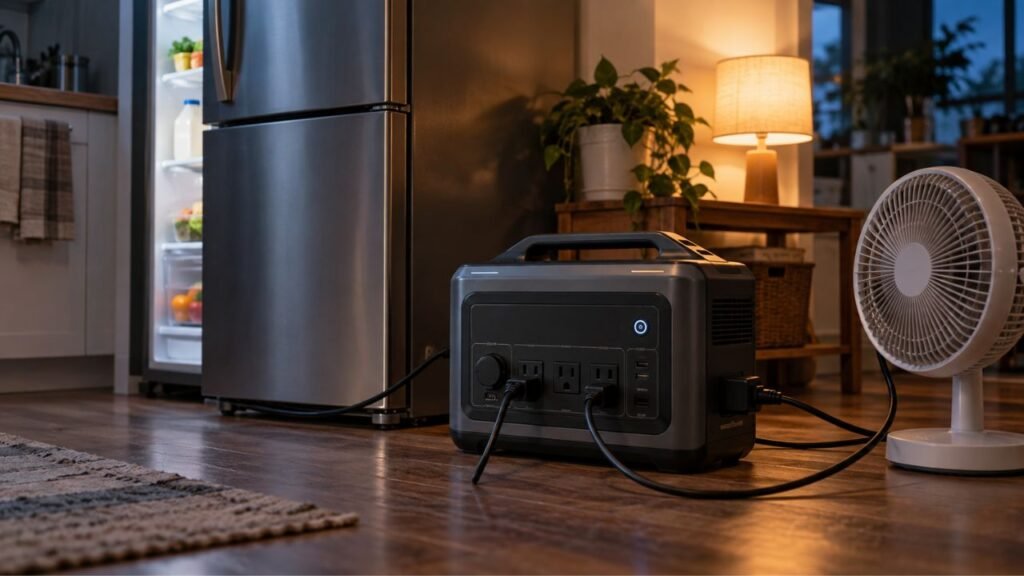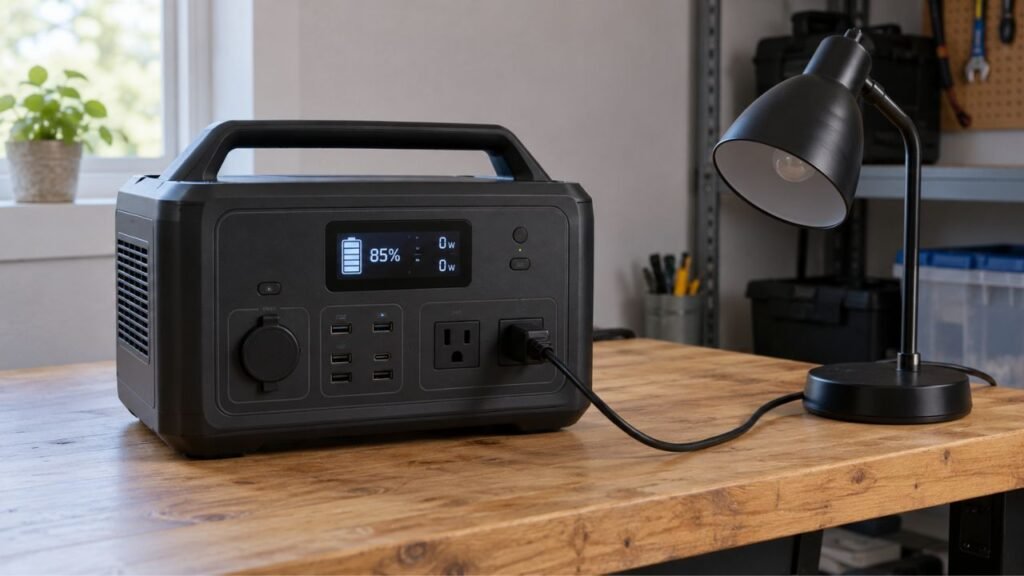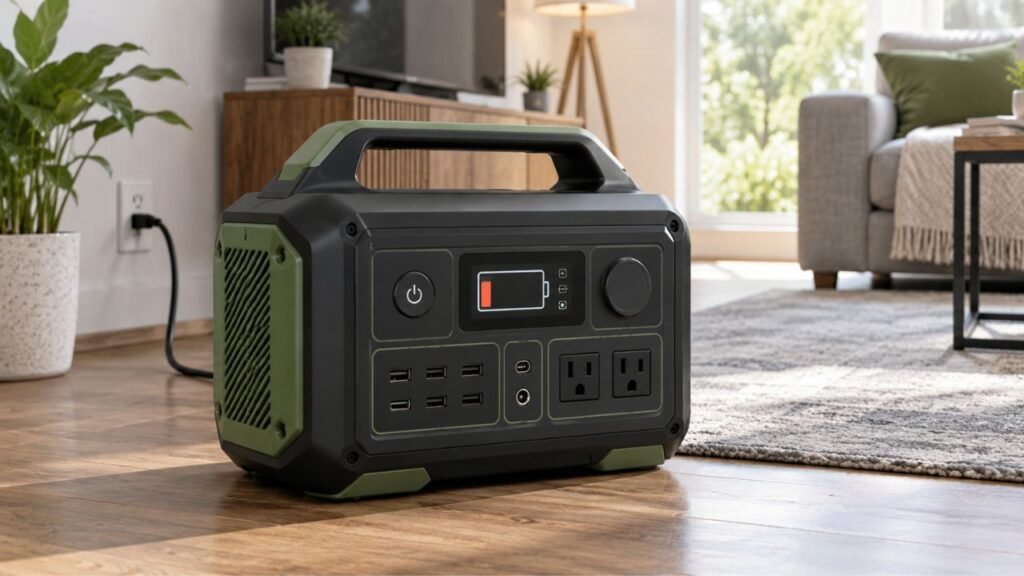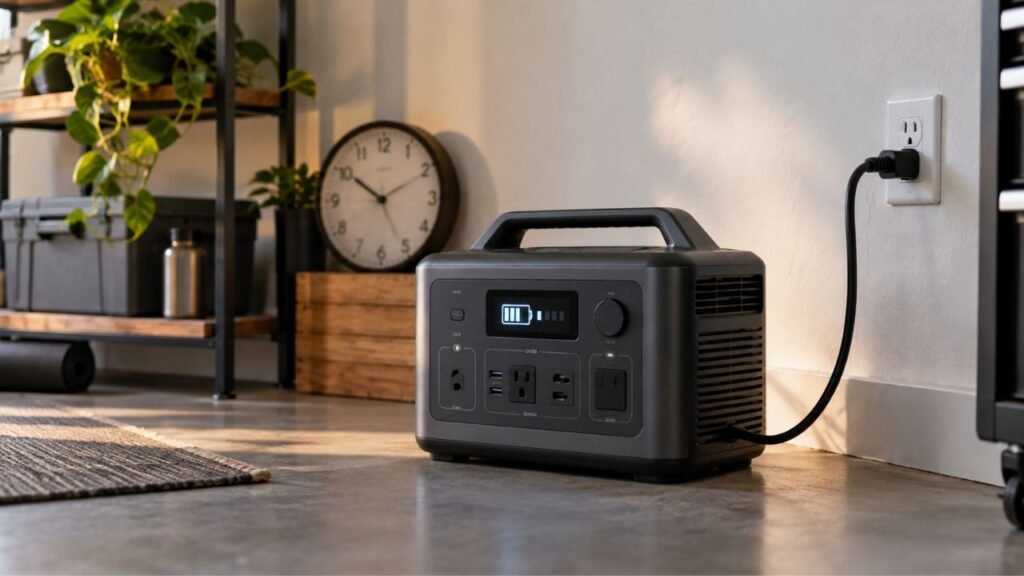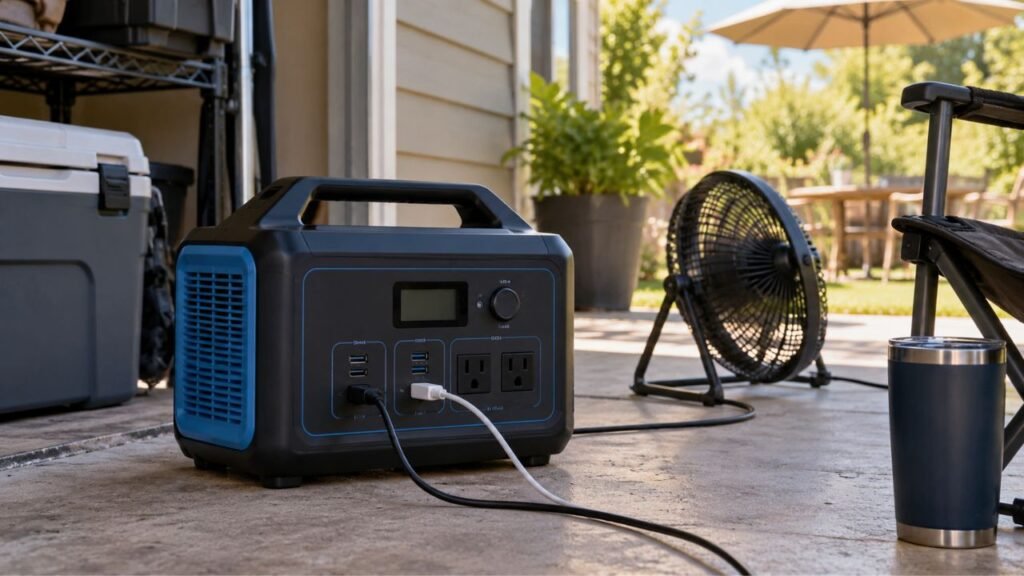
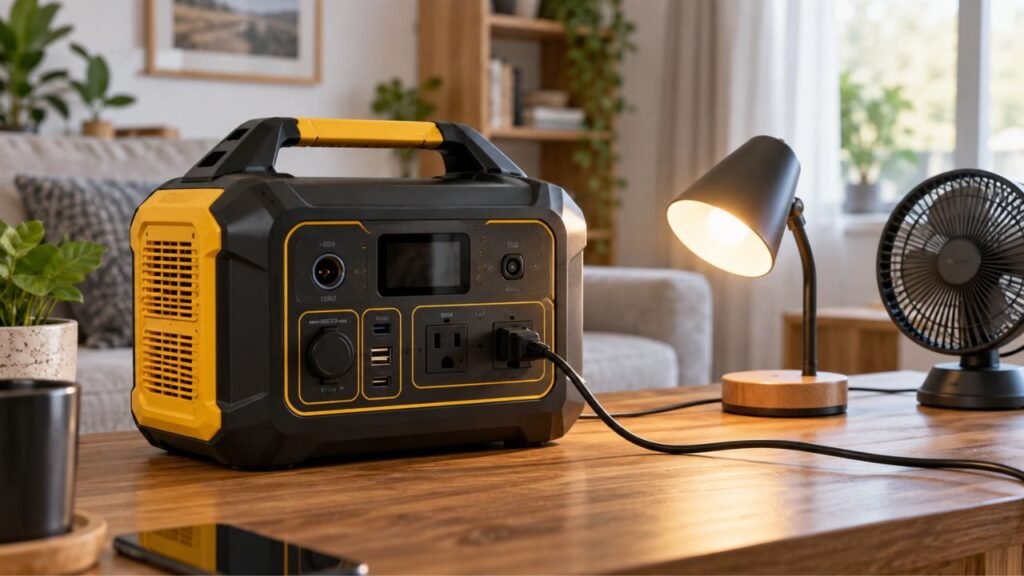
A portable power station AC output may turn off automatically because of ECO mode, an AC timeout, low battery protection, overload, startup surge, overheating, or a protection fault. Sometimes only the AC inverter shuts down while USB and DC outputs keep working.
The key is identifying exactly when the AC output stops. Below, I’ll help you narrow down the cause and safely restore power.
Key Takeaways
- ECO mode may disable AC when connected loads become too small.
- AC timeout settings can shut outlets off after extended inactivity.
- Refrigerators can trigger idle detection between compressor cycles.
- Heavy appliances may exceed continuous or startup power limits.
- Low battery protection can disable AC before reaching 0%.
- High temperatures can force the inverter to shut down temporarily.
- USB and DC working normally does not prove AC is healthy.
- Repeated unexplained shutdowns may indicate an inverter-related fault.
Why Does the Portable Power Station AC Output Turn Off Automatically?
Automatic AC shutdown is usually a protective or energy-saving response. Your power station constantly watches battery condition, inverter load, temperature, and operating settings.
Common reasons include:
- ECO mode or low-load auto-shutoff
- AC standby or timeout settings
- Low battery or discharge reserve limits
- Excessive continuous AC load
- High appliance startup surge
- Short circuits or faulty appliances
- Inverter overheating
- Very hot or cold operating conditions
- Scheduled AC output settings
- Firmware or control-system problems
- Internal inverter or relay faults
The timing of the shutdown usually gives you the best clue.
First, Check What Actually Turns Off
Before changing settings, determine whether only AC power stops. A dark display does not always mean the AC inverter stopped working.
| What You Notice | Most Likely Cause | What to Check First |
| AC icon disappears while display remains on | ECO mode or AC timeout | AC output settings |
| AC stops after hours with a tiny load | Low-load detection | ECO or standby mode |
| AC shuts off immediately when an appliance starts | Startup surge or overload | Appliance starting watts |
| AC stops after adding another appliance | Combined overload | Total connected wattage |
| AC stops near the same battery percentage | Discharge limit | Battery reserve settings |
| AC stops after heavy use and high heat | Thermal protection | Ventilation and temperature |
| Refrigerator works, then AC later stops | Idle timeout or compressor surge | AC timeout and startup watts |
| USB works while AC keeps shutting down | AC-side protection or fault | Error codes and AC settings |
| Entire station shuts down | Battery or system protection | Battery level and warnings |
Pay particular attention to whether USB and DC outputs still work. That detail helps separate an AC-side problem from a complete shutdown.
ECO Mode or Low-Load Detection Is Often the Reason
Many portable power stations intentionally switch off their AC inverter when demand becomes very low. This saves battery capacity that would otherwise be used keeping the inverter active.
How Low-Load Auto-Shutoff Works
Your AC inverter uses some power even without useful appliances connected. Manufacturers therefore add energy-saving features that monitor AC demand.
Depending on the model, these settings may appear as:
- ECO mode
- Energy Saving mode
- AC Timeout
- Standby mode
- Auto-Off
- Sleep mode
When power use stays below a certain threshold long enough, AC switches off.
There is no universal wattage or timer for every station. The exact behavior depends entirely on your model and settings.
That means advice such as “keep the load above 10 watts” will not fit every power station.
Check your manual or app for the actual threshold.
Why Small Devices Can Trigger Automatic AC Shutoff
Low-power electronics are the most common devices affected by ECO mode.
Examples include:
- Phone chargers
- Small LED lamps
- Wi-Fi routers
- Modems
- Battery chargers
- Small fans
- Laptop chargers near full charge
The device may initially use enough electricity to keep AC active.
Later, its power draw can fall sharply.
A nearly charged laptop, for example, may stop drawing substantial power. The station can then mistake that reduced demand for inactivity.
After the configured delay passes, the inverter switches itself off.
Why Refrigerators Can Trigger AC Timeout
A refrigerator does not draw steady power throughout the day.
The compressor starts, cools the refrigerator, then shuts off temporarily. Power consumption can become extremely low during that resting period.
Some stations may interpret that period as an inactive AC load.
The AC timer can then expire before the compressor starts again.
You return later and discover the refrigerator has stopped receiving power.
This can be confusing because battery capacity may still remain.
If you plan to run a refrigerator continuously, check the AC timeout. Extend or disable it if your manufacturer allows that setting.
You should also verify the refrigerator’s startup surge capacity.
How to Change ECO Mode or AC Timeout
Start with the power station’s companion app if available.
Look under sections such as:
- Output settings
- AC settings
- Energy management
- Standby settings
- Device settings
- Battery settings
You may find options for extending the timeout period.
Some models also offer a “Never” or continuous-output setting.
Only disable energy-saving features when continuous AC power is actually needed. Leaving the inverter permanently active can increase standby battery consumption.
The Battery Has Reached Its AC Discharge Limit
Your power station does not always let the battery reach displayed 0%. Protective settings may disable AC while some battery capacity remains.
Low Battery Protection Can Disable AC First
The battery management system protects lithium cells against excessive discharge.
When battery voltage becomes too low, the system reduces available functions.
Some stations may shut down AC before other low-power outputs.
That makes sense because the inverter handles relatively demanding loads.
You might therefore notice:
- AC outlets stop working.
- The display remains active.
- USB ports may still work.
- A small percentage remains displayed.
This does not automatically mean the battery has failed.
Recharge the station and test AC again before assuming damage.
Check for a Minimum Discharge Percentage
Many newer power stations allow you to reserve battery capacity.
You might configure the station not to discharge below:
- 10%
- 20%
- 30%
- Another selected percentage
Suppose your station currently shows 30% remaining.
If the minimum discharge level is also 30%, AC may stop there intentionally.
Open the app and check for settings named:
- Discharge limit
- Minimum SOC
- Battery reserve
- Backup reserve
- Lower discharge limit
Increase usable capacity only when you actually need it.
Keeping some reserve can be useful during emergency backup situations.
Why AC Can Shut Off Before the Display Shows 0%
Displayed battery percentage is an estimate, not a direct cell measurement.
The battery management system watches actual cell voltage and current.
Under a large load, battery voltage can temporarily drop.
This effect is sometimes called voltage sag.
If voltage reaches the protection threshold, the station may disable AC.
The screen could still show several percentage points remaining.
This becomes more noticeable when:
- Battery charge is already low.
- The AC load is relatively heavy.
- Battery temperature is low.
- Battery cells have aged.
- Battery percentage estimation is inaccurate.
Recharge fully and test again with a lighter appliance.
If the problem repeatedly occurs unusually early, contact manufacturer support.
Your Appliance Is Overloading the AC Inverter
An overloaded inverter commonly causes immediate AC shutdown. The important part is comparing both normal running power and startup demand.
Continuous Watts and Surge Watts Are Different
A portable power station usually has a continuous AC output rating.
For example, a station might support 1,800 watts continuously.
It may also support a higher temporary surge rating.
That extra surge capacity helps start appliances with motors and compressors.
Your appliance must stay within both limits.
A device drawing 1,200 watts continuously could fit comfortably.
However, its startup requirement might briefly exceed the inverter’s surge capability.
When that happens, AC protection can activate immediately.
Motor and Compressor Startup Can Trigger Shutdown
Motor-driven appliances can demand substantially more electricity during startup.
Common examples include:
- Refrigerators
- Freezers
- Window air conditioners
- Sump pumps
- Well pumps
- Shop vacuums
- Power tools
- Air compressors
The appliance label often shows normal running consumption.
That number may not show the full startup demand.
For example, a refrigerator might run around 150 watts normally. Its compressor could briefly demand several times that amount.
If the inverter cannot supply the surge, AC shuts off.
This can happen immediately after plugging something in.
It can also happen much later.
A refrigerator may run normally for hours, then cycle again. The next compressor startup can trigger the overload.
That delayed shutdown often makes the problem harder to identify.
Several Smaller Appliances Can Cause the Same Problem
You do not need one huge appliance to overload AC.
Several moderate loads can add together.
Imagine the station is already powering:
- A 900-watt coffee maker
- A 400-watt refrigerator
- A 150-watt television
Adding another appliance could push total demand beyond capacity.
Remember that the AC rating normally applies to the inverter overall.
It does not usually apply separately to every outlet.
If your station is rated for 1,800 watts, multiple outlets share that capacity.
Reduce the number of connected appliances and test again.
A Short Circuit or Faulty Appliance Can Trigger AC Protection
A damaged appliance, cord, plug, or outlet can trigger protective shutdown. Testing one appliance at a time usually reveals this problem quickly.
Try these checks:
- Disconnect every appliance from the AC outlets.
- Restart the AC output with nothing connected.
- Test one known-good, low-power appliance.
- Reconnect other appliances individually.
- Try another AC outlet on the station.
- Inspect appliance cords for visible damage.
- Check plugs for burning or discoloration.
- Look for damaged or loose AC sockets.
- Stop using equipment producing a burning smell.
Never insert metal objects inside an AC outlet.
Do not repeatedly restart AC if a short-circuit warning appears.
If one particular appliance always causes shutdown, stop using it. Test that appliance from a normal wall outlet only when safe.
Temperature Protection Can Shut Down the Inverter
Portable power stations create heat while converting battery power into AC. High loads make the inverter and internal electronics heat up faster.
The Power Station May Be Overheating
The inverter normally uses fans and ventilation to control temperature.
Overheating becomes more likely when the station is:
- Running near maximum output
- Sitting in direct sunlight
- Operating inside a hot vehicle
- Placed inside a closed cabinet
- Positioned against a wall
- Covered by clothing or luggage
- Surrounded by dust
- Operating with blocked cooling vents
The station may reduce output first.
If temperature keeps rising, AC can shut down completely.
Move the station somewhere dry, shaded, and well ventilated.
Disconnect heavy loads and allow the unit to cool naturally.
Do not cover cooling vents while the station operates.
Also avoid forcing rapid cooling with ice or refrigeration.
Moisture and condensation can create additional electrical risks.
Cold Conditions Can Also Affect Output
Cold weather can reduce lithium battery performance.
The exact discharge temperature range varies between power stations.
Some units continue supplying AC in cold conditions but reduce performance.
Others may activate battery protection when temperatures become too low.
Never rely on one universal temperature limit.
Check your manufacturer’s approved operating range instead.
If the station was stored in freezing conditions, move it indoors.
Allow its internal temperature to normalize before testing again.
Check for an AC Timer, Schedule, or Standby Setting
Not every automatic shutdown comes from a protection event.
Some newer power stations let you schedule AC operation directly.
You may find settings for automatic AC shutdown, scheduled output, battery reserve, sleep timers, or standby operation.
This becomes especially important when AC turns off predictably.
Suppose the outlets stop working around the same time every night.
That pattern points strongly toward a timer or schedule.
Open your power station app and review all automation settings.
Also check whether another household member changed shared device settings.
Firmware updates can sometimes restore default settings or change available options.
After an update, review important AC settings before relying on backup power.
Is the Screen Sleeping, or Has the AC Output Actually Turned Off?
A sleeping display and disabled AC output are different things.
Many power stations switch their LCD screen off after several minutes.
The display may go completely dark while AC continues running normally.
Before troubleshooting anything, check the connected appliance.
If your refrigerator, lamp, or television still works, AC remains active.
Wake the display and look for the AC output indicator.
Three separate conditions can occur:
- The screen goes to sleep.
- The AC inverter switches off.
- The entire power station shuts down.
Do not assume condition three happened because the screen went dark.
Checking the appliance first can save unnecessary troubleshooting.
Why Does AC Output Turn Off During UPS or Pass-Through Operation?
Portable power stations behave differently during backup or pass-through operation. Some models also apply different power limits in these modes.
Possible reasons for AC shutdown include:
- The incoming wall supply disappeared.
- Battery capacity reached its reserve level.
- Backup-mode output limits were exceeded.
- Connected appliances created excessive startup surge.
- Grid power repeatedly dropped or fluctuated.
- AC timeout settings remained active.
- Firmware temporarily failed to switch modes correctly.
If your station powers equipment from wall electricity normally, watch what happens when input disappears.
Does AC fail immediately during the transfer?
Does it continue until battery capacity reaches a specific percentage?
Does the problem occur only with one large appliance?
Those details narrow the issue considerably.
Also remember that manufacturers use terms differently.
UPS, EPS, bypass, and backup mode are not always identical.
Check your specific model’s transfer behavior and power limitations.
How to Fix a Portable Power Station AC Output That Keeps Turning Off
Use the troubleshooting steps below in order. Changing one thing at a time makes the real cause easier to identify.
Step 1: Note Exactly When the AC Output Stops
Timing gives you valuable diagnostic information.
Ask yourself:
- Does AC stop immediately?
- Does it stop after several minutes?
- Does it stay on for several hours?
- Does it stop at the same battery percentage?
- Does it happen only overnight?
- Does it happen when an appliance restarts?
- Does it happen only during hot weather?
Write down the pattern if the problem keeps repeating.
You may also want to photograph any error message before restarting.
Step 2: Disconnect Everything From the AC Outlets
Unplug every AC appliance.
Check the screen for warnings or error codes first.
Then switch the AC output off.
Restart the station according to its normal operating procedure.
Turn AC back on without reconnecting anything yet.
If AC immediately fails with zero connected load, the problem deserves closer attention.
Step 3: Check Battery Level and Discharge Settings
Recharge the station if its battery is low.
Then check any configured battery reserve or minimum discharge percentage.
A reserve setting can make AC shutdown appear premature.
Test again after charging comfortably above that threshold.
Step 4: Check ECO Mode and AC Timeout
This should be one of your first checks for small loads.
Open the manufacturer’s app or device settings.
Look for:
- ECO mode
- Energy Saving
- AC Timeout
- Auto-Off
- Standby
- Sleep settings
Extend the timer when continuous AC operation is necessary.
If available, temporarily disable ECO mode for troubleshooting.
Then see whether the shutdown disappears.
Step 5: Check AC Schedules and Automation
Review any scheduled output settings.
This is particularly important if shutdown happens predictably.
Disable the schedule temporarily and test the station again.
If AC remains active, you have probably found the cause.
Step 6: Reconnect Appliances One at a Time
Start with a simple, known-good appliance.
A lamp or another modest load works well.
Let it operate for a few minutes.
Then reconnect additional appliances individually.
If AC fails immediately after connecting one particular device, stop there.
You have narrowed the problem to that appliance or its power demand.
Step 7: Compare Running and Starting Watts
Check the appliance’s rated running wattage.
Then determine whether it has a higher startup requirement.
Compare those numbers with your station’s specifications.
Look for:
- Continuous AC output
- Surge output
- Peak output duration
- Special high-power modes
Do not depend only on the advertised peak number.
Some peak modes cannot support every type of appliance normally.
Step 8: Let the Power Station Cool Down
Heavy inverter loads create considerable heat.
If the station feels unusually warm, disconnect the AC load.
Move the station somewhere with unrestricted ventilation.
Let it cool naturally before restarting AC.
Check that every cooling vent remains clear.
If the cooling fan never operates under heavy loads, contact support.
Step 9: Restart the Station and Check Firmware
Temporary control-system errors can occasionally affect AC output.
Restart the power station using its normal procedure.
If your model supports firmware updates, check the official app.
Install available updates according to manufacturer instructions.
Do not interrupt power during a firmware installation.
Some models also offer a specific reset procedure.
Follow your model’s instructions instead of guessing button combinations.
Step 10: Test AC With a Known-Good Moderate Load
After completing the previous checks, test AC again.
Choose an appliance comfortably below the station’s output rating.
Avoid motors, compressors, heaters, and other demanding equipment initially.
Let the test run long enough to reproduce the usual problem.
If AC remains stable, reconnect your normal devices carefully.
If AC continues failing, the inverter may require manufacturer service.
What Not to Do When AC Keeps Shutting Off
Protection systems exist to prevent electrical or battery damage. Repeatedly defeating those protections can create a more serious problem.
Avoid these actions:
- Do not repeatedly restart AC during an active overload.
- Do not bypass inverter protection circuits.
- Do not bypass the battery management system.
- Do not open the battery enclosure.
- Do not insert tools into AC outlets.
- Do not use melted or damaged connectors.
- Do not block cooling vents during operation.
- Do not assume extension cords increase inverter capacity.
- Do not ignore repeated temperature warnings.
- Do not replace internal parts without approved procedures.
Also avoid using unusually damaged appliances for troubleshooting.
A faulty appliance can damage more than the power station.
When Automatic AC Shutoff Is Normal
Automatic shutdown does not always mean something is wrong.
The behavior may be completely normal when:
- AC shuts off after the documented idle period.
- Only extremely small loads are connected.
- Battery reaches the configured discharge reserve.
- An overload warning appears after excessive demand.
- AC stops while the station is overheated.
- The shutdown follows a configured schedule.
- Normal operation returns after removing the triggering condition.
The important word here is predictable.
Normal protection behavior usually follows a repeatable trigger.
For example, the station always stops at the same reserve percentage.
A random AC shutdown under ordinary conditions deserves more investigation.
When AC Shutoff May Mean an Inverter or Hardware Problem
Hardware becomes more likely after you eliminate settings, load, battery, and temperature issues.
Warning signs include:
- AC shuts off with nothing connected.
- Compatible small appliances repeatedly trigger shutdown.
- USB works normally while AC cannot stay enabled.
- An inverter error repeatedly appears.
- Internal relays repeatedly click without stable output.
- One AC outlet works while another does not.
- AC output disappears immediately after every restart.
- Cooling fans behave abnormally during heavy operation.
- Resetting and updating firmware changes nothing.
Stop using the power station immediately if you notice:
- Smoke
- Battery swelling
- Leaking
- Melted plastic
- Strong burning odors
- Severe unexplained heat
- Sparking around outlets
Do not open the case to investigate internal components yourself.
Portable power stations contain high-current battery systems and inverter circuitry.
How to Prevent the AC Output From Turning Off Unexpectedly
Once you identify the cause, prevention usually becomes straightforward.
Use these habits:
- Learn your model’s ECO mode behavior.
- Adjust AC timeout for important continuous loads.
- Use USB or DC for suitable low-power devices.
- Keep normal loads below the inverter’s maximum rating.
- Leave extra capacity for temporary startup surges.
- Check compressor and motor startup requirements.
- Keep cooling vents clean and unobstructed.
- Avoid operating the station in extreme heat.
- Maintain enough battery capacity for expected runtime.
- Review battery reserve settings before outages.
- Check AC schedules after changing app settings.
- Keep official firmware reasonably current.
- Test important appliances before relying on them.
A refrigerator deserves particular attention during testing.
Let it cycle its compressor several times before assuming compatibility.
A refrigerator that runs for five minutes has not completed a meaningful backup test.
When Should You Contact the Manufacturer?
Contact support when AC continues shutting down after normal troubleshooting. Providing useful details can speed up the diagnosis considerably.
Have this information ready:
- Power station model
- Serial number
- Firmware version
- Battery percentage during shutdown
- Connected appliance
- Appliance running wattage
- Starting wattage when known
- Error codes or warning symbols
- Whether USB and DC still work
- How long AC operates before shutting down
- Approximate operating temperature
- ECO and timeout settings
- Troubleshooting steps already completed
Explain the shutdown pattern rather than simply saying “AC does not work.”
For example, tell them AC operates normally for twenty minutes.
Then mention that it shuts off with a 200-watt load.
Those details provide far more diagnostic value.
Final Words
A portable power station AC output turning off automatically is often intentional. ECO mode, AC timeout, low battery limits, overload, and heat are common causes.
The timing usually tells you where to start.
If AC shuts off after sitting with a tiny load, check ECO mode. If it stops exactly when an appliance starts, check surge demand.
If it stops at the same battery percentage, check discharge settings. If shutdown follows extended heavy use, investigate temperature and ventilation.
AC that keeps failing under normal conditions deserves further attention. Once settings and protection triggers are eliminated, contact the manufacturer.
Related FAQs
Why Does My Power Station AC Output Turn Off Even With Battery Remaining?
AC may turn off because of a battery reserve setting, ECO mode, low-voltage protection, overheating, or inverter overload. The displayed battery percentage alone does not guarantee AC output will remain available.
Why Does My Portable Power Station Turn Off With a Small Load?
A small load can fall below your station’s minimum AC detection threshold. ECO or energy-saving mode may then switch the inverter off after a configured period.
Why Does My Power Station Turn Off When My Refrigerator Starts?
A refrigerator compressor can require much more power during startup than normal operation. If that surge exceeds your inverter’s capability, AC protection may shut the output down.
Can a Refrigerator Trigger AC Auto-Shutoff While the Compressor Is Off?
Yes. During compressor rest periods, refrigerator power consumption may become very low. Some stations can mistake that condition for inactivity and trigger an AC timeout.
Why Does AC Turn Off but USB Still Work?
AC outlets depend on the station’s inverter, while USB outputs usually use separate DC conversion circuits. AC can therefore shut down from inverter protection while USB continues working.
Can Low Battery Turn Off AC Before the Power Station Reaches 0%?
Yes. Battery reserve settings and low-voltage protection can stop AC before the display reaches 0%. Heavy loads can also cause voltage sag that triggers earlier protection.
Should I Turn Off ECO Mode on My Portable Power Station?
You can disable ECO mode when a legitimate low-power or intermittent appliance needs continuous AC. However, keeping ECO enabled reduces unnecessary inverter standby consumption when continuous output is unnecessary.
How Do I Reset AC Output After an Overload?
Disconnect the appliance causing the overload, switch AC output off, and restart it using your model’s normal procedure. Check the manual if the overload warning does not clear.
Can Firmware Cause the AC Output to Keep Turning Off?
Firmware or control-system problems can occasionally affect AC behavior. Check settings, battery level, load, and temperature first, then install official firmware updates if the problem continues.
Why Does My AC Output Turn Off at the Same Time Every Day?
A scheduled AC shutdown or standby timer may be enabled. Check the power station’s app for automation, AC timeout, sleep, or scheduled-output settings.
Why Does My AC Output Shut Off Only at Night?
Nighttime shutdown can happen when appliances enter low-power cycles and trigger ECO mode. Battery reserve limits can also become relevant after several hours of overnight use.
Can an Extension Cord Make a Power Station AC Output Shut Off?
A damaged, undersized, or excessively long extension cord can create voltage drop and heat. It does not increase inverter capacity and may contribute to problems with demanding appliances.

Warren Turner writes practical guides and reviews on generators, portable power stations, and battery backup systems. He focuses on real-world performance, everyday power needs, and helping readers choose dependable equipment without unnecessary complexity.