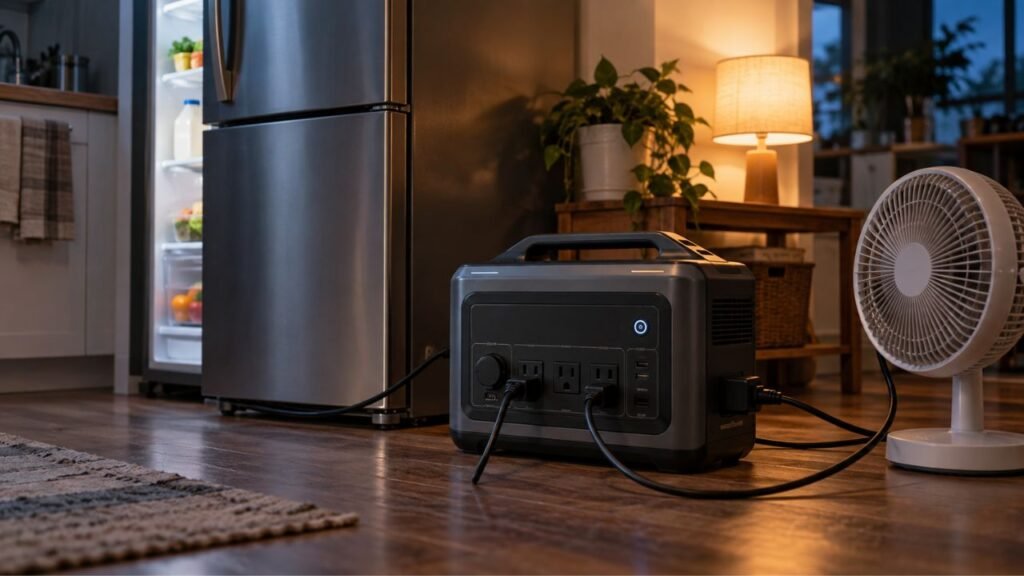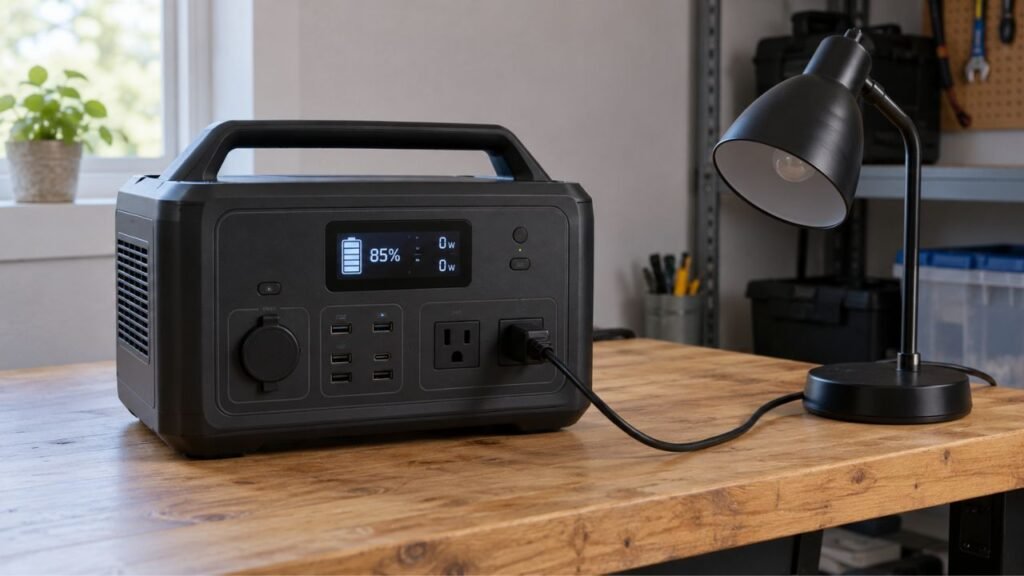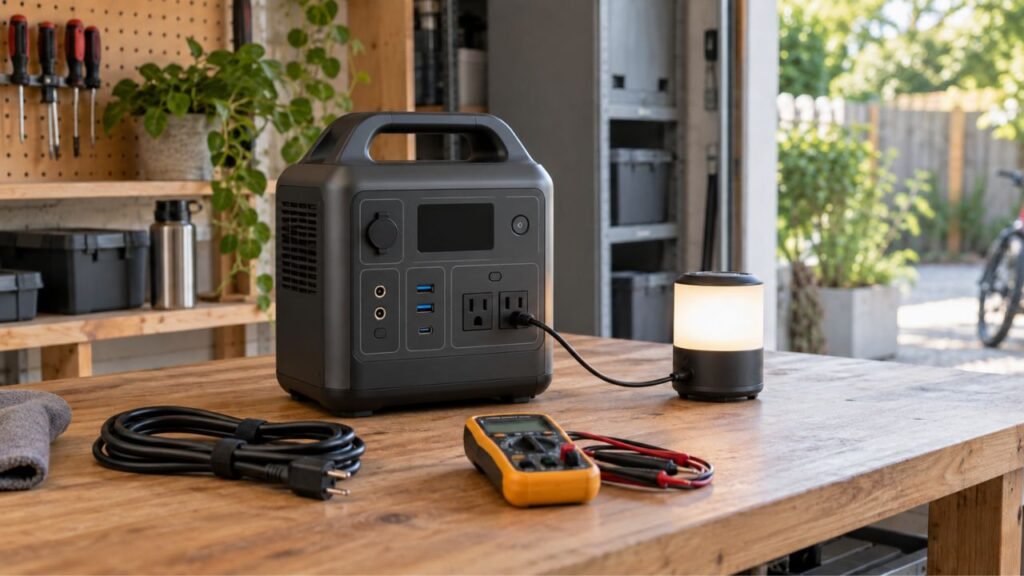
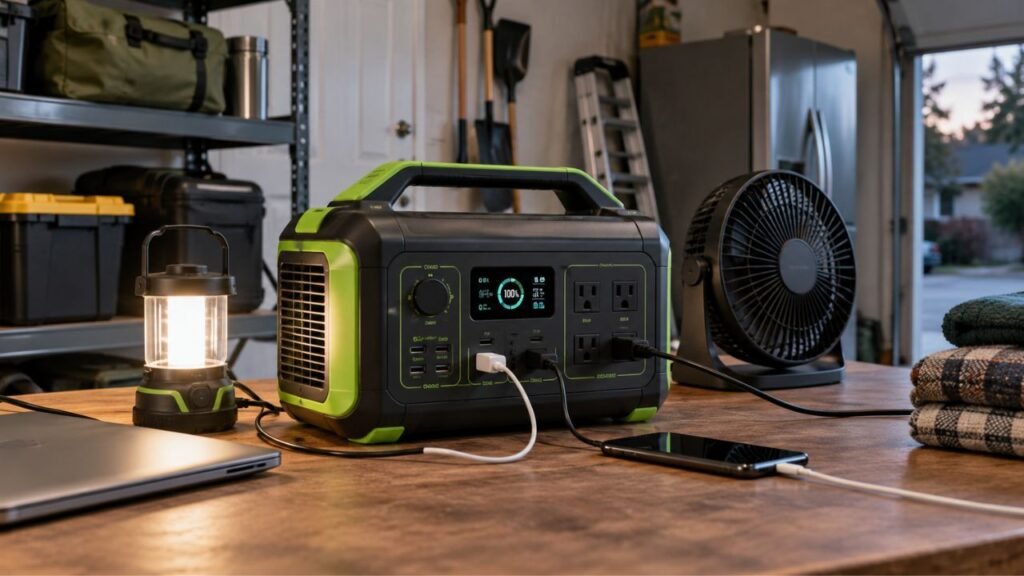
To test a portable power station before an outage, fully charge it first. Then run the actual appliances you expect to use during emergencies. Check startup behavior, combined wattage, battery drain, runtime, and recharging. A station showing 100% battery does not automatically mean it is outage-ready.
In this guide, I’ll walk you through a practical home test. You will learn what to check, what appliances to test, and what results matter.
Key Takeaways
- Fully charge and inspect your portable power station before testing.
- Test the exact appliances you expect to use during outages.
- Check both normal running watts and short startup surges.
- Test essential appliances individually before combining several loads.
- Compare estimated runtime with real battery use during testing.
- Check low-power devices for unexpected automatic output shutdowns.
- Test wall, solar, and vehicle charging methods you may need.
- Test EPS or UPS operation separately when your model supports it.
- Record your successful setup so anyone can follow it later.
- Never backfeed electricity into your home’s wall outlets.
What Should You Check Before Testing Your Portable Power Station?
Before connecting appliances, spend a few minutes checking the station itself. This simple inspection can prevent confusing results or unnecessary safety problems.
Check these items before starting:
- Current battery percentage.
- Rated battery capacity in watt-hours.
- Continuous AC output rating.
- Maximum surge or peak output.
- AC outlet condition.
- USB-A and USB-C ports.
- 12V DC output, if equipped.
- Charging cables and adapters.
- Cooling vents and airflow.
- Error messages or warning indicators.
- Eco mode or automatic shutdown settings.
- Expansion battery connections, if installed.
- Operating temperature recommendations.
Also inspect the housing for unusual swelling, cracking, or physical damage.
Check charging cables for exposed wires, bent plugs, or loose connectors.
If anything looks seriously damaged, do not continue normal load testing.
Your owner’s manual should always be the final reference for limits. Portable power stations can have very different input and output ratings.
What Do You Need to Test a Portable Power Station at Home?
You do not need laboratory equipment for a useful home test.
Start with the power station and its original charging equipment. Gather the actual appliances you expect to use during an outage. You can use your phone’s timer to track testing periods.
Most modern stations display real-time watts directly on their screens. That reading is usually enough for basic emergency planning.
A plug-in watt meter can make your test more informative. It provides another way to check appliance consumption from AC outlets.
Keep a notebook or phone note nearby during the test. Recording results now can save considerable guessing during an actual outage.
How Do You Test a Portable Power Station Before an Outage?
The best test gradually moves from easy loads to realistic conditions. Start small, confirm basic operation, and then reproduce your expected emergency setup.
1. Charge the Power Station Before Testing
Start with a full battery when testing emergency runtime.
A known starting percentage makes your results much easier to compare. It also lets you evaluate how quickly the battery drops.
Use the normal charging method recommended by the manufacturer.
Check that charging begins correctly and continues without warning messages.
Once charging finishes, confirm the display reports the expected battery percentage.
You do not need to drain the battery completely afterward. A shorter test can still reveal most practical problems.
2. Inspect the Unit, Cables, and Ports
Look around the entire station before applying a significant load.
Pay close attention to:
- Cracked plastic.
- Loose outlets.
- Damaged cords.
- Bent connectors.
- Dust-blocked vents.
- Moisture.
- Corrosion.
- Unusual battery swelling.
- Persistent error messages.
Make sure the cooling vents have plenty of surrounding space.
Portable power stations can generate noticeable heat under heavier loads. Blocking airflow can cause overheating or protective shutdowns during testing.
3. Turn On and Test Every Output Section
Turn on the main power station first.
Next, activate each output section separately when required by your model.
Many stations have independent controls for AC and DC power.
Test the ports you expect to depend on later:
- AC outlets.
- USB-A ports.
- USB-C ports.
- 12V DC socket.
- Other supported DC outputs.
Plugging one device into one AC outlet does not test everything.
Finding a dead USB port during an outage would be frustrating. Finding it during this test gives you time to respond.
4. Start With One Small, Predictable Load
Begin with something that does not need much power.
A small LED lamp or laptop charger works well.
Turn the device on and watch the station’s display.
Check whether:
- Output wattage appears.
- The appliance works normally.
- Battery percentage behaves normally.
- No error code appears.
- The output remains active.
This basic test confirms that the station can provide normal power.
If it cannot handle a small load reliably, stop there. Troubleshoot that problem before moving toward larger appliances.
5. Test Each Essential Outage Device Separately
Now start testing the appliances that actually matter during outages.
Your list may include:
- Refrigerator.
- Freezer.
- Wi-Fi router.
- Internet modem.
- Phone chargers.
- Laptop.
- CPAP equipment.
- LED lights.
- Box fan.
- Television.
Test each important appliance by itself first.
This tells you whether one specific appliance creates a problem.
It also gives you cleaner information about each device’s power consumption.
Do not depend entirely on appliance wattage estimates found online. Your exact appliance may behave differently from someone else’s.
Actual testing gives you more useful information for your own home.
6. Check Startup Surge on Refrigerators and Motor Loads
This step matters more than many homeowners realize.
Some appliances briefly require much more power when starting.
The normal operating demand is called the running load.
The brief higher starting demand is often called startup surge.
Refrigerators, freezers, pumps, and air conditioners commonly have startup surges.
Imagine your refrigerator normally uses relatively modest power while running. When its compressor starts, power demand can suddenly increase.
Your station might handle the running load perfectly.
However, it could still shut down when the compressor restarts.
That is why simply plugging in a running refrigerator is insufficient.
Allow the refrigerator to operate long enough for the compressor to cycle.
Watch what happens when it stops and starts again.
The power station should continue operating without overload errors.
7. Run Your Essential Devices Together
Once individual appliances pass, combine your important loads.
This is where the test becomes much more realistic.
For example, your emergency setup could include:
- Refrigerator.
- Router.
- Modem.
- Two LED lights.
- Phone charger.
Turn them on together and watch total output wattage.
Check the power station’s continuous output limit before combining devices.
The combined load should stay safely within that rating.
Also watch for startup surges when motor-driven appliances restart.
A refrigerator may work perfectly when tested alone.
It could overload the station when several other devices already operate.
That is exactly the type of problem this test should uncover.
8. Run a Realistic Outage Simulation
Now simulate a short outage at home.
Disconnect your emergency devices from normal household power. Run only the equipment you would realistically use from the station.
A one-hour test can reveal plenty of useful information.
A longer two-to-four-hour test gives a better picture of runtime.
During the simulation, pay attention to normal household behavior.
You may discover that someone wants another phone charger.
You might realize your modem and router require two separate adapters.
Your refrigerator could cycle more often than expected.
You may also notice that extension cord placement becomes inconvenient.
These small details become important during a real outage.
A practice run lets you fix them without pressure.
9. Record Battery Use and Actual Runtime
Write down what happened during your simulation.
Record:
- Starting battery percentage.
- Ending battery percentage.
- Test duration.
- Average power draw.
- Appliances connected.
- Highest observed wattage.
- Output ports used.
- Estimated runtime displayed.
- Warning messages.
- Unexpected shutdowns.
Suppose you start at 100% battery.
After two hours, the station falls to 70%.
That information helps you estimate your real emergency runtime.
Do not assume the displayed runtime prediction will remain constant.
Appliance cycling can change power use throughout the test.
The number shown on the screen is useful.
Your actual measured experience is usually more useful for planning.
10. Recharge the Power Station After Testing
Do not finish your test after checking discharge performance.
Make sure the station can recharge correctly afterward.
Connect your normal wall charger and confirm charging begins.
Watch the input wattage and check for abnormal warnings.
If you depend on solar or vehicle charging, test those methods separately.
A power station that runs appliances but cannot recharge reliably is not fully outage-ready.
Which Appliances Should You Test Before a Power Outage?
Focus first on equipment you cannot easily go without. The table below shows what matters during each appliance test.
| Outage Load | What to Test | What to Watch For | Suggested Test |
| Refrigerator | Compressor startup and normal cycling | Surge overload or fast battery drain | Observe several compressor cycles |
| Freezer | Startup and compressor cycling | Surge and battery consumption | Run through normal cycling |
| Router and modem | Continuous low-power operation | Eco-mode shutdown | Run 30 to 60 minutes |
| Phone or laptop | USB or USB-C charging | Port compatibility and charging rate | Run 15 to 30 minutes |
| LED lights | Small continuous load | Automatic output shutdown | Run at least 30 minutes |
| CPAP | Your normal operating setup | Compatibility and required runtime | Follow device guidance |
| Box fan | Different speed settings | Increased power at higher speeds | Run 30 to 60 minutes |
| Sump or well pump | Motor startup | Surge or voltage limitations | Test only if properly supported |
| Window AC | Startup and sustained load | Overload, heat, rapid battery drain | Test only within station ratings |
Use the actual electrical requirements of your own appliances.
Do not treat typical online wattage figures as guaranteed numbers.
How Long Should You Test Your Portable Power Station?
Testing time depends on what you are trying to learn.
A quick functionality check may take only several minutes per port. That is enough to discover obvious outlet or charging problems.
Motor-driven appliances need a longer test. You want to observe normal operating cycles and at least one restart.
A refrigerator test should last long enough for compressor cycling.
For serious outage planning, I prefer a longer household simulation.
Running your emergency setup for one to four hours provides better information. You can observe battery drain, appliance cycling, heat, and real household behavior.
You do not need a complete battery discharge every time.
A full discharge can help measure usable battery capacity precisely. However, routine emergency checks rarely require draining the battery completely.
How Do You Test the Actual Runtime of a Portable Power Station?
Runtime testing helps turn the battery percentage into something practical. Instead of guessing, you can estimate your runtime and compare it with real performance.
Calculate a Starting Runtime Estimate
You can use this simple starting formula:
Estimated runtime = usable battery energy in Wh ÷ average load in W
Suppose your usable battery energy is approximately 900Wh.
Your combined appliances average around 150W.
The basic calculation would suggest roughly six hours.
However, the real number may be lower.
Portable power stations consume some energy internally.
AC power also requires the station’s inverter.
Other factors include:
- Conversion losses.
- Cooling fans.
- Battery management systems.
- Appliance cycling.
- Temperature.
- Standby consumption.
Treat calculated runtime as an estimate, not a promise.
Compare the Estimate With Your Real Test
Now compare your estimate with actual battery decline.
Suppose the screen predicts eight hours initially.
After testing, your battery consumption suggests six hours is more realistic.
Plan around the more conservative real-world result.
That gives you extra safety margin during an outage.
Avoid creating very precise estimates from extremely short tests.
A refrigerator running for five minutes tells you very little. The compressor may behave differently throughout several hours.
Do Not Judge a Refrigerator by Running Watts Alone
Refrigerators rarely consume exactly the same power continuously.
The compressor turns on and off throughout the day.
When the compressor starts, demand can briefly increase.
Between compressor cycles, energy use can drop considerably.
Therefore, dividing battery capacity by one instantaneous wattage reading can mislead you.
A longer real-world test provides a much better refrigerator estimate.
How Do You Test for Low-Load Auto-Shutoff?
High loads are not the only concern during an outage.
Very small loads can sometimes create another problem.
Some portable power stations automatically turn off an output section when consumption remains extremely low.
This feature may help conserve battery power.
Unfortunately, it could affect equipment you want running continuously.
Possible examples include:
- Wi-Fi routers.
- Modems.
- Small LED lights.
- Phone chargers.
- Tiny electronic devices.
Connect the exact low-power setup you expect to use overnight.
Leave it operating long enough to confirm the output stays active.
If the power shuts off unexpectedly, check your station’s eco-mode settings.
Some models let you disable or adjust automatic shutdown behavior.
How Do You Test High-Demand Appliances Without Overloading the Station?
Large appliances require a more careful testing approach. Compare your station’s limits before connecting anything with substantial power demand.
Compare Continuous Watts First
Find the station’s continuous AC output rating.
Then check the expected running load of your appliance.
Your appliance should remain within the supported output range.
Remember that other connected devices also count toward total output.
Check the Surge Rating
Now check the station’s surge or peak rating.
This is important for equipment containing motors or compressors.
A device can have acceptable running watts but excessive startup demand.
If startup surge exceeds the station’s capability, protective shutdown may occur.
Test One High-Draw Appliance at a Time First
Do not begin by connecting every large appliance together.
Start with one high-demand device.
Confirm that it starts and runs normally.
Then add smaller loads gradually if appropriate.
This approach makes problems easier to identify.
Watch for Protective Shutdowns
Portable power stations normally include overload protection.
If the station shuts down during your test, do not repeatedly force the same load.
Check the screen for an error message.
Then compare appliance demand with the station’s specifications.
An overload shutdown means your emergency plan needs adjustment.
How Do You Test Your Power Station’s Recharging Methods?
Outage readiness involves both using energy and replacing it. Test every charging method you expect to depend on before bad weather arrives.
Test AC Wall Charging
Connect the station to your normal household outlet.
Confirm that:
- Charging starts normally.
- Input power appears on the screen.
- Battery percentage increases.
- No warning appears.
- The charging cable remains normal.
Also make sure you know where the charging cable is stored.
A missing cable can make a perfectly good station useless.
Test Solar Charging
If solar panels form part of your backup plan, test them beforehand.
Do not wait for a multi-day outage.
Set up the panels and connect them correctly.
Confirm that the station recognizes solar input.
Check:
- Correct connector.
- Proper polarity where relevant.
- Panel voltage compatibility.
- Maximum input limits.
- Actual solar wattage.
- Cable condition.
A connector physically fitting the port does not guarantee compatibility.
Solar output can also change dramatically with weather and shading.
Your test should focus on whether the complete system works together.
Test Vehicle Charging
Some portable stations can recharge from a vehicle’s 12V outlet.
If you intend to use that method, test it now.
Confirm you have the correct cable.
Start the vehicle when required by your charging setup.
Then verify that input power appears on the station.
Vehicle charging is often slower than household charging.
Still, it can become extremely useful during extended outages.
How Do You Test EPS or UPS Backup Mode?
Some portable power stations offer EPS or UPS-style backup operation.
These features can automatically switch loads to battery power when grid electricity disappears.
If your model supports this function, test it separately.
Connect a non-critical electronic device through the supported backup setup.
Keep the station connected to normal AC power first.
Then disconnect the station’s incoming AC supply.
Watch the connected device carefully.
Check whether it:
- Continues operating normally.
- Flickers.
- Restarts.
- Temporarily disconnects.
- Shows an error.
Switching speed varies between portable power stations.
Do not automatically assume every EPS function behaves like a dedicated computer UPS.
For sensitive equipment, always check the manufacturer’s specifications.
How Do You Know If Your Portable Power Station Passed the Test?
A successful test should prove more than basic battery operation. Use these results to decide whether your setup is truly ready.
Your portable power station passes when:
- Every required output port works.
- Your essential devices start normally.
- Motor-driven appliances restart successfully.
- Combined wattage remains within output limits.
- No overload warning appears during normal use.
- Low-power devices remain powered.
- Battery drain appears reasonable.
- Runtime meets your emergency needs.
- The unit does not become abnormally hot.
- Wall charging works normally afterward.
- Planned alternative charging methods work.
- EPS or UPS operation works when applicable.
- Required cables and adapters are ready.
If an important test fails, fix that issue before considering your setup outage-ready.
What Test Results Mean Your Outage Plan Needs to Change?
Testing becomes valuable when you know what each failure means. These warning signs usually indicate that your current outage plan needs adjustment.
- Refrigerator shuts the station down: Startup surge may exceed available output.
- Appliances work alone but fail together: Combined load may be too high.
- Battery drops unusually quickly: Real energy use exceeds your expectations.
- Router shuts off overnight: Eco mode may be detecting a low load.
- Power station becomes unusually hot: Check airflow, load, and temperature.
- Solar input remains very low: Check sunlight, shading, panels, and compatibility.
- The unit cannot recharge: Do not depend on it during an outage.
- EPS mode causes equipment restarts: Transfer behavior may not suit that device.
- Runtime is too short: Reduce loads or increase available battery capacity.
Treat these failures as useful information.
It is far better to discover them during testing than during a storm.
Should You Run a Portable Power Station Completely Dead During Testing?
You usually do not need to drain the battery completely.
A full discharge can be useful when measuring maximum usable capacity. It can also help with certain manufacturer-recommended calibration procedures.
However, routine pre-outage testing has a different goal.
You mainly need to confirm:
- Appliance compatibility.
- Startup performance.
- Combined load capability.
- Runtime.
- Low-load behavior.
- Temperature.
- Recharging.
A shorter realistic outage simulation can provide that information.
Follow your manufacturer’s recommendations regarding calibration and battery storage.
Do not create unnecessary full discharge cycles simply because another owner does.
How Should You Test a Portable Power Station With Medical Equipment?
Treat medical equipment differently from ordinary household appliances.
Do not interrupt medically necessary treatment simply to conduct an experiment.
First check the device’s electrical requirements and manufacturer instructions.
Confirm that your power station provides the required voltage and power.
Use the correct adapter supplied or approved for that equipment.
You should also determine how many hours of backup you realistically need.
For equipment such as a CPAP machine, test the same operating configuration you normally use whenever appropriate.
Features such as heated humidifiers can affect power consumption considerably.
If the equipment is medically critical, verify backup compatibility with its manufacturer or healthcare provider.
A portable power station should support your medical plan, not replace professional guidance.
Can You Test a Portable Power Station Through Your Home Electrical Panel?
Most simple portable power station tests should use direct appliance connections.
Plug your refrigerator, router, lights, or other supported devices directly into the station.
Supplying household circuits is a different situation.
Some larger power stations support approved home integration equipment.
Those systems may use dedicated transfer equipment, power inlets, or manufacturer-designed panels.
Never plug the power station into a household wall outlet to energize your home’s wiring.
That dangerous practice can backfeed electricity into wiring unexpectedly.
For household circuit integration, use approved equipment and proper installation.
A licensed electrician can help when permanent electrical work is involved.
What Are the Most Common Portable Power Station Testing Mistakes?
Most testing mistakes happen because the test is too simple. Avoid these problems when preparing your own outage setup.
- Testing only a phone charger.
- Checking only one AC outlet.
- Ignoring startup surge.
- Testing appliances individually but never together.
- Trusting advertised capacity without observing real runtime.
- Trusting the screen’s runtime estimate completely.
- Ignoring low-load automatic shutdown.
- Forgetting to test wall recharging.
- Never checking solar charging before an emergency.
- Assuming any solar panel connector will work.
- Forgetting important charging cables.
- Blocking the station’s cooling vents.
- Testing high-demand appliances beyond station limits.
- Ignoring warning codes.
- Testing medical equipment without checking compatibility.
- Assuming EPS and dedicated UPS systems behave identically.
- Waiting for an outage before testing anything.
A thoughtful test does not need to be complicated.
It simply needs to reproduce how you will actually use the station.
How Often Should You Retest a Portable Power Station?
There is no single testing schedule that fits every model.
I recommend performing quick readiness checks periodically and before high-risk outage seasons in your area.
For example, homeowners in hurricane-prone locations may test before hurricane season. Households facing winter storms may perform checks before colder weather arrives.
You should also retest after significant changes.
Examples include adding another refrigerator, replacing your router, installing expansion batteries, or changing solar panels.
Retest after long storage periods as well.
Battery performance and your household power needs can both change over time.
Your owner’s manual may provide a specific maintenance schedule.
Follow those recommendations when they differ from general advice.
Create a Simple Outage Load Plan After Testing
Do not leave your test results buried inside your phone. Turn them into a simple plan your household can actually follow.
Write down:
- Priority appliance.
- Output port used.
- Typical operating watts.
- Whether startup testing passed.
- Approximate runtime.
- Compatible appliance combinations.
- Required charging method.
- Required cables or adapters.
Then create basic daytime and nighttime setups.
Your daytime setup might include the refrigerator, router, modem, and phone charging.
Your nighttime setup could prioritize refrigeration, lighting, and necessary medical equipment.
You can also decide which appliances should never run together.
Keep the plan somewhere easy to find.
During an outage, you should not need to repeat all your calculations.
Final Words
Testing a portable power station before an outage is really about removing uncertainty.
You want to know which appliances will start successfully. You also want to know what can run together safely.
Most importantly, you need a realistic idea of battery runtime.
Do not stop after confirming that the screen shows 100%.
Test your actual appliances, watch startup demand, simulate an outage, and verify recharging.
When the grid finally goes down, you will already know what works.
Related FAQs
How Often Should I Test My Portable Power Station?
Perform a quick readiness check periodically and before likely outage seasons. You should also retest after long storage or major changes to your emergency setup.
Do I Need to Fully Discharge a Portable Power Station to Test It?
No. Routine testing usually does not require a complete discharge. A shorter realistic load test can confirm compatibility, runtime, charging, and basic emergency readiness.
How Long Should I Test a Refrigerator on a Power Station?
Run it long enough to observe several normal compressor cycles. This helps confirm both steady operation and successful compressor restarts without overload shutdowns.
How Can I Tell Whether My Refrigerator’s Startup Surge Is Too High?
Watch the station when the refrigerator compressor starts. If the station overloads, shuts down, or displays an output fault, startup demand may exceed its capability.
Can I Test Several Appliances at the Same Time?
Yes, and you should after testing them individually. Combined testing shows whether your actual emergency load remains within the station’s continuous and surge ratings.
Why Does My Power Station Runtime Estimate Change During Testing?
Runtime changes because appliance demand is rarely constant. Compressors cycle, charging devices reduce consumption, cooling fans operate, and battery conditions can change throughout the test.
Should I Test Every AC Outlet and USB Port?
Test every output you expect to depend on. A working AC outlet does not guarantee your USB-C, USB-A, or 12V ports operate correctly.
How Do I Test Solar Charging Before an Outage?
Connect compatible panels during good sunlight and confirm solar input appears. Check connectors, voltage limits, cable condition, shading, orientation, and actual charging performance.
How Do I Test EPS or UPS Mode on a Portable Power Station?
Connect a non-critical device through the supported setup. Remove incoming grid power and observe whether the device continues operating, flickers, disconnects, or restarts.
Can a Power Station Pass a Test but Still Run Out Too Quickly?
Yes. A station can power every appliance successfully yet have insufficient battery capacity. That is why measuring realistic runtime is equally important.
Is It Safe to Test a CPAP With a Portable Power Station?
It can be when the power station meets the device requirements. Confirm compatibility, use appropriate adapters, and follow the medical equipment manufacturer’s backup-power guidance.
Can I Connect a Portable Power Station to a Home Outlet During Testing?
No. Never connect a station to a wall receptacle to energize household wiring. Use direct appliance connections or properly installed, approved home-integration equipment.
Should a Portable Power Station Get Warm During a Load Test?
Some warmth and cooling-fan activity can be normal under load. Excessive heat, unusual smells, warning messages, or repeated thermal shutdowns require investigation.
What Should I Do After Testing My Portable Power Station?
Recharge it, record your results, organize required cables, and store everything accessibly. Update your outage plan whenever appliances, batteries, or charging equipment change.

Warren Turner writes practical guides and reviews on generators, portable power stations, and battery backup systems. He focuses on real-world performance, everyday power needs, and helping readers choose dependable equipment without unnecessary complexity.