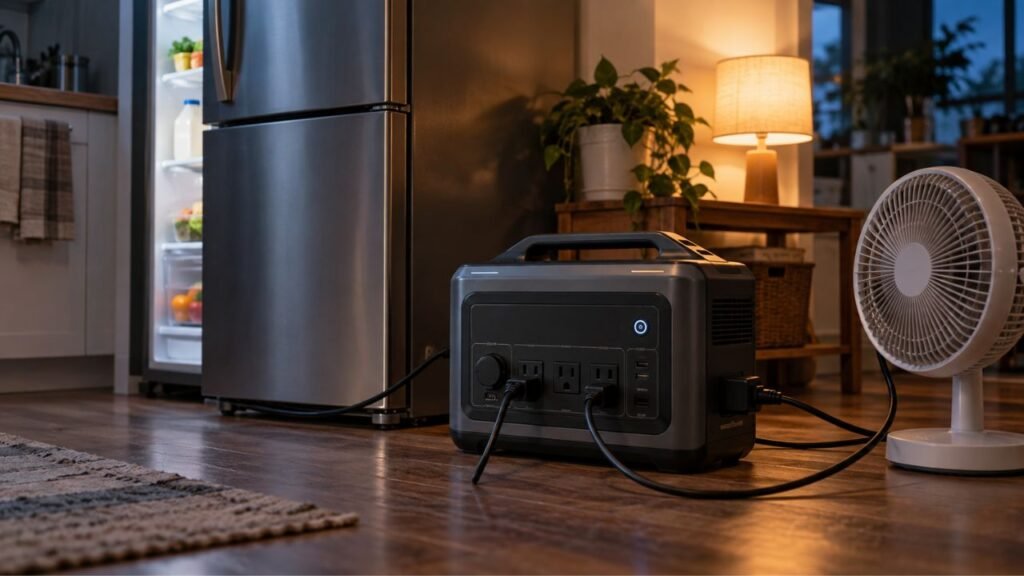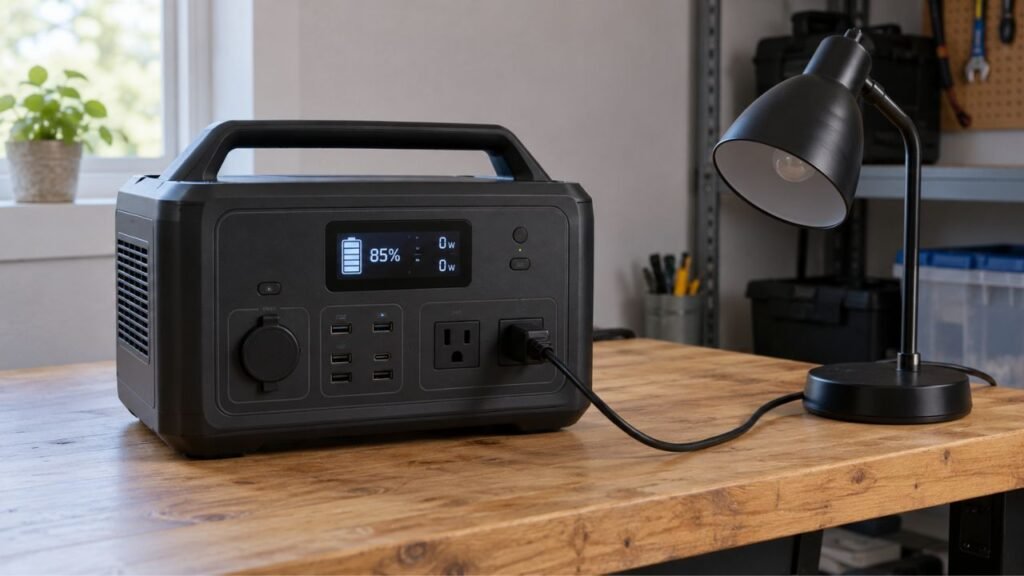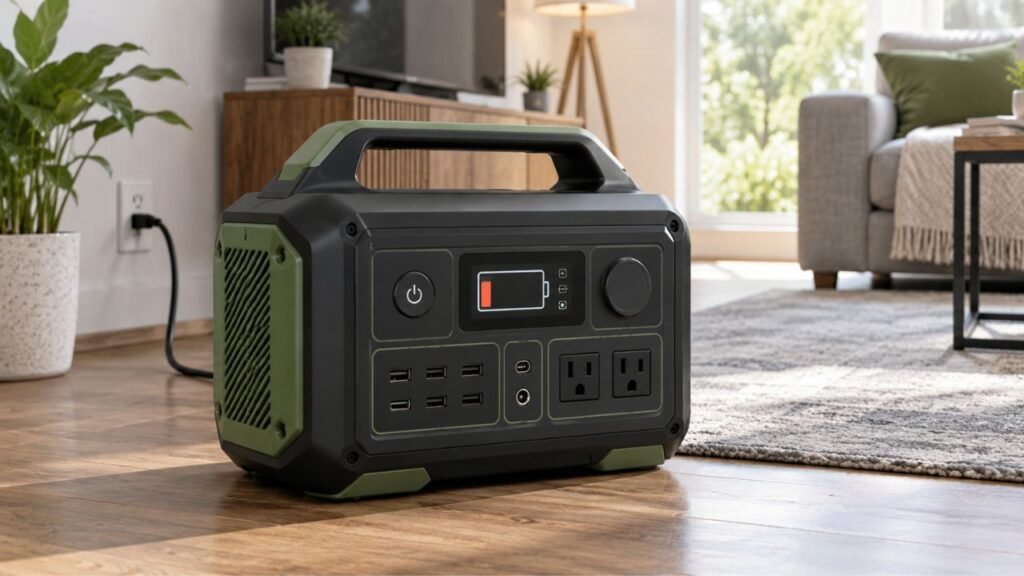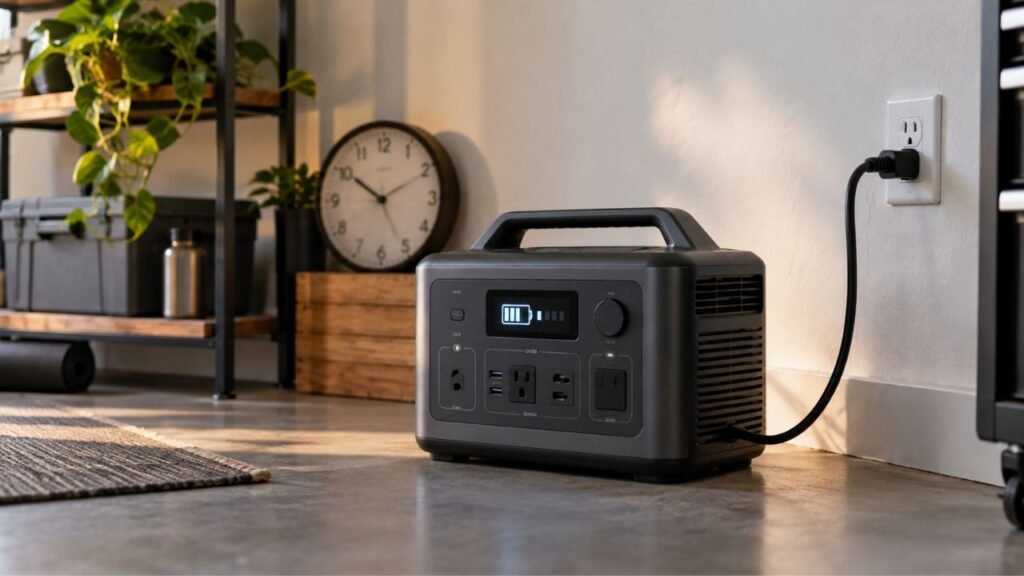
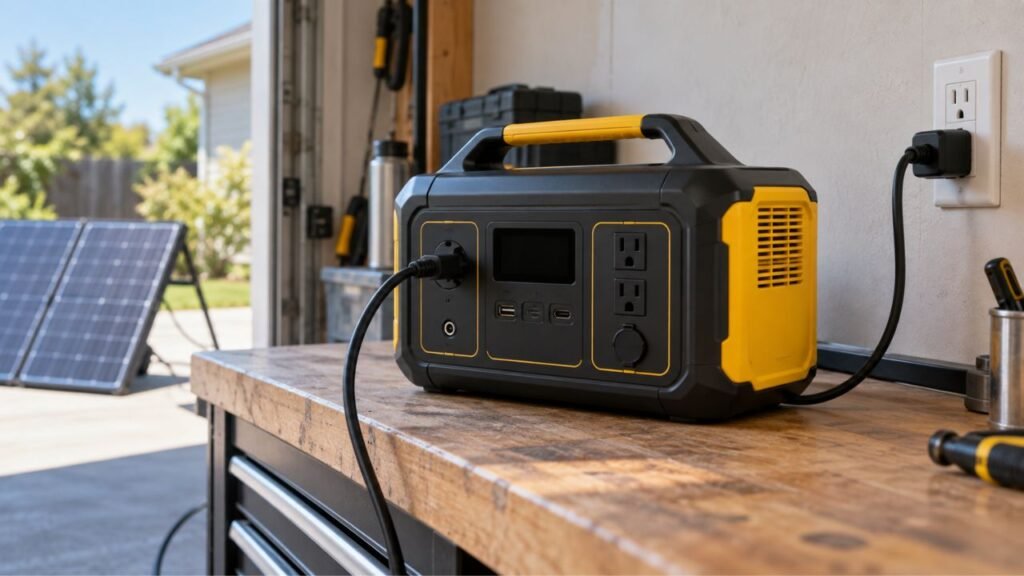
A portable power station usually shows an input overload while recharging when the incoming charging source exceeds, conflicts with, or falls outside its safe electrical limits. Common causes include excessive solar voltage, incompatible charging equipment, unstable AC power, overheating, aggressive fast charging, and certain pass-through charging conditions.
The exact cause depends heavily on how you are recharging. I’ll help you check AC wall power, solar panels, vehicle charging, cables, charging settings, and internal faults step by step.
Key Takeaways
- Input overload happens on the charging side of the power station.
- It is different from overloading the station with connected appliances.
- Solar voltage above the station’s maximum PV limit is especially important.
- More solar panel wattage does not automatically mean an overload.
- Unstable generator or household AC power can interrupt charging.
- Pass-through use can create additional thermal or power-management demands.
- Repeated overload errors may indicate a charger, sensor, or hardware problem.
What Does Input Overload Mean on a Portable Power Station?
An input overload means the power station has detected an unsafe or unacceptable condition while receiving charging power. Its protection system may reduce charging, disconnect the input, or shut charging down completely.
The problem happens before electricity reaches the battery cells. Depending on the charging method, protection may involve the AC charging circuit, DC input circuitry, MPPT solar controller, battery management system, or other internal electronics.
You may see an input overload message on the display. Some stations instead display an error code, flashing input symbol, or warning icon.
Charging may also suddenly fall from normal wattage to 0 watts. In other cases, charging repeatedly starts, stops, and restarts.
Some models have a physical AC input overload protector. It may pop outward when too much current passes through the protected charging circuit.
Input overload should not be confused with output overload. Output overload happens when connected appliances demand more power than the inverter or output port can deliver.
For example, plugging a 1,500-watt heater into a 1,000-watt power station creates an output problem. Connecting an unsuitable solar array to its charging port creates an input-side problem.
Knowing which side has the problem makes troubleshooting much easier.
What Causes Portable Power Station Input Overload While Recharging?
Several conditions can trigger input protection, and they are not all caused by excessive wattage. Start by identifying whether you were charging through AC power, solar panels, a vehicle, or another DC source.
The Charging Source Exceeds the AC Input Limit
Every portable power station has specific requirements for AC charging.
These specifications may include accepted input voltage, frequency, current, and maximum charging power. The internal charger is designed around those limits.
For most power stations sold for US use, normal household charging involves approximately 120V AC at 60Hz. However, you should always follow your particular model’s specifications.
The wall outlet does not simply force unlimited wattage into your station. Instead, the power station’s charger draws the power it needs.
Problems can occur when the incoming voltage or frequency falls outside the accepted range. An internal charging fault can also cause excessive current draw.
Some larger models also use high-speed AC charging. They can draw substantial power from a household circuit.
If other appliances share that circuit, your home’s breaker may trip. That situation is different from the power station detecting its own input overload.
Solar Panel Voltage Is Too High
Excessive solar voltage is one of the most important input problems.
Every solar-compatible power station has a permitted PV input voltage range. It also has a maximum voltage that should never be exceeded.
You can usually find specifications similar to these:
- PV operating voltage range
- Maximum PV open-circuit voltage
- Maximum solar input current
- Maximum solar charging wattage
Pay especially close attention to maximum PV voltage.
Solar panels have an open-circuit voltage, usually listed as Voc. Connecting panels in series adds their voltages together.
Suppose one solar panel has a Voc of 30 volts. Two identical panels connected in series could produce roughly 60 volts open circuit.
If your power station only accepts 50 volts maximum, that configuration is unsuitable.
The station may immediately reject the input. Depending on the equipment and degree of overvoltage, exceeding the absolute maximum could also damage charging electronics.
Never assume a panel combination is safe because its wattage looks acceptable.
The Solar Array Supplies More Current Than the Input Can Accept
Solar input current is another specification worth checking.
Connecting panels in parallel increases the available current. Your power station’s MPPT controller can only accept a certain amount.
However, extra available current does not always behave like excessive voltage.
Some power stations simply limit how much current they draw. The unused potential power remains unavailable rather than being forced into the station.
That means a 600-watt solar array does not necessarily overload a station with a 500-watt solar charging limit.
The exact behavior depends on the MPPT design and manufacturer specifications.
You still need to remain within all stated electrical limits. Never assume that intentional solar overpaneling is permitted unless the manufacturer allows it.
The Solar Array Is Wired Incorrectly
Solar wiring can turn compatible individual panels into an incompatible array.
This commonly happens after someone adds a second or third panel.
Series wiring raises voltage. Parallel wiring raises available current.
The wrong arrangement can therefore exceed an input specification even when every individual panel is compatible with the station.
Problems can also appear when mixing solar panels with different electrical characteristics.
Different panels may have mismatched:
- Open-circuit voltage
- Operating voltage
- Maximum current
- Connector polarity
- Power ratings
Adapters can create another problem.
A connector fitting physically does not guarantee correct polarity or electrical compatibility. Third-party adapters should match both the connector and required wiring configuration.
If charging worked with one panel but stopped after adding more panels, check the new array configuration first.
The Wall Outlet or Generator Supplies Unstable Power
Portable power stations expect reasonably stable AC power while charging.
Normal grid electricity usually provides that. Portable generators can sometimes produce greater variations, particularly when their engine speed changes under load.
Charging may become unstable if the source experiences excessive:
- Voltage fluctuations
- Frequency changes
- Voltage dips
- Sudden spikes
- Waveform distortion
The power station may stop accepting the source to protect its charging electronics.
This can look like an input overload even when the generator has enough advertised wattage.
A generator may also struggle when the power station enters fast-charging mode. The charger can become one of the generator’s largest continuous loads.
If charging repeatedly starts and stops from a generator, try a lower charging rate when your power station provides that setting.
You should also compare the generator’s output quality with the requirements listed by the power station manufacturer.
The Charging Cable or Adapter Is Incorrect or Damaged
Charging accessories matter more than many owners realize.
An incompatible charger may provide an unacceptable voltage or use a charging protocol the station does not support.
A damaged cable can also create unstable charging.
Inspect the entire charging path for:
- Frayed insulation
- Bent connector pins
- Loose plugs
- Burn marks
- Melted plastic
- Damaged adapters
- Corroded contacts
- Unusually hot connectors
A damaged cable does not necessarily create a true electrical overload. Higher resistance often causes voltage drop and heating instead.
However, connection problems can trigger charging protection or errors that appear similar to an overload condition.
Use the manufacturer-supplied charger whenever possible.
When using an approved third-party accessory, confirm its voltage, current, polarity, connector type, and other required specifications.
Heavy Pass-Through Loads Are Being Used While Charging
Many portable power stations can power appliances while recharging.
This feature is commonly called pass-through charging, bypass operation, or charging while discharging.
Using it does not automatically cause an input overload.
However, simultaneous charging and powering appliances places additional demand on internal components. Some stations also have special limits during bypass operation.
For example, a station might have one inverter output rating during normal battery operation but another limit when AC power passes through the unit.
High appliance demand can also create extra heat while the battery charges quickly.
If overload problems only appear while appliances are running, disconnect those appliances and test charging by itself.
If charging becomes stable, check your model’s pass-through and bypass specifications.
The Power Station Is Too Hot During Fast Charging
Fast charging can put substantial electrical and thermal stress on charging components.
That does not mean fast charging is unsafe. A properly functioning station should manage its advertised charging mode under approved operating conditions.
Problems become more likely when the station cannot remove heat efficiently.
Common contributing conditions include:
- Direct sunlight
- Hot garages
- Enclosed cabinets
- Blocked ventilation openings
- Dust-covered vents
- High-output appliances running simultaneously
- Maximum-speed charging for extended periods
The station may reduce input power automatically as temperatures rise.
If temperatures continue increasing, thermal protection may stop charging completely.
A thermal shutdown and an input overload are technically different conditions. However, some displays and error systems do not make that distinction obvious.
Allow the station to cool before repeatedly attempting another maximum-speed charge.
Fast-Charging Settings Are Too Aggressive for the Power Source
Some newer portable power stations let you change AC charging speed.
You might see settings such as:
- Slow
- Quiet
- Standard
- Fast
- Turbo
- Custom charging wattage
Maximum charging speed works well with a suitable household outlet.
It can be less reliable with a small generator, long extension circuit, weak electrical source, or another marginal supply.
Reducing charging wattage decreases the load placed on the AC source.
For example, dropping a charging setting from 1,500 watts to 800 watts may allow a small generator to maintain steadier voltage and frequency.
Use charging-rate controls provided by your station rather than modifying electrical protections.
There Is a Firmware, Sensor, or Internal Charging-Circuit Fault
Sometimes the charging source is not the real problem.
Portable power stations use sensors and firmware to monitor incoming voltage, current, temperature, battery conditions, and other operating information.
A sensor problem could produce an incorrect reading.
A software issue could also occasionally cause unexpected charging behavior.
An internal charger, relay, MPPT controller, connector, or other component could fail as well.
Consider an internal problem more seriously when:
- Multiple approved charging sources produce the same error.
- All charging specifications are within permitted limits.
- The unit is operating at a normal temperature.
- All output loads have been disconnected.
- Compatible cables have already been tested.
- The error immediately returns after an approved reset.
At that point, repeatedly reconnecting power may accomplish very little.
Check for an official firmware update if your station supports updates. Otherwise, contact the manufacturer’s technical support team.
How Can You Tell What Type of Input Overload You Have?
The quickest diagnostic method is identifying the charging source first. Then compare the symptoms with the electrical limits associated with that particular input.
| Charging Method | Common Sign | Specification to Check First | Likely Problem | First Safe Action |
| AC wall charging | Charging stops or input protector trips | AC voltage, frequency, amps, watts | Incompatible or unstable AC input | Disconnect charging and inspect the source |
| Solar charging | PV error or immediate 0W input | Maximum PV Voc | Solar array voltage may be too high | Disconnect panels and verify array specifications |
| Solar charging | Input stays below expected wattage | Maximum PV current and watts | Normal MPPT limiting or current restriction | Compare panel configuration with input limits |
| Generator charging | Charging repeatedly starts and stops | Accepted voltage and frequency | Generator output may be unstable | Reduce charging rate if supported |
| Vehicle charging | DC input repeatedly disconnects | DC voltage and current range | Weak outlet, cable, or incompatible voltage | Check the vehicle socket and charging cable |
| Pass-through charging | Charging stops while appliances run | Bypass and simultaneous-use limits | Combined demand or heat may be excessive | Disconnect output appliances and retest |
An overload message alone does not always reveal which electrical condition caused it.
Use the table as a starting point, then confirm everything against your specific model’s manual.
How Do You Check the Power Station’s Input Limits?
Before changing panels, cables, chargers, or electrical sources, find the charging specifications for your exact power station. Four numbers can often explain the problem quickly.
Check the AC Input Rating
Start with the AC charging specifications.
Look for:
- Accepted AC voltage
- AC frequency
- Maximum input current
- Maximum charging power
- Fast-charging power
- Adjustable charging-rate settings
Do not confuse the station’s AC output wattage with its AC input charging wattage.
A station capable of supplying 2,000 watts to appliances might use considerably less or more than that while recharging.
Those are separate specifications.
Check the Solar Input Specifications
Solar charging requires more than checking panel wattage.
Find these four specifications:
PV operating voltage range: The range where the MPPT charger is designed to operate properly.
Maximum PV voltage: The highest input voltage the station permits.
Maximum PV current: The greatest charging current the solar controller can accept or utilize.
Maximum solar wattage: The greatest solar charging power the station can process.
All four numbers matter.
Voltage deserves particular attention because too many series-connected panels can push Voc beyond the station’s maximum.
Check the Car or DC Input Rating
Vehicle charging normally supplies much less power than AC fast charging.
However, your station still requires the correct DC voltage and connector arrangement.
Check whether the input supports:
- 12V vehicle systems
- 24V vehicle systems
- Specific current limits
- Dedicated alternator charging accessories
- Particular cable types
Do not connect an unfamiliar DC source simply because the connector fits.
Electrical compatibility matters more than physical compatibility.
Check Pass-Through or Bypass Limits
If the problem happens while using appliances, check simultaneous-use specifications.
Look for terms including:
- Pass-through charging
- Bypass mode
- UPS mode
- EPS mode
- Maximum bypass current
- Combined charging and output limit
Your station’s normal inverter rating may not tell you everything about bypass operation.
Follow the manufacturer’s documented limits for that operating mode.
How Does Solar Panel Wiring Cause Input Overload?
Solar panel wiring changes the electrical characteristics reaching your station. Understanding the basic difference between series and parallel connections can prevent many PV input problems.
Series Connections Increase Voltage
When identical solar panels are wired in series, their voltages add together.
The current remains approximately equal to one panel’s current.
For example, consider two panels with these specifications:
Panel Voc: 25V
Two connected in series produce approximately:
25V + 25V = 50V Voc
If your power station allows a maximum PV voltage of 60V, this may fall within its voltage limit.
If its absolute maximum were only 40V, the same two-panel series configuration would be unsuitable.
Always use actual panel specifications rather than assuming a “100-watt panel” has a certain voltage.
Panels with the same wattage can have different electrical characteristics.
Parallel Connections Increase Current
Parallel wiring behaves differently.
Voltage generally stays around the level of one panel, while available current increases.
Suppose each identical panel produces 8 amps.
Two parallel panels could make approximately 16 amps available under suitable conditions.
Your MPPT controller determines how much of that available current it can actually use.
Some power stations intentionally allow solar arrays with more available wattage or current than the charger can process. The controller simply limits charging to its maximum.
Other manufacturers impose stricter array requirements.
That is why your specific input specifications always take priority.
Cold Weather Can Increase Solar Open-Circuit Voltage
Solar voltage changes with temperature.
This is particularly important when panels are connected in series.
Panel open-circuit voltage can increase as cell temperature falls. Therefore, an array sitting just below your station’s maximum Voc under normal conditions could rise higher during cold weather.
For example, an array calculated at 98V should not automatically be considered safe for an input with a 100V absolute maximum.
Its actual cold-weather Voc could exceed that limit.
For a properly designed array, use the solar panel’s temperature coefficient and expected minimum temperature.
If you are unsure how to calculate cold-weather Voc, use the panel configuration recommended by the power station manufacturer.
Can Too Many Solar Panels Overload a Portable Power Station?
Connecting more solar panel wattage than a portable power station’s advertised charging wattage does not automatically mean the station will overload. Many MPPT controllers simply limit the usable charging power to what they can safely process.
For example, a 600-watt array could sometimes be used with a station accepting 500 watts of solar. Under strong sunlight, the station might simply charge near its 500-watt maximum rather than absorbing all 600 watts.
However, this does not mean you can connect any number of panels.
The array still needs to satisfy the station’s permitted voltage and current requirements. Maximum PV voltage is particularly important and should never be knowingly exceeded.
Think of solar wattage as only one part of the compatibility check. You also need to examine Voc, operating voltage, current, wiring configuration, connectors, and manufacturer restrictions.
If the manufacturer specifically prohibits overpaneling, follow that requirement.
Can Using a Portable Power Station While Charging Cause Input Overload?
Using a portable power station while it charges does not automatically create an input overload. Many modern stations are specifically designed to support simultaneous charging and output.
The important question is how your particular model manages that power.
During AC pass-through operation, incoming electricity may supply connected appliances while also charging the battery. The internal power path can therefore behave differently from normal battery-powered operation.
Some models have specific bypass power limits.
Others may automatically reduce charging power when connected appliances demand more electricity.
Heat can also become a factor. Fast battery charging combined with heavy inverter use generates more internal heat than charging alone.
If your station charges normally until you connect appliances, try charging with every output disconnected.
Then reconnect appliances one at a time.
If the problem returns only with a particular load or combination, check the station’s pass-through and bypass specifications.
Do not simply add maximum input watts and maximum output watts together. The internal power architecture differs between models.
How Do You Fix Input Overload While Recharging a Portable Power Station?
The safest approach is removing variables one at a time. Avoid repeatedly resetting everything without identifying what triggered the protection.
- Stop charging immediately. Disconnect the AC, solar, vehicle, or DC charging source.
- Disconnect output appliances. Remove devices from AC, USB, and DC outputs before troubleshooting.
- Record the warning message. Write down the displayed error code or photograph the screen for reference.
- Identify the charging source. Determine whether the problem happened with wall AC, generator AC, solar, vehicle, or another DC source.
- Let the power station cool. Move it away from direct sunlight and provide clear ventilation.
- Inspect the charging equipment. Look for loose connections, damaged insulation, bent contacts, discoloration, or melted connectors.
- Check the station’s input specifications. Compare voltage, current, wattage, frequency, and connector requirements.
- Check solar Voc carefully. Calculate combined open-circuit voltage before reconnecting series-connected panels.
- Return to one charging source. Test with an approved source and no appliances connected.
- Reduce AC charging speed when possible. This can help when using a small generator or marginal AC source.
- Try another known-good source. For example, test approved wall charging if the problem originally happened with a generator.
- Use the manufacturer’s reset procedure. Do not invent your own reset sequence or bypass electrical protection.
- Check for official firmware updates. Update only through the manufacturer’s approved app or procedure.
- Stop troubleshooting if the fault persists. Repeated errors with properly specified inputs can indicate an internal problem requiring service.
If you notice smoke, swelling, burning odors, melting, sparks, or extreme connector heat, disconnect the unit when it is safe to do so and stop using it.
What Should You Not Do After an Input Overload?
An overload warning is a protection event, not something you should defeat. Avoid shortcuts that remove electrical safeguards or expose the charging electronics to repeated stress.
- Do not repeatedly reconnect an over-voltage solar array.
- Do not bypass an AC input overload protector.
- Do not replace a fuse with a higher-amperage fuse.
- Do not use an incompatible AC charging brick.
- Do not assume every third-party solar adapter has correct polarity.
- Do not open the power station to repair high-power electronics yourself.
- Do not continue charging through a melted or unusually hot connector.
- Do not ignore repeated overload errors after changing charging sources.
- Do not assume a household breaker trip proves the station is defective.
Fix the underlying cause before returning the station to normal charging.
Is the Wall Breaker Tripping the Same as Power Station Input Overload?
No. A tripped household circuit breaker and a portable power station input overload are separate protection events.
A household breaker protects your home’s branch wiring. It can trip when everything connected to that circuit draws too much current or when another electrical fault occurs.
For example, suppose your power station draws 1,500 watts during fast charging. A heater, computer, television, or other appliance may already be using the same circuit.
The combined load could trip the home breaker even though the power station itself operates normally.
An input overload protector inside the power station protects the station’s charging circuitry.
It responds according to the limits designed into that particular device.
You therefore need to identify which protection actually tripped.
If your wall breaker repeatedly trips during fast charging, reducing the station’s charge rate may help where the manufacturer provides that option.
Persistent household electrical problems should be checked by a qualified electrician.
When Does an Input Overload Mean the Power Station May Be Faulty?
Most input problems should first be traced to the charging source, specifications, connections, temperature, and settings. Certain patterns make an internal problem more likely.
The Error Appears With a Known-Good Charging Source
Test the station with its approved charging equipment.
If a normal household outlet and original cable repeatedly produce the same overload error, the external source becomes less likely.
You can also try another suitable outlet on a different circuit when appropriate.
If the warning remains unchanged, document exactly what happens.
Several Charging Methods Fail
Failure across separate input systems is more concerning.
For example, suppose properly configured solar charging fails. Approved AC wall charging then produces another unexplained protection error.
That does not automatically prove the battery is defective.
However, repeated problems across multiple known-good inputs may indicate an internal sensor, BMS, charging board, or related issue.
The Error Returns With All Outputs Disconnected
Removing output loads is an important troubleshooting test.
Turn off AC and DC output sections where possible. Disconnect every appliance and then attempt approved charging.
If the station still reports input overload, heavy pass-through demand is no longer a likely explanation.
Focus instead on the charging source and station itself.
The Input Port Shows Heat or Physical Damage
Stop using a damaged charging connection.
Warning signs include:
- Brown or black discoloration
- Melted connector housing
- Loose internal socket
- Burning smell
- Cracked input connector
- Arcing marks
- Unusual heat concentrated around the port
Do not keep testing the port to see whether the problem disappears.
Contact the manufacturer or an authorized service provider instead.
How Can You Prevent Input Overload During Future Recharging?
Most input problems become easier to prevent once you know the limits of each charging method. A few checks before connecting power can save considerable troubleshooting later.
- Check the exact input specifications for your power station model.
- Calculate solar-panel Voc before connecting panels in series.
- Check total available current when creating parallel solar strings.
- Account for increased solar Voc during cold weather.
- Use panel arrangements approved for your specific station.
- Use compatible charging cables, adapters, and connectors.
- Inspect frequently used cables for damage or excessive heat.
- Keep ventilation openings clear while fast charging.
- Avoid placing the station in direct sunlight during charging.
- Use stable generator power that meets input requirements.
- Reduce adjustable AC charging speed when the source is marginal.
- Learn your station’s pass-through and bypass power limits.
- Keep official firmware updated when applicable.
- Stop using damaged input connectors instead of working around them.
You do not need to be afraid of charging your power station near its rated capability. The goal is simply making sure every connected source stays within the limits the station was designed to handle.
Final Thoughts
Portable power station input overload while recharging becomes much easier to diagnose when you focus on the charging side first. Ask yourself three questions: What source am I using, what is it providing, and what can my power station safely accept?
For solar charging, pay special attention to open-circuit voltage and panel configuration. More panel wattage alone does not automatically create an overload, but exceeding the station’s maximum PV voltage can be a serious problem.
For AC charging, check the input requirements, cable condition, charging rate, and source stability. If the problem only appears during pass-through use, test charging again with every appliance disconnected.
Most overload events are the station protecting itself as intended. However, repeated errors with approved charging equipment and correctly specified inputs deserve manufacturer support rather than repeated resets.
Related FAQs
The following questions cover several common situations that can look like input overload during AC, solar, vehicle, or pass-through charging.
Is Input Overload the Same as Output Overload?
No. Input overload involves electricity entering the power station during recharging, while output overload involves connected appliances demanding more electricity than an output port or inverter can safely supply.
Can High Solar Panel Wattage Damage a Portable Power Station?
Not necessarily. Some power stations can safely use an oversized solar array because their MPPT controller limits charging power, but the array must still comply with the manufacturer’s voltage, current, wiring, and overall solar input requirements.
What Happens If Solar Panel Voltage Is Too High?
The station may refuse to charge, display a PV error, or activate input protection. Exceeding the absolute maximum PV voltage can also risk damaging charging electronics, so calculate array Voc before connecting panels.
Why Does My Power Station Stop Charging From a Generator?
A generator can cause charging interruptions when its voltage or frequency becomes unstable under load. High-speed charging may worsen the problem, so reducing adjustable charging power can help when your station supports that feature.
Can I Reset an AC Input Overload Protector?
Usually, but you should correct the overload condition first. Disconnect the charging source, follow the reset procedure in your power station’s manual, and never force or bypass the protector.
Does Fast Charging Cause Input Overload?
Fast charging should not cause overload when the station uses a compatible source under approved conditions. However, it increases AC demand and heat, which can expose weaknesses in generators, electrical circuits, cables, or cooling conditions.
Can I Use a Portable Power Station While It Is Recharging?
Many portable power stations support simultaneous charging and appliance use. However, pass-through, bypass, thermal, and combined power limits vary by model, so check your station’s specifications before running heavy appliances.
Why Does My Power Station Show 0W Input After an Overload?
The charging controller may have disconnected the incoming source after detecting an unacceptable condition. Remove the source, correct the cause, allow the station to reset or cool, and reconnect approved charging equipment.
Can a Bad Charging Cable Cause an Input Error?
Yes. A loose, damaged, overheated, or incompatible cable can cause unstable charging and protection errors. Stop using any cable showing melted insulation, damaged contacts, excessive heat, or other visible deterioration.
When Should I Contact the Manufacturer?
Contact the manufacturer when overload errors continue with approved charging equipment, correct electrical inputs, normal temperatures, and no connected appliances. You should also stop using the station if an input port shows melting, burning smells, or unusual heat.

Warren Turner writes practical guides and reviews on generators, portable power stations, and battery backup systems. He focuses on real-world performance, everyday power needs, and helping readers choose dependable equipment without unnecessary complexity.