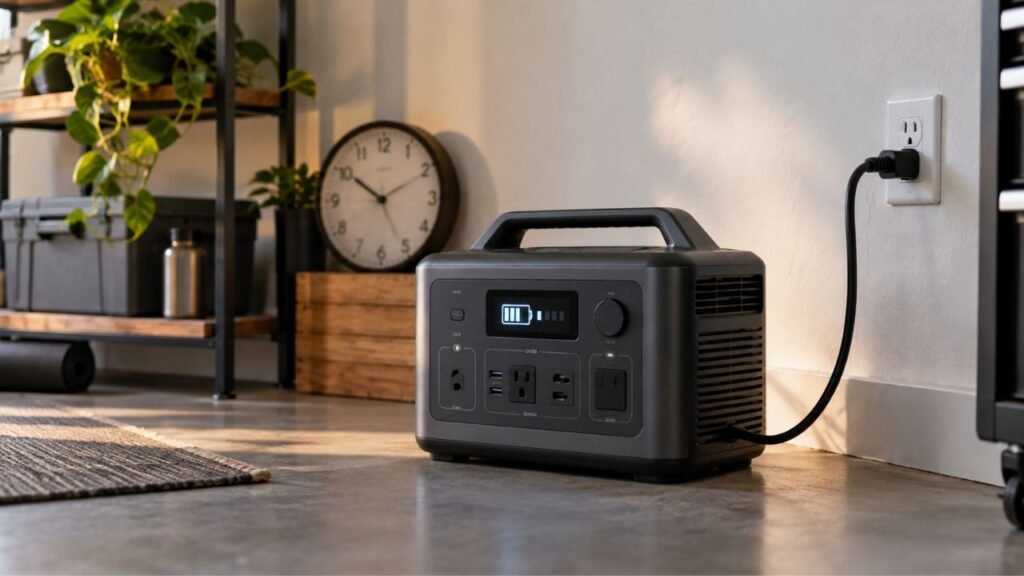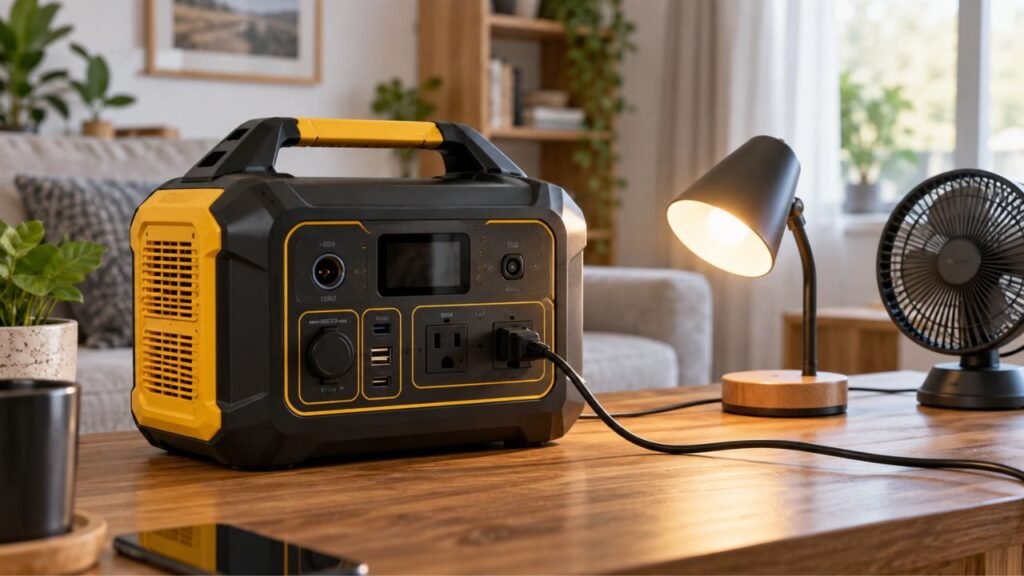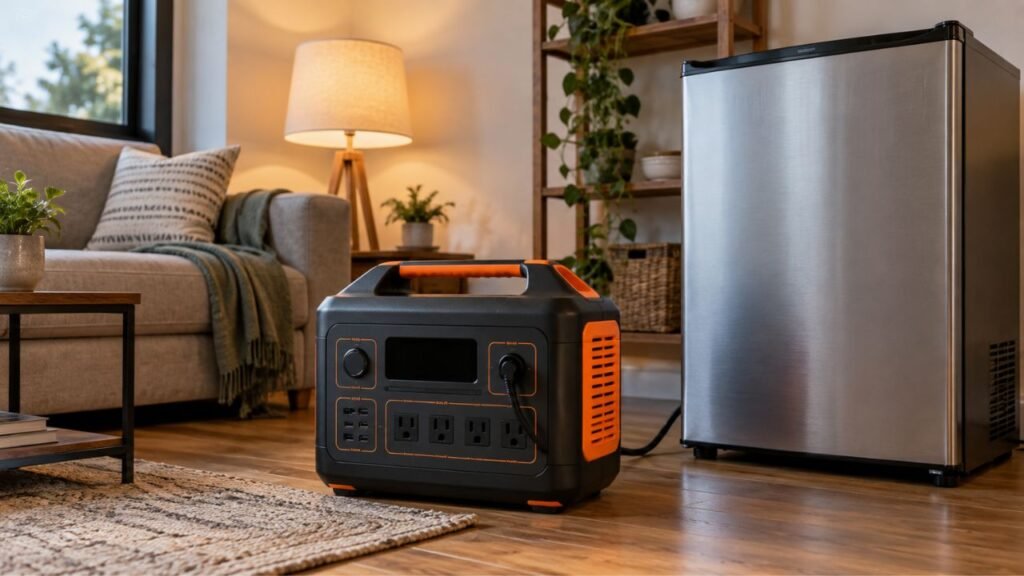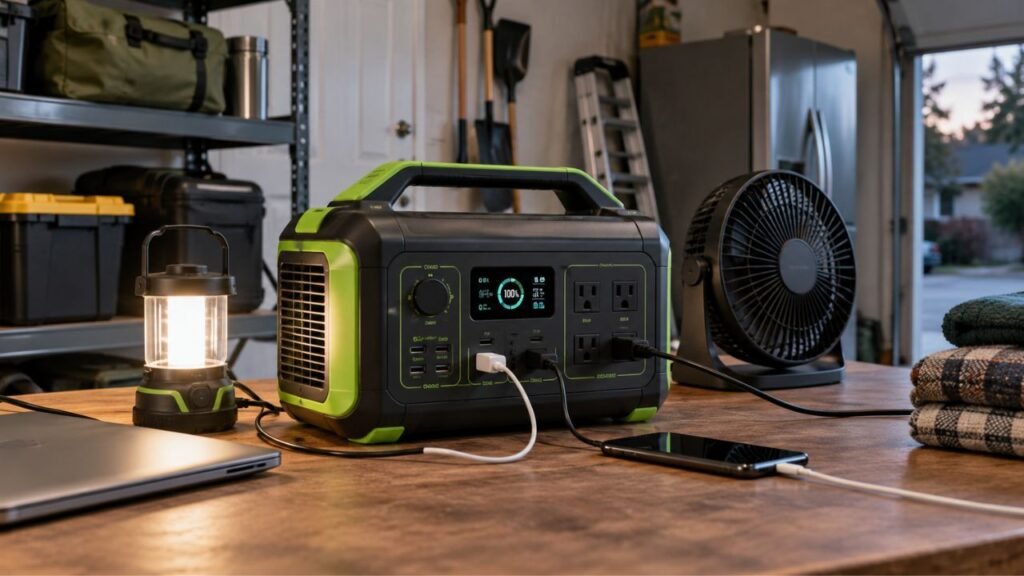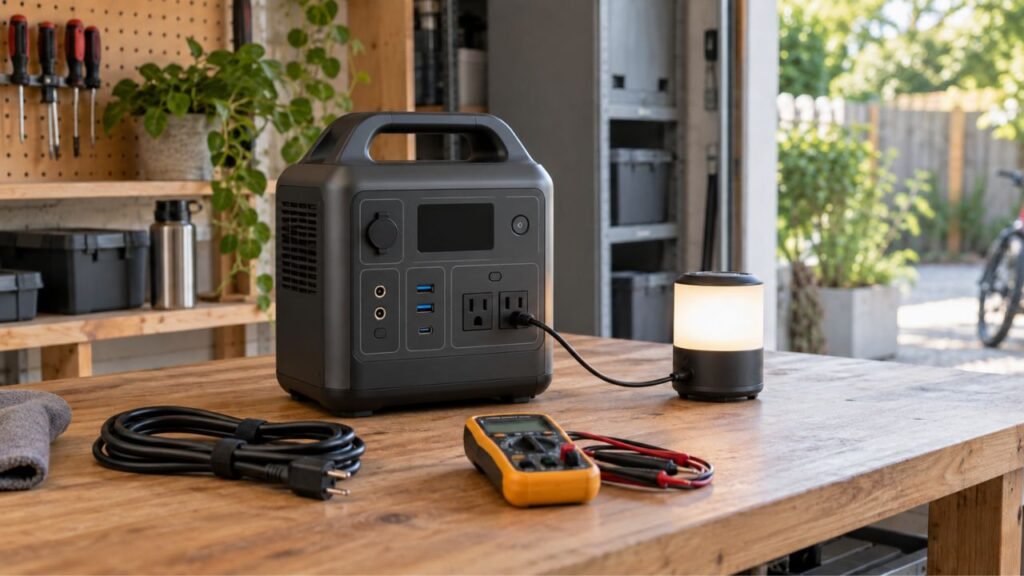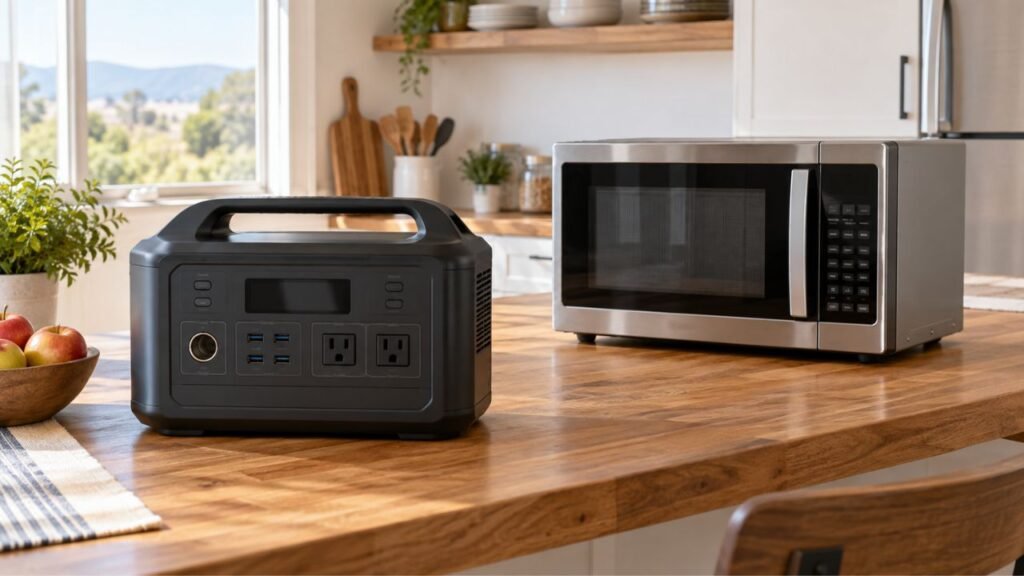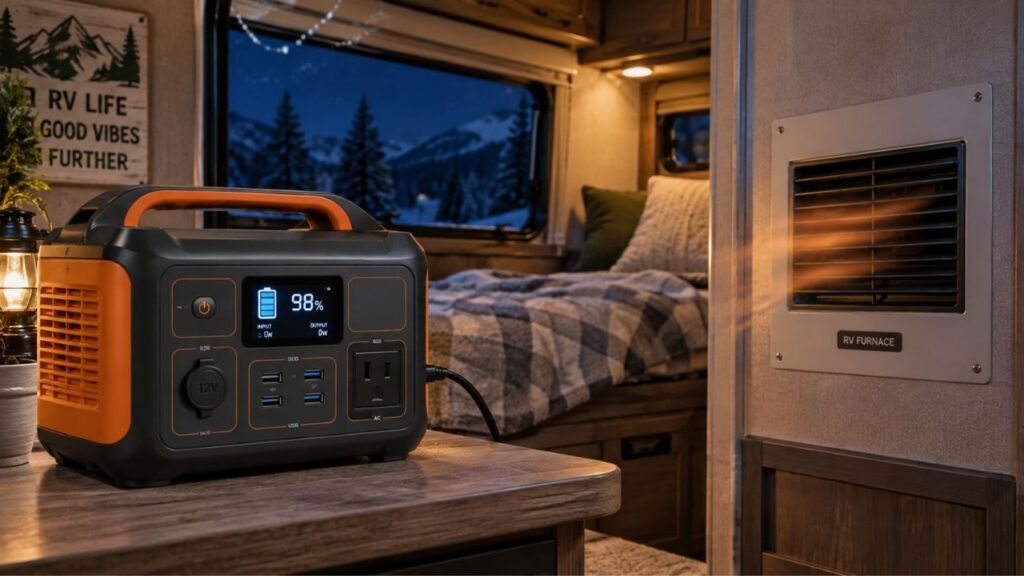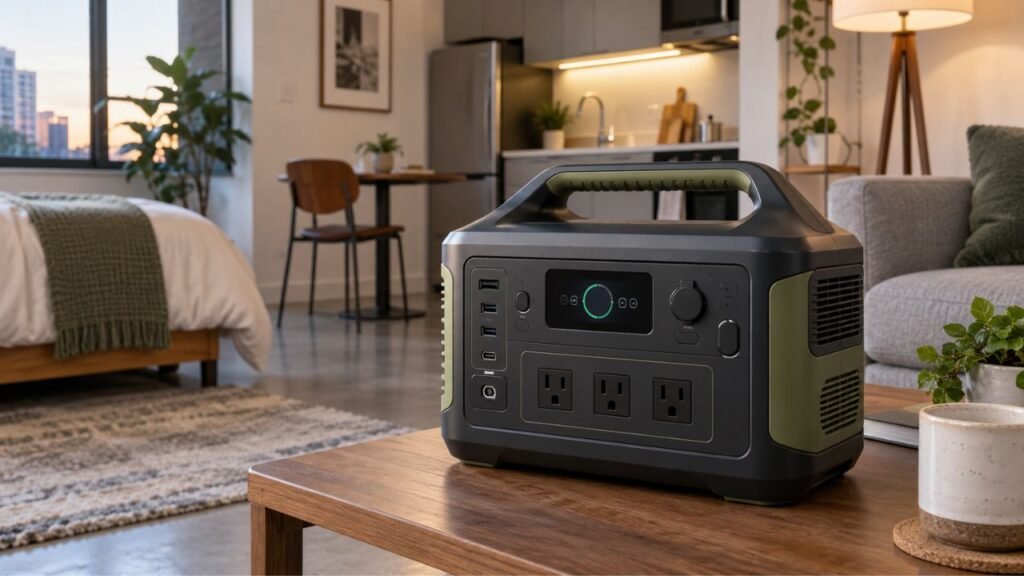
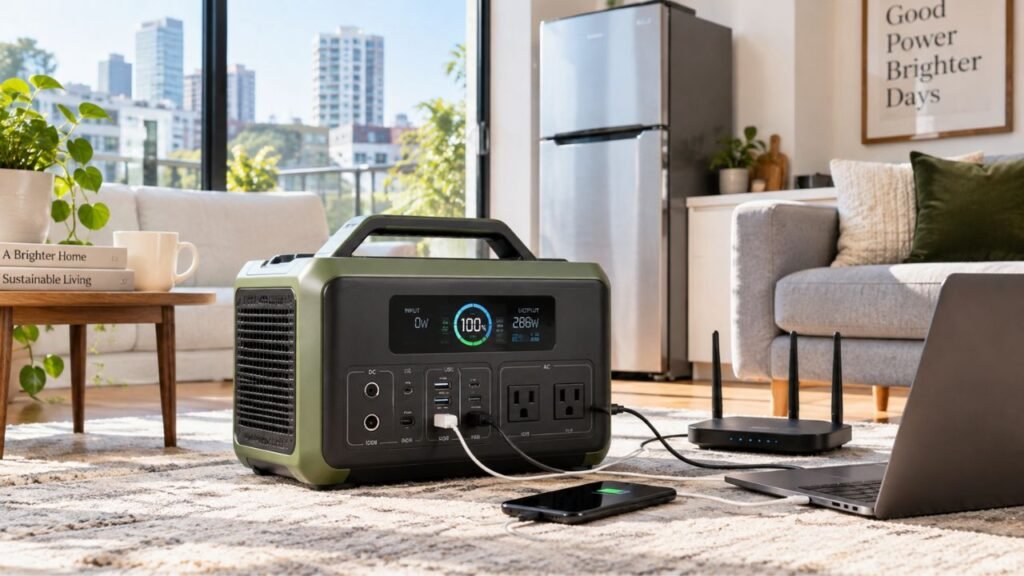
Build an apartment portable power station backup plan by listing essential devices, calculating their energy needs, choosing enough battery capacity, planning safe connections, and deciding how you will recharge during longer outages.
Apartment backup is different from whole-house emergency power. Space, building rules, battery size, and cord placement all matter. I’ll walk you through each step so you can build a practical plan before the lights go out.
Key Takeaways
- Start with essential devices instead of trying to power everything.
- Calculate both running watts and daily watt-hour requirements.
- Check startup surge before planning to run a refrigerator.
- Keep roughly 15% to 25% capacity as planning reserve.
- Plug appliances directly into the power station when practical.
- Plan your charging options before a long apartment outage.
- Test your complete setup before depending on it during emergencies.
Why Does an Apartment Need a Different Backup Power Plan?
An apartment usually needs a more focused backup plan than a house. You have less space, fewer charging options, and limited wiring flexibility.
You probably cannot install equipment without landlord or building approval. Running a fuel generator is also generally impractical for apartment living. Combustion generators require safe outdoor placement well away from occupied buildings.
A portable power station solves many of these problems. It produces no combustion exhaust and requires no stored gasoline. You can keep it indoors when used according to its instructions.
However, your portable station cannot solve every apartment outage problem. Elevators, building pumps, central HVAC, and hallway lighting remain outside your control.
That means your goal should be simple.
Keep the devices that matter most running for as long as possible.
Step 1: Decide What Must Stay Powered
Before calculating battery capacity, decide exactly what deserves backup power. Dividing your devices by priority makes this decision much easier.
Priority 1: Health and Communication
Health-related equipment and communication devices should normally come first.
Your priority list may include:
- Required medical equipment
- CPAP equipment
- Mobility equipment chargers
- Smartphones
- Emergency communication devices
- Modem and Wi-Fi router
- Battery-powered radio
If you depend on medical equipment, check its exact requirements carefully. Do not rely only on generic wattage estimates found online.
Confirm its voltage, power adapter, runtime needs, and backup compatibility. It is also smart to maintain another emergency option.
Priority 2: Refrigerator and Food
A refrigerator can become important during a longer outage. However, you do not always need to power it immediately.
An unopened refrigerator generally keeps food cold for several hours. Keeping the door closed helps preserve that cold air.
Your refrigerator becomes more important as the outage continues. That makes refrigeration a good candidate for planned or managed battery use.
Before depending on the power station, check two numbers:
- Normal refrigerator running wattage
- Compressor startup or surge wattage
The power station must handle both.
Priority 3: Lighting, Internet, and Work
These devices usually consume relatively little energy compared with heating appliances.
Common apartment backup loads include:
- Modem
- Router
- Laptop
- Phone chargers
- LED lamp
- Small desk fan
- Tablet
- Small monitor
One important detail is easy to overlook.
Powering your router does not guarantee internet service. Your internet provider’s equipment may also lose power during a wider outage.
Still, keeping your network equipment powered makes sense. Service may continue or return before apartment electricity does.
Priority 4: Comfort and Entertainment
Comfort devices come after essential loads.
Your television, gaming console, extra monitor, speakers, and coffee machine may work from your station. That does not mean they belong in your emergency budget.
Think about your stored battery like emergency money.
Spend it on necessities first. Add comfort loads only when plenty remains.
Step 2: Make an Apartment Power Budget
Your backup plan becomes much easier once you create a power budget. Write down each device, its wattage, and planned daily runtime.
Use a worksheet like this:
| Device | Priority | Running Watts | Startup Surge | Planned Use | Estimated Daily Energy |
| Refrigerator | High | Check yours | Check yours | Cycles throughout day | Calculate |
| Router + modem | High | Check yours | Minimal | Up to 24 hours | Calculate |
| Medical equipment | Critical if required | Check manual | Check manual | As required | Calculate |
| Smartphone | High | Check charger | None | 1–2 charges | Calculate |
| Laptop | Medium/High | Check yours | None | 3–8 hours | Calculate |
| LED lamp | Medium | Check yours | None | 4–8 hours | Calculate |
| Small fan | Weather dependent | Check yours | Usually low | As needed | Calculate |
Do not worry if you cannot find perfect wattage numbers immediately.
Check the appliance label, charger label, product manual, or power station display. A plug-in watt meter can give even better information.
Real measurements from your own apartment are more useful than averages.
Step 3: Calculate How Much Portable Power Station Capacity You Need
Battery capacity and inverter output solve different problems. Understanding both prevents one of the most common sizing mistakes.
Calculate Your Daily Energy Requirement
Portable power station capacity is normally measured in watt-hours, or Wh.
The basic calculation is:
Watts × hours used = watt-hours required
Suppose your router and modem use 18 watts together.
18W × 24 hours = 432Wh
Now suppose your laptop averages 55 watts for four hours.
55W × 4 hours = 220Wh
Together, those loads need:
432Wh + 220Wh = 652Wh
You would then add lighting, phone charging, refrigeration, or other essentials.
Account for Real-World Energy Losses
A 1,000Wh portable power station does not always deliver exactly 1,000Wh through its AC outlets.
The inverter, cooling fans, electronics, temperature, and connected devices all affect usable energy.
Avoid calculating your plan right to the advertised capacity.
Instead, treat the nameplate battery capacity as the starting point. Leave room for conversion losses and unexpected use.
Add a Planning Reserve
I recommend keeping approximately 15% to 25% extra capacity when planning.
This is not an electrical safety requirement. It is simply useful backup headroom.
Your outage may last longer than expected. Your refrigerator may run more frequently during hot weather.
Someone may also need an extra phone charge.
That reserve gives you flexibility when your original calculation changes.
Check Continuous and Surge Output Separately
Battery capacity tells you how long equipment may run.
Inverter output tells you whether the station can run that equipment at all.
Check these three specifications:
- Battery capacity in watt-hours
- Continuous AC output in watts
- Startup or surge output in watts
Suppose a refrigerator normally uses 150 watts while running. It may briefly require much more when its compressor starts.
A station with plenty of battery capacity can still overload if its inverter cannot handle that startup demand.
Step 4: Choose the Right Backup Size for Your Apartment
Portable power stations range from small power banks with AC outlets to large rolling battery systems. Your written load plan should determine which category makes sense.
A practical starting point looks like this:
- 300–500Wh: Phones, router, LED lights, and limited laptop use.
- 500–1,000Wh: Remote work, communication, lighting, and small fans.
- 1,000–2,000Wh: Better suited for refrigeration plus apartment essentials.
- 2,000Wh and above: Longer outages, more loads, or heavier refrigeration use.
These are planning categories, not guaranteed runtime ranges.
Two apartments can get completely different runtimes from the same battery.
Also consider size and weight before choosing a huge unit. Apartment residents may need to move equipment without an elevator.
A 2,000Wh system that you cannot safely move may be less practical than expected.
Choose the smallest station that comfortably supports your actual plan.
Step 5: Plan Where the Power Station Will Go
Where you place your backup battery affects both convenience and safety. Choose the location before an outage makes the decision harder.
A good apartment location should:
- Stay dry.
- Have a stable, level surface.
- Leave ventilation openings uncovered.
- Stay away from heaters and other heat sources.
- Remain outside normal walking paths.
- Avoid blocking apartment exits.
- Stay away from sinks, showers, and wet areas.
- Keep cables within easy reach.
- Remain accessible during darkness.
- Follow the manufacturer’s temperature requirements.
Never bury your station underneath clothes or blankets.
Do not push it into a tightly packed cabinet while operating. Cooling airflow needs room around the unit.
Inspect the station occasionally as well.
Stop using it if you notice swelling, leaking, unusual smells, excessive heat, serious physical damage, or other abnormal behavior.
Step 6: Create a Safe Cord and Connection Plan
Apartments rarely need complicated backup wiring. Direct connections and properly rated cords are usually the most practical approach.
Plug Essential Devices Directly Into the Power Station
Direct connection is generally the simplest method.
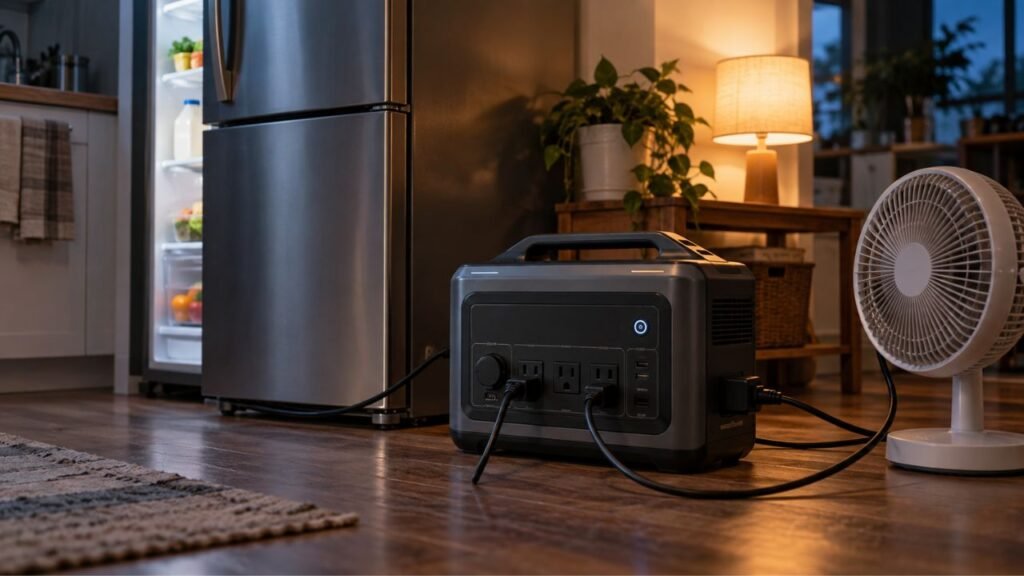
You can plug your refrigerator, router, laptop charger, lamp, or medical equipment directly into available outlets.
This avoids changing the apartment’s electrical system.
It also makes your power budget easier to manage. The station’s screen can show the combined connected load.
Use Extension Cords Only Where Necessary
Your refrigerator and router may sit in different rooms. A properly selected extension cord can solve that problem.
Follow these basic practices:
- Choose a cord rated for the connected load.
- Use grounded cords with grounded appliances.
- Inspect cords before using them.
- Replace damaged or overheating cords.
- Avoid placing cords underneath rugs.
- Keep cords away from standing water.
- Avoid creating hallway trip hazards.
- Do not daisy-chain several extension cords.
- Avoid overloading power strips.
Higher-power equipment deserves extra attention.
If a refrigerator needs an extension cord, use a properly rated cord suitable for that appliance and expected load.
Never Backfeed an Apartment Outlet
Never try to power apartment wiring by plugging your station into a wall outlet.
Improvised male-to-male cords are especially dangerous.
They can expose energized plug blades and create serious electrocution hazards. They may also energize wiring in ways your apartment was never designed to handle.
A portable station should normally power your selected devices directly.
Permanent or circuit-level backup connections require properly designed equipment and qualified professional installation.
Renters should also obtain any required building approval.
Step 7: Decide How You Will Recharge During a Long Outage
A large battery eventually becomes an empty battery without recharging. Your apartment backup plan therefore needs at least one recharge strategy.
Wall Charging Before the Outage
Your normal wall outlet should remain the primary charging method.
Keep the station reasonably charged during severe-weather seasons. Fully charge it when a significant outage risk appears.
Fast AC charging can be particularly valuable for apartment users.
Sometimes utility power returns briefly before another outage occurs. Faster charging lets you recover more energy during that window.
Portable Solar From an Apartment
Portable solar panels can extend runtime in some apartments.
However, solar performance depends heavily on your location.
Consider:
- Direct sunlight
- Balcony direction
- Nearby building shadows
- Seasonal sun angle
- Available panel area
- Building rules
- Power station solar input limits
Never assume a panel placed behind any bright window will provide meaningful output.
Window glass, shade, poor angles, and limited exposure can significantly reduce charging.
Balcony installations also require care.
Never hang unsecured panels where they could fall. Keep cables away from doors, walkways, and shared areas.
Check apartment or building rules before using balcony equipment.
Vehicle or Off-Site Charging
Long outages may require charging somewhere else.
Possible backup charging locations include:
- Your vehicle
- Workplace
- Friend’s home
- Family member’s home
- Community charging center
- Emergency shelter
- Another neighborhood with electricity
Vehicle charging can help, but it may be relatively slow.
Never run or idle a vehicle inside an enclosed garage while charging equipment.
Think about these options before an outage. Finding them becomes harder once your battery reaches 10%.
Step 8: Build a 24-Hour Apartment Outage Schedule
Knowing what to power is only half your backup plan. You should also decide when different loads receive power.
First 0–4 Hours
Do not immediately connect every device.
Start with these steps:
- Confirm whether the outage affects your apartment or wider area.
- Check building or utility information when available.
- Keep refrigerator and freezer doors closed.
- Preserve phone battery whenever possible.
- Start required medical equipment.
- Establish one source of lighting.
- Check your portable station’s battery percentage.
- Avoid high-wattage comfort loads.
Short outages may end before refrigeration backup becomes necessary.
Hours 4–12
Now start managing the battery more deliberately.
Consider these actions:
- Check refrigerator temperature when necessary.
- Begin planned refrigerator backup if needed.
- Keep refrigerator openings brief.
- Charge phones and disconnect them afterward.
- Charge laptops, then use their internal batteries.
- Reduce unnecessary lighting.
- Watch the station’s actual output wattage.
- Compare remaining capacity with expected outage duration.
This is where your original power budget starts becoming useful.
Overnight: Hours 12–24
Your overnight plan should become more conservative.
Prioritize loads in roughly this order:
- Required medical equipment.
- Communication equipment.
- Necessary refrigeration.
- Minimal lighting.
- Weather-dependent fan use.
- Work or entertainment when capacity allows.
Try to enter the night with a meaningful battery reserve.
You do not want to reach 5% capacity before sleeping.
Beyond 24 Hours
After the first day, your problem changes.
Battery conservation still matters, but resupply becomes equally important.
Ask yourself:
- Where can I recharge?
- Is indoor temperature still safe?
- Is drinking water available?
- Is refrigerated food remaining safe?
- Are building elevators operating?
- Are apartment access systems functioning?
- Can necessary medical equipment remain powered?
- Would temporary relocation be safer?
Sometimes the best backup decision is leaving the apartment temporarily.
A power station helps you manage an outage. It does not replace a complete emergency plan.
How Can You Make the Apartment Backup Battery Last Longer?
Small changes can add useful runtime during an outage. Focus on reducing unnecessary continuous loads.
Try these strategies:
- Keep refrigerator and freezer doors closed.
- Charge phones fully, then disconnect them.
- Use your laptop’s internal battery when possible.
- Use one LED lamp instead of several lights.
- Turn off unnecessary screens and monitors.
- Reduce display brightness.
- Rotate nonessential devices instead of running everything together.
- Use USB-C or DC outputs when appropriate.
- Turn unused station outputs off when supported.
- Avoid unnecessary electric heating loads.
- Monitor actual wattage on the station display.
- Save extra capacity for overnight use.
- Recharge whenever reliable power becomes available.
Do not become obsessed with saving every watt.
The purpose of backup power is keeping important things working.
Simply avoid wasting stored energy on loads offering little emergency value.
What Should You Avoid Running From Apartment Backup Power?
Many high-wattage appliances technically work with larger portable stations. However, they may drain limited apartment backup capacity extremely quickly.
Think carefully before powering:
- Space heaters
- Electric kettles
- Toaster ovens
- Hair dryers
- Large coffee makers
- Electric cooktops
- Electric ovens
- Clothes dryers
- High-powered portable air conditioners
- Large cooking appliances
A 1,500-watt heater may be within your inverter’s rating.
That does not make it a sensible emergency load.
Running it for an hour can consume more energy than your router needs all day.
During an outage, ask two different questions.
Can my station run this appliance?
Then ask:
Should I spend this much battery power running it?
The second question usually matters more.
What Features Matter Most for an Apartment Backup Power Station?
Apartment users should focus on practical backup features instead of impressive marketing numbers.
Look for:
- Enough battery capacity for your calculated load plan
- Adequate continuous AC output
- Suitable startup surge capability
- Pure sine wave AC output
- Recognized third-party safety certification
- LiFePO4 or LFP battery chemistry
- Manageable weight
- Comfortable handles or wheels
- Compact physical footprint
- Fast wall charging
- Reasonable fan noise
- USB-C Power Delivery
- Useful solar charging input
- Clear battery percentage display
- Real-time input and output wattage
- Expandable battery capability if truly needed
- UPS or EPS capability when appropriate
LFP batteries are particularly common in newer portable stations. They generally offer long cycle life and good thermal stability.
Still, battery chemistry alone does not determine product quality.
Build quality, protection systems, certification, cooling, and proper use also matter.
For apartments, I would also pay close attention to weight.
If your elevator stops during an outage, could you still move the station?
That question is easy to ignore until it becomes important.
Apartment Portable Power Station Backup Plan Example
A simple example can show how different loads fit together. Replace these examples with actual measurements from your own apartment.
| Load | Priority | When Used | Backup Strategy |
| Required medical equipment | Critical | As required | Follow equipment requirements |
| Refrigerator | High | As needed | Limit door openings |
| Router and modem | High | As needed | Continuous or scheduled |
| Two phones | High | 1–2 sessions | Charge then disconnect |
| Laptop | Medium/High | Work periods | Charge then use internal battery |
| LED lamp | Medium | Evening | Use one efficient light |
| Small fan | Weather dependent | Selected periods | Rotate use |
| Television | Low | Only with spare energy | Usually skip |
| Gaming equipment | Low | Only with large reserve | Normally skip |
Imagine this apartment has a 1,500Wh station.
Do not simply total the highest possible wattage of everything listed.
Decide how each load actually operates.
The router may run continuously. Phones only charge occasionally. A laptop can spend part of the day on its internal battery.
The refrigerator cycles rather than pulling full running power every minute.
That scheduling can make the same battery last much longer.
Your best plan comes from testing these loads together.
Test Your Backup Plan Before You Actually Need It
A written backup plan is useful, but a tested plan is much better. Simulate an outage while your normal electricity remains available.
Run your planned setup for two to four hours.
During the test:
- Disconnect selected devices from normal grid power.
- Connect them exactly as planned for an outage.
- Confirm your refrigerator starts successfully.
- Watch for the highest startup wattage.
- Record total running watts.
- Check battery percentage every hour.
- Test your router and internet equipment.
- Confirm extension cords remain cool.
- Check whether cables create walking hazards.
- Listen to power station fan noise.
- Confirm important devices work normally.
- Practice operating the station in low light.
- Make sure everyone knows where cables are stored.
- Calculate estimated overnight runtime from the results.
Testing may show that your original calculations were wrong.
That is good.
It is much better to discover the problem on a normal afternoon than during a real blackout.
When a Portable Power Station Is Not Enough
Portable backup electricity solves only part of an apartment emergency.
You may still lose elevators, central heating, central cooling, water pressure, security systems, electronic doors, or other building services.
Know when conserving another 200Wh stops being the priority.
Consider relocating when:
- Apartment temperatures become dangerously hot.
- Indoor temperatures become dangerously cold.
- Essential medical equipment cannot remain powered.
- Drinking water becomes unavailable.
- Sanitation systems stop working.
- Flooding or smoke enters the building.
- Structural problems develop.
- Building management orders evacuation.
- Your realistic recharge options disappear.
If you depend on an elevator, mobility equipment, or electrically powered medical equipment, this part of the plan becomes especially important.
Write down where you could go before an emergency.
Backup power works best when paired with a backup location.
Apartment Portable Power Station Backup Checklist
Use this checklist before the next outage.
- List essential devices.
- Assign each device a priority.
- Find or measure running wattage.
- Check startup surge requirements.
- Calculate expected watt-hours per day.
- Add reasonable planning reserve.
- Confirm inverter output is sufficient.
- Decide where the power station will sit.
- Inspect extension cords.
- Plan safe cord routes.
- Keep apartment exits clear.
- Charge the power station.
- Charge smaller power banks.
- Locate all charging cables.
- Test refrigerator startup.
- Test essential medical equipment properly.
- Create a daytime load plan.
- Create an overnight load plan.
- Identify alternative charging locations.
- Check balcony and building rules for solar.
- Store emergency contact information offline.
- Keep flashlights accessible.
- Test the complete setup before storm season.
If you can check every item confidently, you already have a much stronger backup plan.
Conclusion
Building an apartment portable power station backup plan starts with priorities, not battery size. Decide what absolutely needs electricity, calculate its energy requirement, and choose enough capacity with reasonable reserve.
Then make the plan practical. Arrange safe connections, identify charging options, create an outage schedule, and test everything beforehand. You do not need to power your entire apartment. You only need dependable power for the things that matter most.
Related FAQs
Apartment backup planning creates plenty of practical questions. These short answers cover several situations renters commonly face.
What Size Portable Power Station Do I Need for an Apartment?
Many apartment users can cover basic communication and lighting with 500–1,000Wh. Refrigeration and longer outages may justify 1,000–2,000Wh or more. Calculate your own devices first because actual energy requirements vary considerably.
Can I Run a Refrigerator From a Portable Power Station in an Apartment?
Yes, many portable power stations can run refrigerators. Your station must support both normal running wattage and compressor startup surge. Battery capacity also determines how long refrigeration remains practical during the outage.
Can I Leave a Portable Power Station Plugged In for Backup Power?
Some models support long-term plugged-in operation through UPS or EPS modes. Follow your manufacturer’s instructions because charging behavior, battery management, and recommended storage practices differ between models.
Where Should I Store a Portable Power Station in an Apartment?
Keep it in a dry, temperature-controlled, accessible location with adequate ventilation. Avoid bathrooms, direct heat, blocked vents, soft surfaces, and locations where the station or cables could block an exit.
Can I Use a Portable Power Station Overnight Indoors?
Battery portable power stations can generally operate indoors because they do not burn fuel or produce combustion exhaust. Keep the unit dry, ventilated, uncovered, and within its specified operating conditions.
Can I Use an Extension Cord With a Portable Power Station?
Yes, provided the extension cord is properly rated for the connected equipment. Avoid damaged, undersized, overloaded, or daisy-chained cords. Keep cords out from under rugs and away from walking hazards.
Can I Plug a Portable Power Station Into an Apartment Wall Outlet?
You can normally plug the station into a wall outlet for charging. You should never use an improvised cord to feed power from the station back through an apartment receptacle or electrical circuit.
Can I Use Solar Panels From an Apartment Balcony?
Possibly, if your building allows them and the balcony receives useful direct sunlight. Secure panels properly, keep cables clear, and confirm panel voltage and current remain within your station’s solar input limits.
Will My Wi-Fi Work During a Power Outage if the Router Has Backup Power?
Sometimes. Your router and modem may remain powered while your internet provider’s local network equipment loses electricity. Backup power keeps your equipment operating, but it cannot guarantee the upstream internet connection remains available.
How Long Will a 1,000Wh Portable Power Station Last in an Apartment?
Runtime depends entirely on your connected loads and conversion losses. A small router can operate much longer than a refrigerator, fan, and laptop running together. Calculate watt-hours and test your actual setup for a realistic estimate.
Should I Use a UPS or Portable Power Station for Apartment Blackouts?
A UPS works well for short interruptions involving computers or networking equipment. A larger portable power station provides much more stored energy for extended outages. Some modern stations also include UPS or EPS functionality.
Is a Portable Power Station Safe for a CPAP During an Outage?
It can be suitable when the station meets your CPAP’s electrical requirements. Check the CPAP manufacturer’s specifications, approved adapters, wattage, and expected runtime first. Medical users should also maintain a separate contingency plan.

Warren Turner writes practical guides and reviews on generators, portable power stations, and battery backup systems. He focuses on real-world performance, everyday power needs, and helping readers choose dependable equipment without unnecessary complexity.