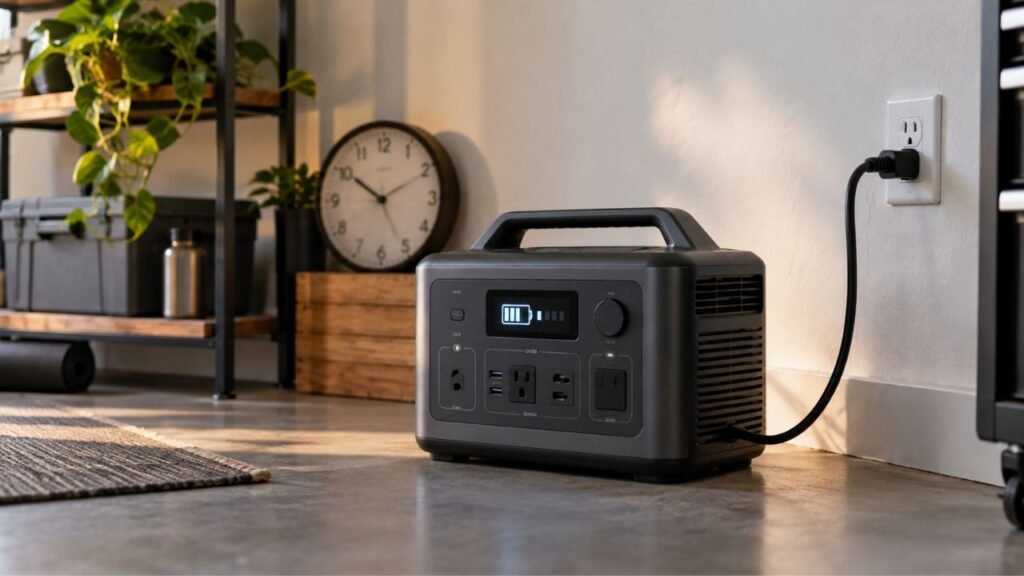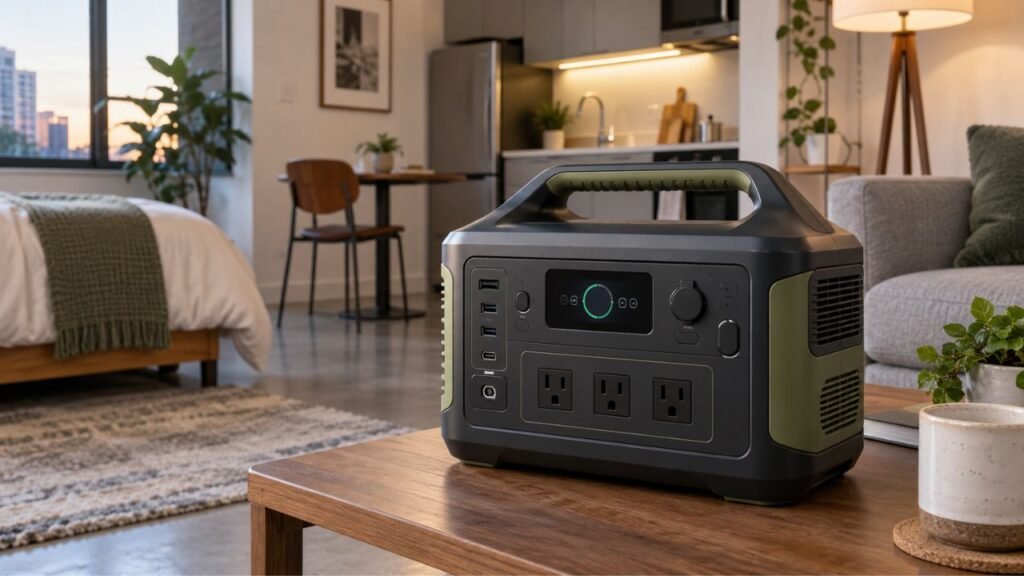
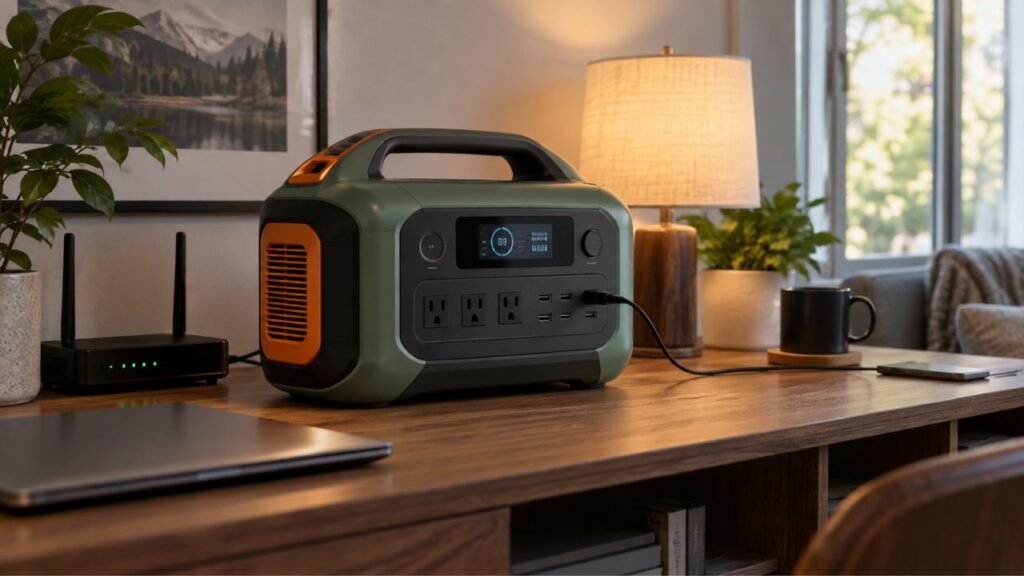
You can keep many modern portable power stations plugged in safely. However, leaving one connected at 100% constantly may shorten battery lifespan over time. For normal use, unplugging after charging is often better. Continuous connection makes more sense when the unit supports UPS or emergency standby operation.
The best choice depends on how you use your power station. I’ll explain charging, storage, battery wear, UPS operation, heat, charge limits, and when leaving it plugged in actually makes sense.
Key Takeaways
- Modern power stations usually have protection against electrical overcharging.
- Staying at 100% constantly can still increase battery aging.
- UPS and EPS setups may require continuous wall connection.
- LiFePO4 batteries handle frequent use better but still age.
- Long-term storage usually calls for unplugging the power station.
- Charge limits can reduce unnecessary time spent at 100%.
- Heat can shorten battery life faster than many owners expect.
- Always follow your specific manufacturer’s charging and storage instructions.
Should You Keep a Portable Power Station Plugged In All the Time?
You generally should not keep a portable power station plugged in constantly unless there is a practical reason. Modern battery protection makes continuous connection relatively safe, but safety and maximum battery lifespan are not exactly the same thing.
If you charge the unit for camping, occasional outages, or weekend use, there is usually little reason to leave it connected afterward. Charge it to the level you need, then unplug it.
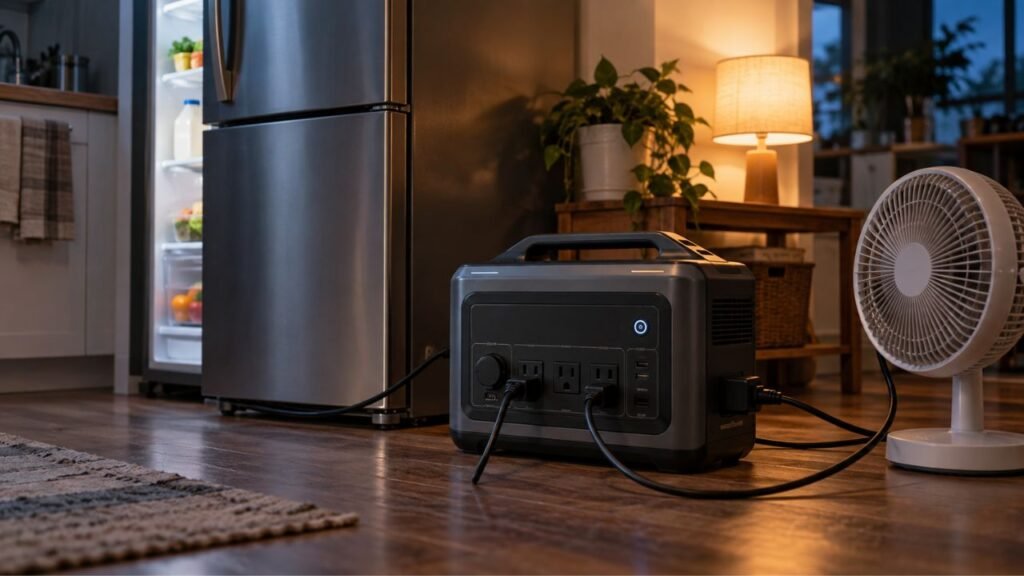
The answer changes when your power station serves as emergency backup equipment. Some models are specifically designed to stay connected to household AC power. They can automatically switch to battery power when the utility goes down.
In that situation, keeping the station plugged in may be part of normal operation.
Think about your goal first.
If you want maximum long-term battery health, reduce unnecessary time at 100%.
If you want maximum emergency readiness, staying plugged in can make sense.
Portable Power Station Plugged-In Recommendations at a Glance
Different usage situations call for different charging habits. This table gives you a practical starting point before we get into the details.
| How You Use the Power Station | Keep It Plugged In? | Better Approach |
| Charging before camping | Usually no | Charge before leaving, then disconnect |
| Occasional outage backup | Usually unnecessary | Recharge periodically |
| Frequent outage backup | Often reasonable | Use approved standby settings |
| UPS for router or computer | Yes, if supported | Leave connected in UPS/EPS mode |
| Critical backup equipment | Often yes | Prioritize availability and battery reserve |
| Daily portable use | Depends | Use charge limits if available |
| Long-term storage | Usually no | Disconnect and use recommended storage charge |
| Hot garage storage | Avoid it | Move the unit somewhere cooler |
| Severe-weather preparation | Temporarily yes | Charge fully before the expected outage |
These are general recommendations rather than universal rules. Your power station manual should always take priority.
What Actually Happens When the Battery Reaches 100%?
A modern portable power station does not normally keep forcing energy into a full battery. Several internal systems manage charging automatically once the battery approaches its upper limit.
The BMS Normally Prevents Overcharging
Most quality portable power stations include a Battery Management System, commonly called a BMS.
The BMS monitors important battery conditions, including:
- Cell voltage
- Battery temperature
- Charging current
- Discharging current
- State of charge
- Short-circuit conditions
- High and low voltage conditions
When the battery reaches its allowed charging voltage, the system reduces or stops charging.
That means leaving your unit connected does not normally create traditional overcharging.
This protection is important, but it does not make the battery immune to aging.
The Battery Can Still Remain at a High State of Charge
The battery may stop accepting meaningful charging at 100%. However, it can still spend long periods sitting near its maximum state of charge.
Lithium batteries generally experience more stress when held near full charge for extended periods.
The effect is usually gradual rather than dramatic.
You probably will not notice damage after one night. You may not notice anything after several weeks either.
Over years, however, high charge levels can contribute to reduced usable capacity.
Some Stations Occasionally Resume Charging
Your power station may eventually drop slightly below 100%.
Internal electronics, wireless connections, displays, and battery management features can consume small amounts of power.
The charger may then restart briefly to restore the battery.
This behavior is sometimes incorrectly described as constant trickle charging.
Lithium power stations do not necessarily use traditional lead-acid trickle charging methods. Their charging electronics usually stop and restart based on programmed limits.
Does Leaving a Power Station Plugged In Use Up Battery Cycles?
Leaving your station connected does not automatically mean it continuously consumes full battery cycles. Battery wear comes from several different processes.
The most important ones include:
- Cycle aging from charging and discharging
- Calendar aging that happens naturally over time
- High-state-of-charge stress
- Heat-related chemical aging
A battery cycle normally represents accumulated use equal to roughly its full capacity. For example, two separate 50% discharges could roughly equal one full equivalent cycle.
Dropping from 100% to 98% and charging again does not normally count as an entire cycle.
However, small charging events can still add up over time.
Calendar aging also continues even when you barely use the battery.
That is why a battery can lose some capacity after years of storage without reaching its advertised cycle count.
UPS operation adds another important factor.
Some portable power stations can bypass the battery while utility electricity remains available. Your appliances receive grid power directly through the station.
When the grid fails, the battery and inverter take over.
This setup can reduce unnecessary battery cycling during normal utility operation.
How Does Staying Plugged In Affect Battery Lifespan?
Keeping your power station connected is not automatically damaging. Battery lifespan depends on charge level, temperature, chemistry, usage patterns, and charging controls.
High State of Charge Can Increase Calendar Aging
A lithium battery experiences chemical aging even while sitting unused.
Keeping it continuously near its maximum charge level can accelerate this process compared with storing it at a moderate charge.
This does not mean you should fear charging to 100%.
Full charging is useful when you need maximum runtime.
The concern is holding the battery full unnecessarily for weeks or months.
Heat Can Cause Faster Battery Aging
Heat is one of the biggest enemies of lithium batteries.
Your power station can create heat while charging, running appliances, operating its inverter, or maintaining internal electronics.
The surrounding environment matters too.
Avoid leaving a continuously connected power station inside:
- A hot vehicle
- Direct sunlight
- A poorly ventilated closet
- A closed cabinet
- A hot garage during summer
- Areas beside heaters or furnaces
Give the unit enough space for its cooling system to work.
A cooler battery generally ages more slowly than a hot battery.
Small Top-Ups Are Not Full Battery Cycles
Many people become concerned when their station repeatedly moves between 99% and 100%.
That movement does not mean one complete battery cycle occurred.
Battery manufacturers generally measure cycle life using much larger amounts of accumulated discharge.
However, keeping the battery continuously full may still contribute to calendar aging.
That distinction matters more than simply watching the cycle counter.
LiFePO4 vs NMC: Does Battery Chemistry Change the Answer?
Battery chemistry affects how well a portable power station tolerates repeated use. However, neither common chemistry is completely immune to age, heat, or high charge levels.
LiFePO4 Power Stations
LiFePO4, also called LFP, has become very common in newer power stations.
Its major advantages include:
- Long cycle life
- Good thermal stability
- Strong durability
- Better performance during frequent cycling
- Greater suitability for regular backup use
An LFP station may be rated for several thousand cycles before reaching a specified remaining capacity.
That makes it an excellent choice for frequent home backup.
However, LFP batteries still experience calendar aging.
Leaving them at 100% continuously is not completely consequence-free.
You can still improve long-term battery health by controlling heat and avoiding unnecessary full-charge storage.
NMC Lithium-Ion Power Stations
Many older and lightweight power stations use NMC-based lithium-ion batteries.
NMC batteries offer excellent energy density.
Manufacturers can fit substantial capacity into relatively compact and lightweight enclosures.
However, NMC batteries usually have lower cycle-life ratings than comparable LFP batteries.
They can also benefit more from reducing unnecessary exposure to high temperatures and maximum charge.
If you own an older NMC station, I would pay closer attention to storage charge and heat.
Battery Chemistry Does Not Replace Manufacturer Guidance
You should not create charging rules based only on battery chemistry.
The power station also has firmware, charging electronics, cooling systems, voltage limits, and battery-management settings.
Those systems vary significantly between models.
Always check your owner’s manual before deciding on permanent standby operation.
When Does Keeping a Portable Power Station Plugged In Make Sense?
There are several situations where continuous connection provides more value than occasionally unplugging the unit. The key is making sure your power station supports the intended use.
Using the Power Station as a UPS or EPS
UPS and EPS operation is one of the strongest reasons to leave a station plugged in.
A typical setup looks like this:
Wall outlet → portable power station → connected equipment.
While utility power works normally, the station remains connected.
If the grid goes down, compatible models automatically begin supplying battery power.
This can help keep devices running during unexpected outages.
Common equipment includes:
- Wi-Fi routers
- Modems
- Desktop computers
- Network equipment
- Security equipment
- Small electronics
Make sure the transfer time suits whatever equipment you connect.
Not every portable power station behaves like a dedicated computer UPS.
Frequent Power Outages
Suppose your area regularly experiences severe weather or utility interruptions.
In that situation, keeping your station ready may matter more than squeezing every possible year from the battery.
A fully charged system can be especially useful during:
- Hurricanes
- Winter storms
- Severe thunderstorms
- Wildfire-related shutoffs
- Local grid failures
A battery-saving charge limit can offer a useful compromise.
You might keep the battery below 100% during normal conditions and raise it before expected severe weather.
Critical Equipment Must Remain Available
Some homeowners need reliable backup for equipment they cannot easily unplug or restart.
A continuously connected power station can improve readiness.
However, be careful with medical equipment.
Never assume a consumer portable power station meets medical-grade backup requirements. Confirm compatibility with both the equipment manufacturer and power station manufacturer.
When Should You Unplug Your Portable Power Station?
Continuous connection makes little sense when the station will simply sit unused.
Consider unplugging it when:
- Your manufacturer recommends disconnecting after charging.
- You only need the station occasionally.
- You will store it for several weeks or months.
- Your unit does not support continuous UPS operation.
- Maximum emergency readiness is unnecessary.
- The storage area gets unusually hot.
- The charging cable or power adapter looks damaged.
- The station shows repeated charging errors.
Long-term storage should be treated differently from emergency standby.
A backup system needs readiness.
A stored system needs battery preservation.
Is 100% Charge Bad for a Portable Power Station?
Charging a portable power station to 100% is not inherently bad.
The battery is designed to reach its normal upper charging limit.
There are many situations where full charge makes perfect sense.
Charge to 100% when:
- A storm is approaching.
- You expect a utility outage.
- You are leaving for an RV trip.
- You are going camping.
- You need maximum refrigerator runtime.
- You need every available watt-hour.
The real concern is unnecessary time spent at maximum charge.
Charging to 100% before an outage is very different from storing the station at 100% for several months.
Do not sacrifice useful backup capacity because you are afraid of ever reaching full charge.
Use 100% when you genuinely need it.
What Charge Limit Should You Use When Leaving It Plugged In?
Some newer portable power stations let you control minimum and maximum battery percentages. These settings can be very useful for permanent standby installations.
There is no single perfect percentage for every owner.
A practical approach looks like this:
- 80% to 90%: Useful for everyday standby when maximum runtime is unnecessary.
- 100%: Better when maximum outage runtime matters most.
- Manufacturer storage level: Best when storing the station long term.
For example, you might normally limit charging to 85%.
If severe weather enters the forecast, increase the limit to 100%.
After the risk passes, return to your normal setting.
This approach balances readiness with long-term battery care.
Do not force an 80% rule onto a model that recommends something different.
Your station’s software and battery design should guide the final setting.
UPS and EPS Mode Can Change the Recommendation
Portable power stations increasingly include UPS or EPS features. These features can completely change whether continuous wall connection makes sense.
What Happens While Utility Power Is Available?
Some compatible models use AC bypass while grid electricity remains available.
Instead of constantly discharging the battery and recharging it, incoming wall power supplies connected equipment directly.
The battery remains ready for an outage.
This is much better than imagining the battery cycling continuously all day.
However, bypass behavior varies by manufacturer and model.
What Happens During an Outage?
When utility power disappears, the station detects the interruption.
The inverter then begins supplying energy from the internal battery.
The change may happen quickly enough that certain connected devices continue operating.
Transfer time varies between models.
Sensitive computers and networking devices may require faster switching than refrigerators or lamps.
Always check the manufacturer’s transfer-time specification.
Does UPS Mode Keep the Battery at 100%?
That depends on the station.
Some products keep a high battery reserve to provide maximum emergency runtime.
Others let you set an upper charging limit.
If your station supports custom limits, you can decide whether longevity or maximum backup capacity matters more.
For ordinary daily standby, an 80% to 90% limit may be sufficient.
Before severe weather, 100% may be the better choice.
Check Whether Your Model Supports 24/7 UPS Use
Do not assume every station can remain permanently connected.
Check the manual for:
- UPS or EPS support
- AC bypass capability
- Maximum bypass power
- Transfer time
- Battery charge limits
- Operating temperature
- Continuous connection guidance
This five-minute check can prevent years of incorrect usage.
Pass-Through Charging Is Not Always the Same as UPS Bypass
These terms are often mixed together, but they describe different behaviors.
Pass-through charging usually means the station can charge while also providing output power.
For example, you may connect the station to household AC while running a laptop from its AC outlet.
AC bypass is different.
During bypass, incoming grid electricity can supply your connected load without relying on battery discharge.
UPS or EPS operation adds another feature.
The station automatically switches to stored battery energy when grid power disappears.
A power station may support one feature without supporting every other feature.
Always confirm how your specific model behaves before building a permanent backup setup.
Should You Leave a Portable Power Station Plugged In for Long-Term Storage?
Usually, no.
If you plan to store the station for several months, there is little benefit in maintaining continuous wall connection.
Instead, disconnect it and follow the manufacturer’s storage guidance.
A sensible storage routine usually includes:
- Turn off unnecessary outputs.
- Disconnect AC charging.
- Store the station somewhere cool and dry.
- Avoid completely empty storage.
- Avoid unnecessary months at 100%.
- Check battery level periodically.
- Recharge according to the manufacturer’s schedule.
You will often hear advice to store lithium batteries at exactly 50%.
That can be a useful general target, but it is not universal.
Some manufacturers recommend slightly different ranges or maintenance schedules.
The manual should always win.
Can You Leave It Plugged In While Powering Appliances?
Many portable power stations can power devices while connected to AC. However, support and power limits vary significantly between products.
During Normal Pass-Through Use
If your station supports simultaneous charging and output, you can often use connected appliances while the unit charges.
This can be convenient during everyday use.
However, check the total input, output, and thermal limits.
A small station may behave differently from a large home-backup model.
During UPS or EPS Operation
UPS operation is designed specifically for connected equipment that needs backup power.
While grid electricity works, supported stations may use bypass power.
When the grid fails, battery power takes over.
This makes continuous connection much more practical.
Under Heavy Loads
Heavy appliances can create substantial heat.
Charging the station while operating high loads may increase internal temperatures even further.
Make sure cooling vents remain clear.
If fans become unusually loud or temperature warnings appear, reduce the load.
Does Keeping It Plugged In Waste Electricity?
A portable power station can still consume a small amount of electricity after reaching its charging limit.
Energy may be used by:
- Battery-management electronics
- Wi-Fi or Bluetooth connections
- Internal monitoring systems
- Control boards
- Displays
- Cooling systems
- Periodic battery maintenance charging
The exact amount varies significantly.
Some models use very little standby power.
Others consume more when wireless features, AC output, or the inverter remain active.
Because of these differences, there is no honest universal dollar amount.
If energy efficiency matters, switch off unnecessary outputs and wireless features.
You can also measure standby use with a plug-in power meter.
How to Safely Keep a Portable Power Station Plugged In 24/7
If continuous connection fits your use case, set the system up carefully.
- Confirm your manufacturer supports continuous AC connection.
- Use UPS or EPS mode when appropriate.
- Set a reasonable upper charge limit when available.
- Use approved charging cables and adapters.
- Keep all cooling vents completely unobstructed.
- Place the station on a stable, hard surface.
- Avoid direct sunlight and nearby heat sources.
- Do not place it inside a sealed cabinet.
- Keep liquids away from charging connections.
- Inspect cables and ports occasionally.
- Watch for unusual charging warnings.
- Install relevant firmware updates from the manufacturer.
- Keep the operating environment within recommended temperatures.
You do not need to watch the station constantly.
A quick periodic inspection is enough for normal operation.
When Should You Stop Charging and Unplug It Immediately?
Most portable power stations operate safely for years. However, visible or unusual changes should never be ignored.
Disconnect the unit if you notice:
- Battery swelling
- Bulging or distorted enclosure panels
- Smoke
- Burning smells
- Strong chemical odors
- Extreme heat
- Repeated temperature warnings
- Sparking around charging ports
- Discolored connectors
- Melted cables
- Liquid damage
- Repeated unexplained charging faults
Do not open the battery enclosure yourself.
Lithium battery packs contain high stored energy and require proper service procedures.
Contact the manufacturer or an authorized service provider instead.
Best Charging Strategy Based on How You Use Your Power Station
Your ideal charging routine depends more on usage than one universal battery percentage. Choose the approach that matches what you actually need.
For Occasional Emergency Backup
Charge the station periodically and disconnect it afterward.
You do not need permanent wall connection if outages are rare.
Check the battery occasionally so it remains ready.
Before major storms, charge it fully.
For 24/7 UPS Backup
Leave the station plugged in if continuous UPS operation is officially supported.
Use an upper charge limit if your model offers one.
Something around 80% to 90% can provide substantial backup while reducing time spent at maximum charge.
Raise it to 100% when longer outages become likely.
For Severe-Weather Preparation
This is one situation where maximizing charge matters more than minimizing battery stress.
If a hurricane, winter storm, or severe thunderstorm threatens your area, charge the battery to 100%.
You bought the power station to provide backup power.
Use its full capacity when conditions call for it.
For Camping and RV Trips
You generally do not need to keep the station full for weeks before leaving.
Charge it shortly before your trip instead.
This gives you maximum usable energy without unnecessary long-term high-SOC storage.
For Long-Term Storage
Disconnect the station.
Use the manufacturer’s recommended storage charge level.
Keep it somewhere cool and dry.
Check the battery periodically rather than leaving it permanently connected.
Common Mistakes When Leaving a Power Station Plugged In
A few misunderstandings can lead to poor charging habits.
Avoid these common mistakes:
- Assuming BMS protection means battery aging completely stops.
- Believing reaching 100% automatically damages the battery.
- Assuming LiFePO4 batteries never degrade at high charge.
- Applying a strict 20% to 80% rule to every model.
- Confusing pass-through charging with AC bypass.
- Assuming every power station is suitable for permanent UPS use.
- Leaving the unit inside a hot garage.
- Blocking cooling vents with boxes or furniture.
- Ignoring manufacturer charging settings.
- Storing an unused station at 100% indefinitely.
- Running heavy loads without checking bypass limits.
- Treating a portable station as a medical-grade UPS automatically.
The goal is not to baby your battery.
You simply want to avoid unnecessary stress while keeping the station useful.
Final Verdict
So, should you keep a portable power station plugged in?
Sometimes yes, but not automatically.
If you use the station occasionally, unplugging it after charging is usually the better choice. There is little benefit in keeping an unused battery at maximum charge continuously.
If you use the station for UPS or emergency standby, continuous connection can make perfect sense when the manufacturer supports it. A configurable charge limit can help balance battery longevity with outage readiness.
Also remember that charging to 100% is not something you need to avoid completely.
Charge fully whenever maximum runtime matters.
The bigger issue is leaving the battery at 100% for long periods without a practical reason.
Keep the unit cool, use its battery settings properly, and follow the manual. Those simple habits will usually do more for battery life than obsessing over every percentage point.
Related FAQs
Can You Overcharge a Portable Power Station?
Most modern portable power stations use a BMS that prevents normal overcharging. However, leaving the battery at a very high charge level for long periods can still contribute to gradual battery aging.
Is It Okay to Leave a LiFePO4 Power Station Plugged In?
Yes, if the manufacturer supports continuous operation or UPS use. LiFePO4 batteries are durable, but they still experience calendar aging and can benefit from avoiding unnecessary heat and constant maximum charge.
Should I Unplug My Power Station When It Reaches 100%?
You can unplug it after reaching 100% if you do not need continuous backup. This may reduce unnecessary high-charge storage and help preserve long-term battery capacity.
Should I Keep My Power Station at 100% for Emergencies?
Keeping it fully charged can make sense when outages are likely. During normal conditions, an adjustable charge limit may offer a better balance between readiness and battery longevity.
Is 80% Better Than 100% for a Portable Power Station?
An 80% to 90% limit can reduce time spent at maximum charge. However, 100% gives you more backup runtime, so the better setting depends on your priorities.
Can I Use a Portable Power Station While It Is Plugged Into the Wall?
Many models support charging and output at the same time. Some also support UPS or AC bypass operation, but you should confirm these features in your specific model’s manual.
Does Leaving a Power Station Plugged In Waste Electricity?
It can use some standby electricity for electronics, wireless features, monitoring, and periodic charging. The actual amount varies significantly between different portable power station models.
Can a Portable Power Station Stay Plugged In During a Thunderstorm?
It can remain connected, but anything attached to household AC can be exposed to electrical disturbances. Follow your manufacturer’s instructions and use proper home surge protection where appropriate.
How Often Should I Recharge a Stored Portable Power Station?
There is no universal schedule for every model. Check the battery periodically and recharge it according to the storage instructions provided by your power station manufacturer.

Warren Turner writes practical guides and reviews on generators, portable power stations, and battery backup systems. He focuses on real-world performance, everyday power needs, and helping readers choose dependable equipment without unnecessary complexity.